Screen modes
The Halftone step has seven screen modes. See what each one draws from the same plates, on the whole sheet and dot by dot.
A screen is the pattern that turns a tone into marks of full ink. The Screen section of the Halftone step offers seven of them, and they give seven different prints from the same plates: round dots, grain, pixels, a weave, lines. This lesson runs one artwork through all seven.
The artwork of the split mode lessons in Smart CMYK (Aqua, Fluorescent Pink, Yellow, Black), print process Risograph, profile DRUM · halftone 60 LPI, 1-bit films at 600 dpi. Only the screen mode changes from one print to the next. Each pair shows the whole sheet in the Print view, then a close-up of the films, pixel for pixel, enlarged twice.
- In the Halftone step, click Screen in the bar on the left.
- Pick a mode: AM, FM, Index, Dither, XM, Lines or Threshold. The line under the buttons says what the mode draws, and its settings appear below.
- The screen applies to 1-bit films. With 8-bit grayscale films, Screen is greyed out.
- The mode chosen here is the one of the profile, for every ink. Inks can give one ink its own screen.
Set the screen lists every setting, mode by mode.
Dots on a grid, bigger where the image is darker.
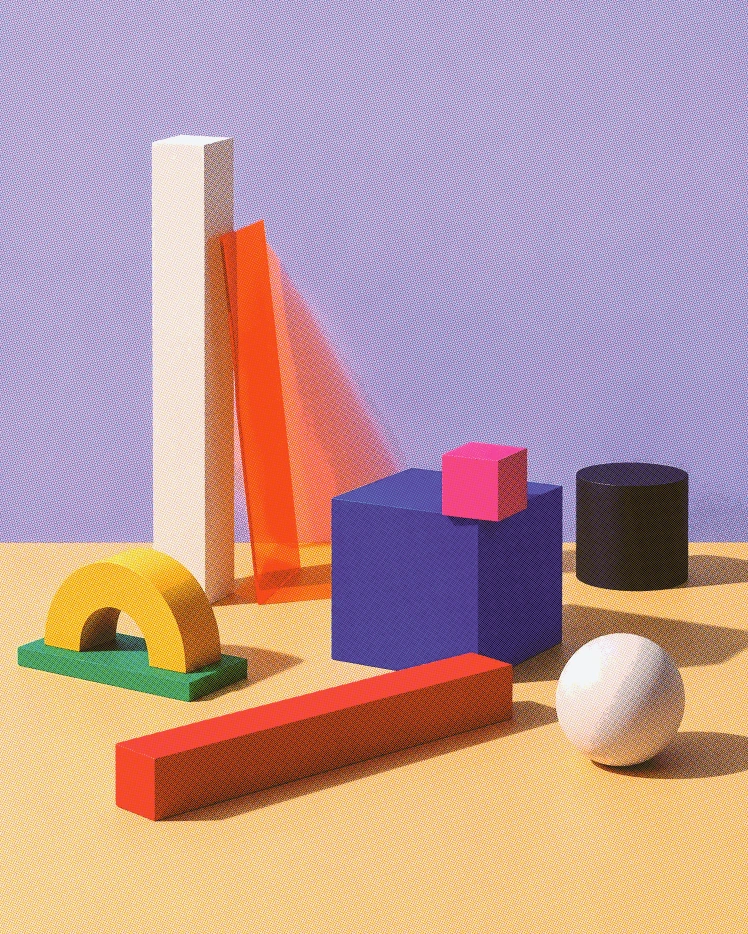
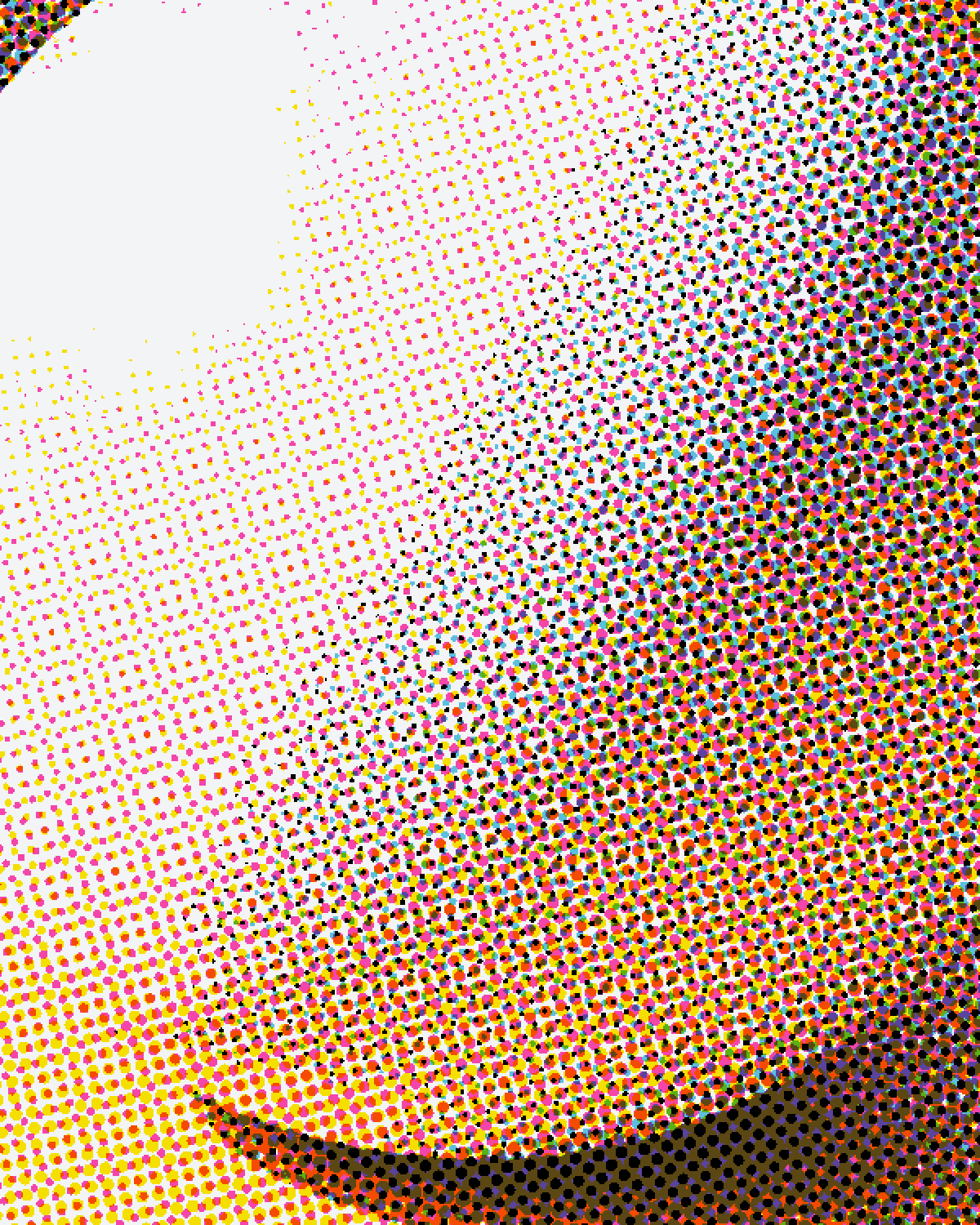
AM is what most people picture when they hear halftone. You set its Frequency in LPI, its Angle and its Dot shape. Coarse, the dots become part of the image; fine, they vanish at reading distance.
Scattered dots of one size.
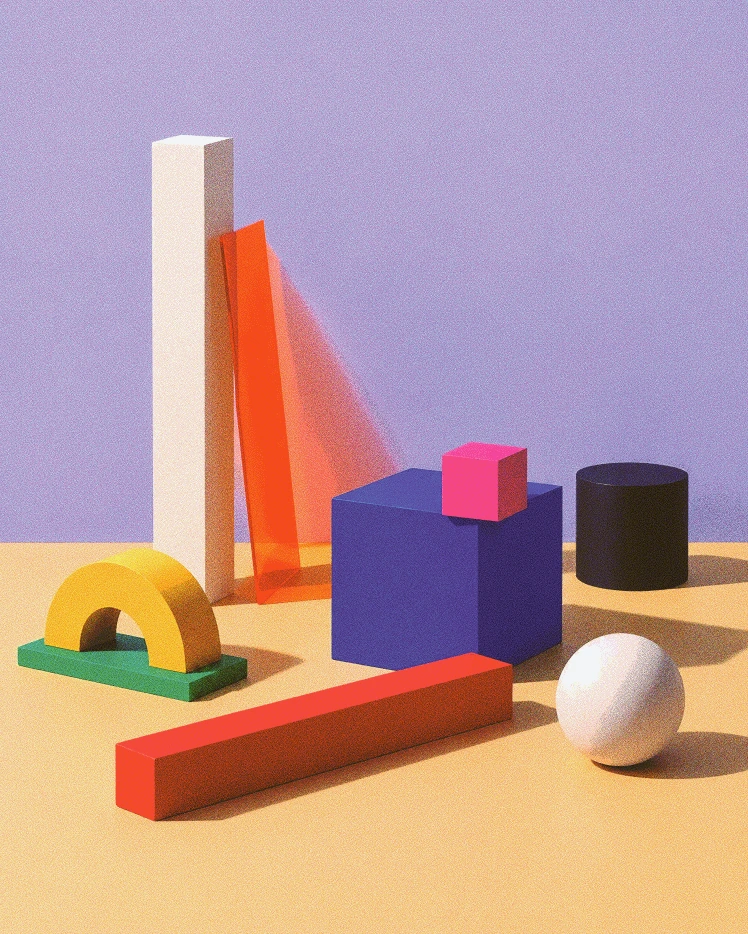
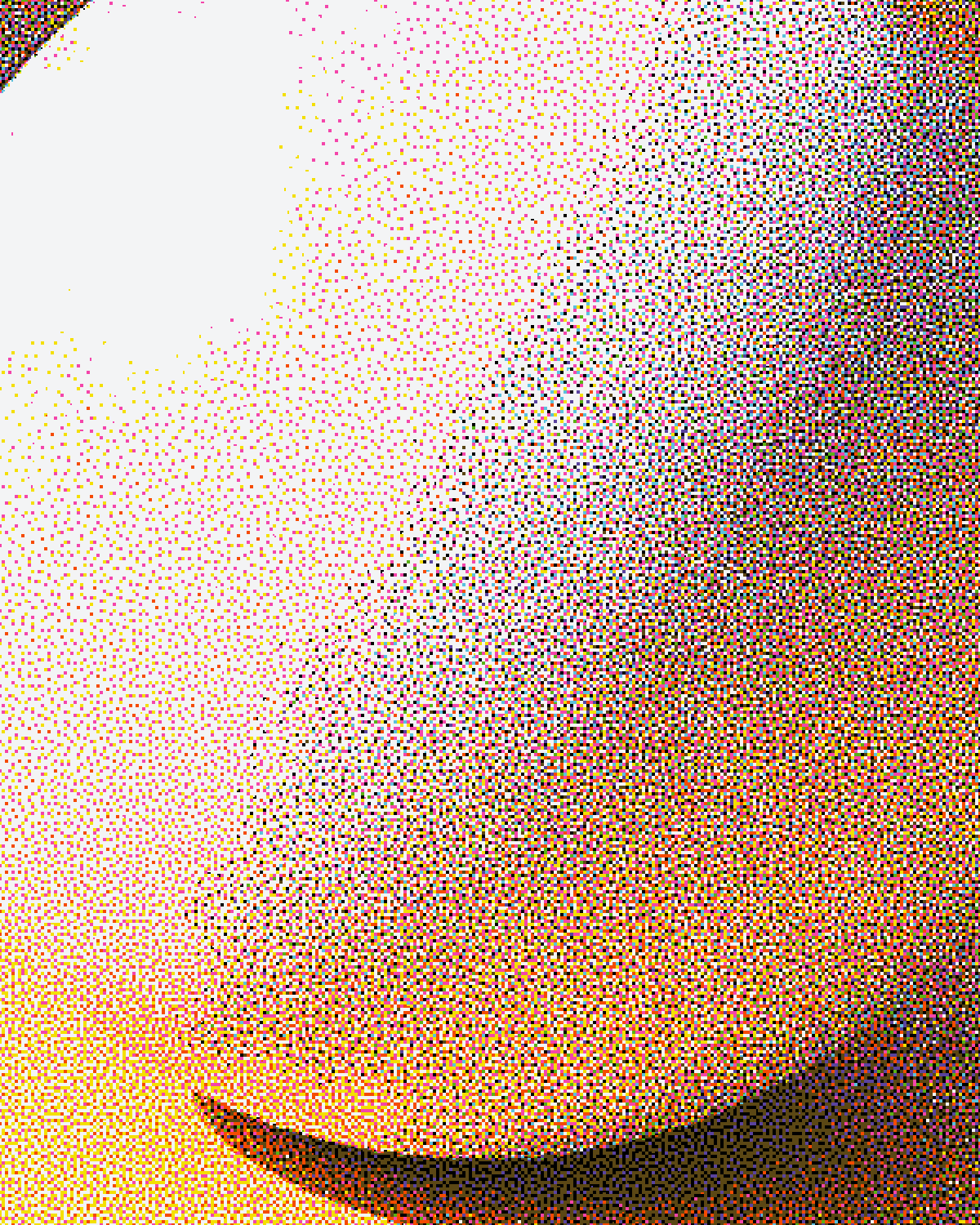
With no grid, FM has nothing to clash with: no pattern between inks, none with the texture of the image. It reads as a fine grain. You set the Noise that scatters the dots and their Dot size.
Square pixels.
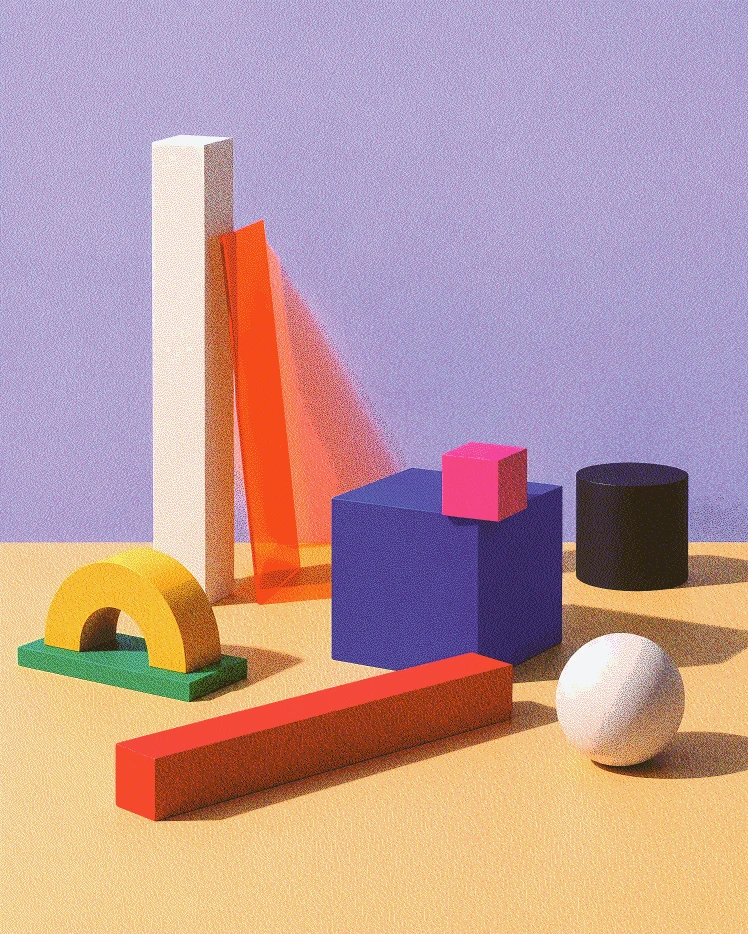
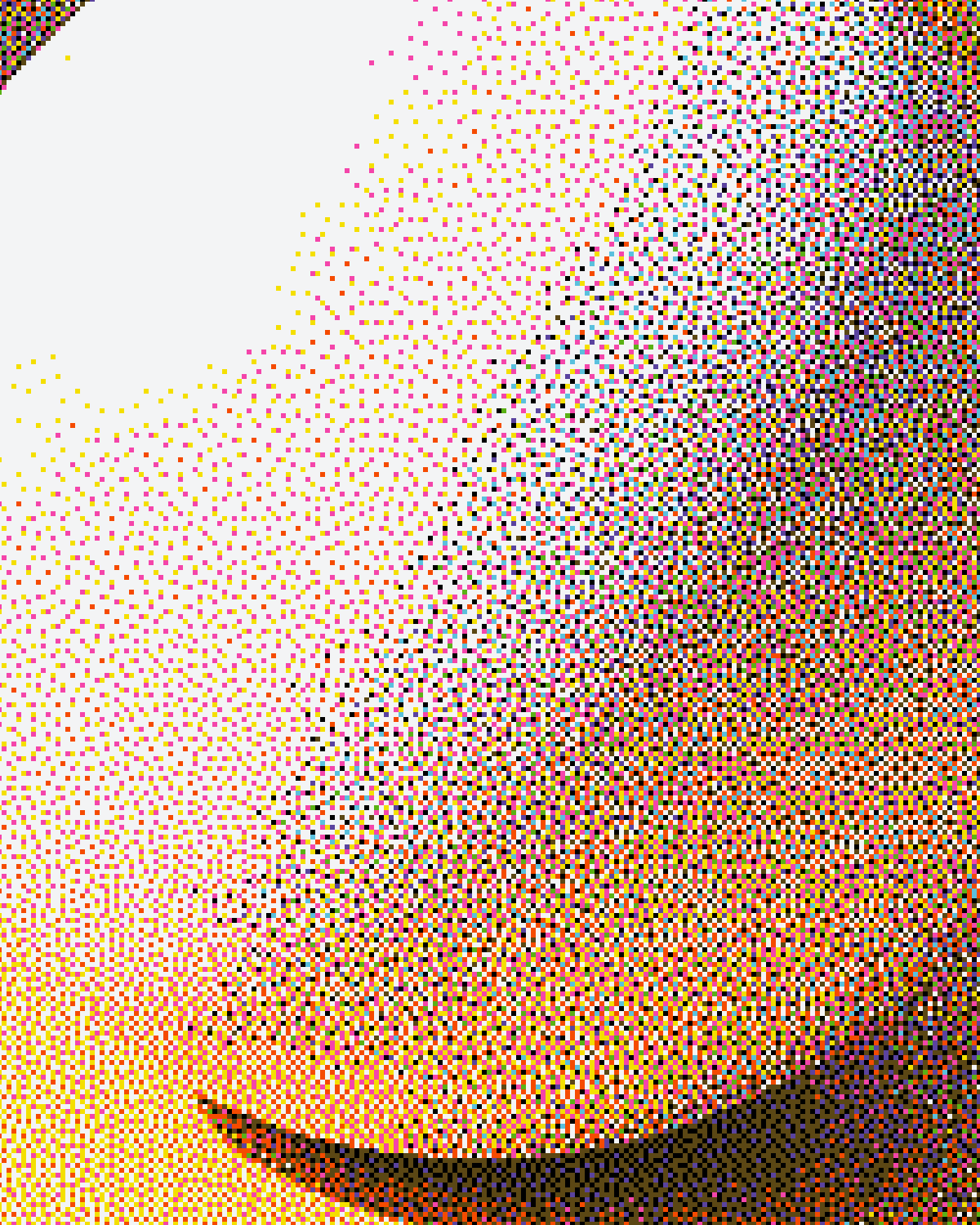
Index is close to FM in spirit, with a coarser and squarer mark. You set its Index resolution, in pixels per inch, and the Diffusion that spreads the tones over neighbouring pixels.
A regular weave.
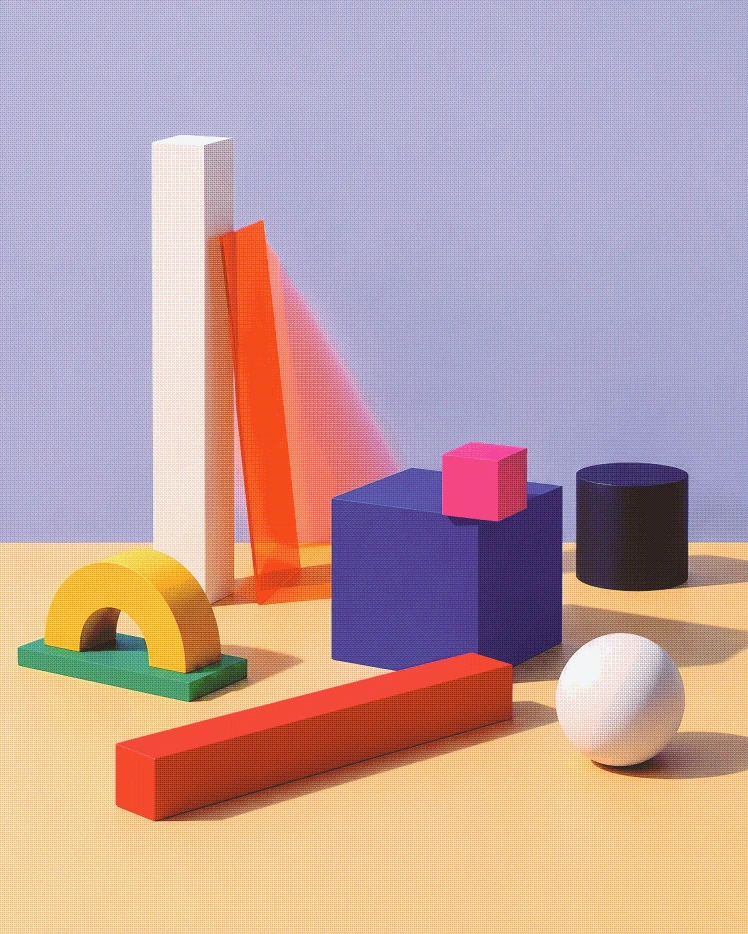
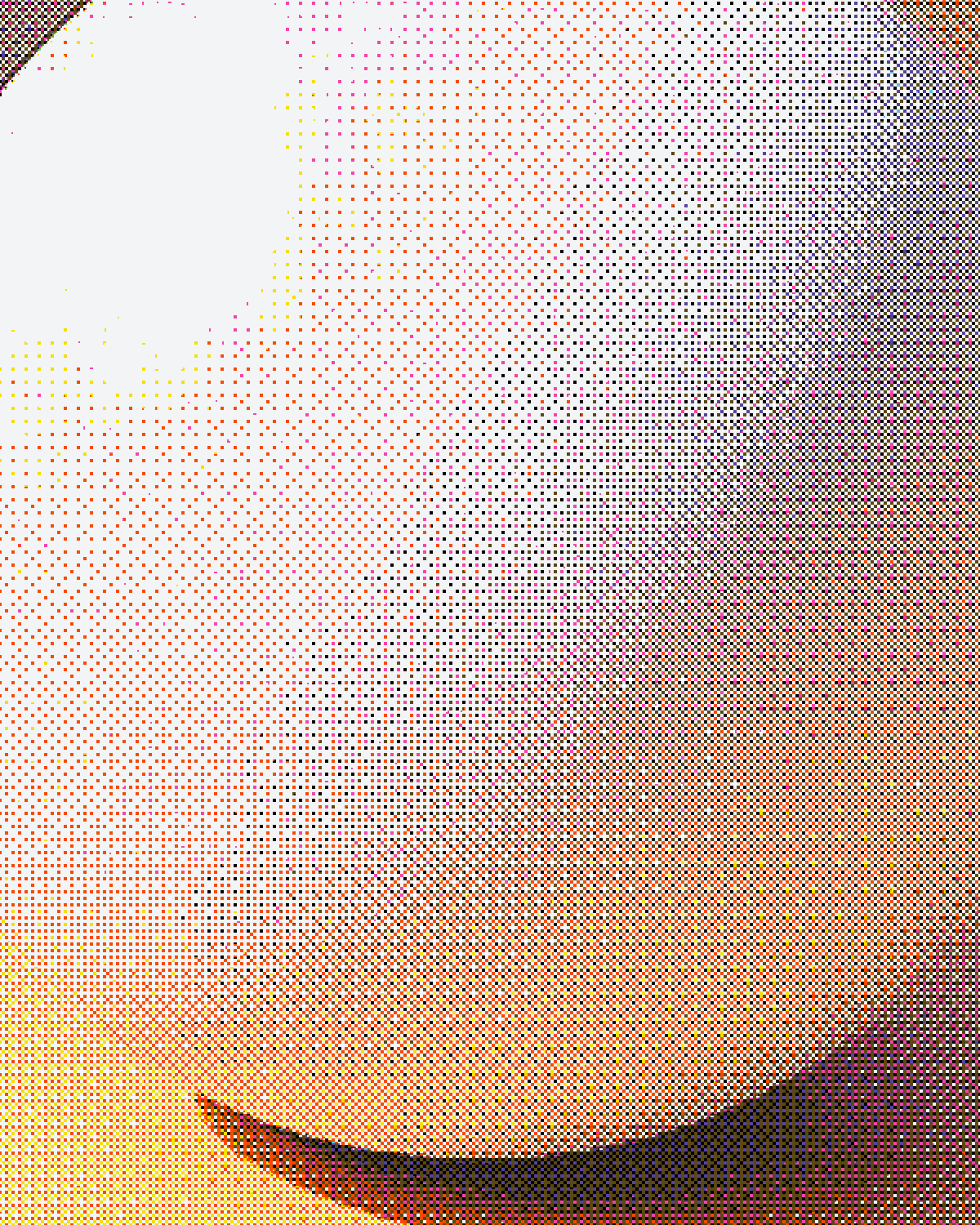
Dither gives the even, woven texture of early computer graphics. You pick a Matrix and a Cell size. Compare the sphere with the AM close-up: because the inks share one pattern here, they print on top of each other: the shading is paler and flatter, with more bare paper between the marks.
AM in the middle, FM at the ends.
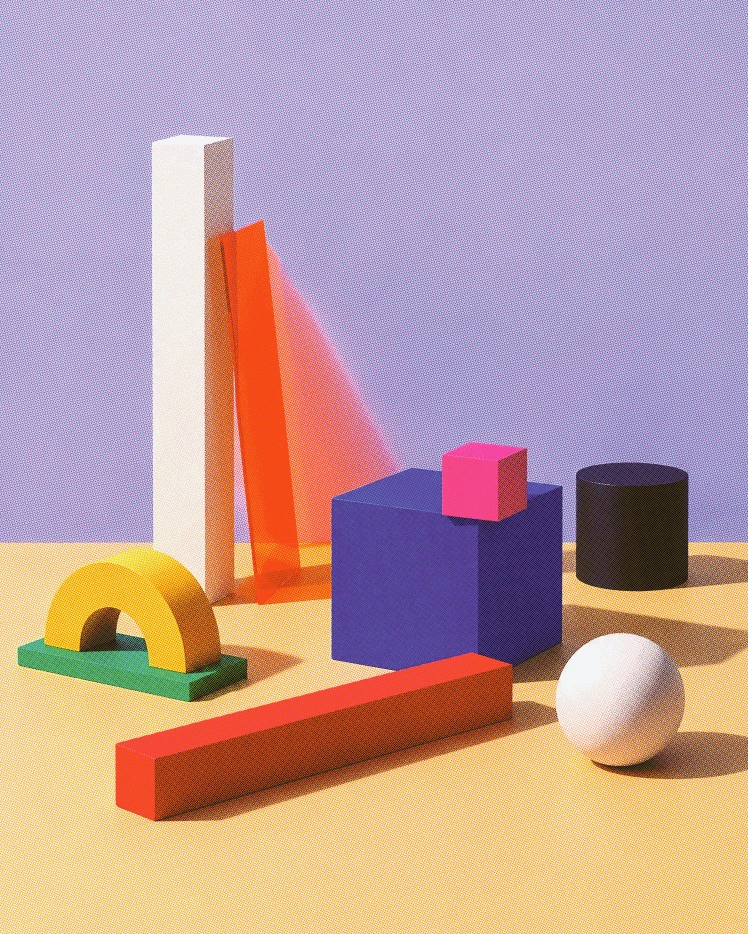
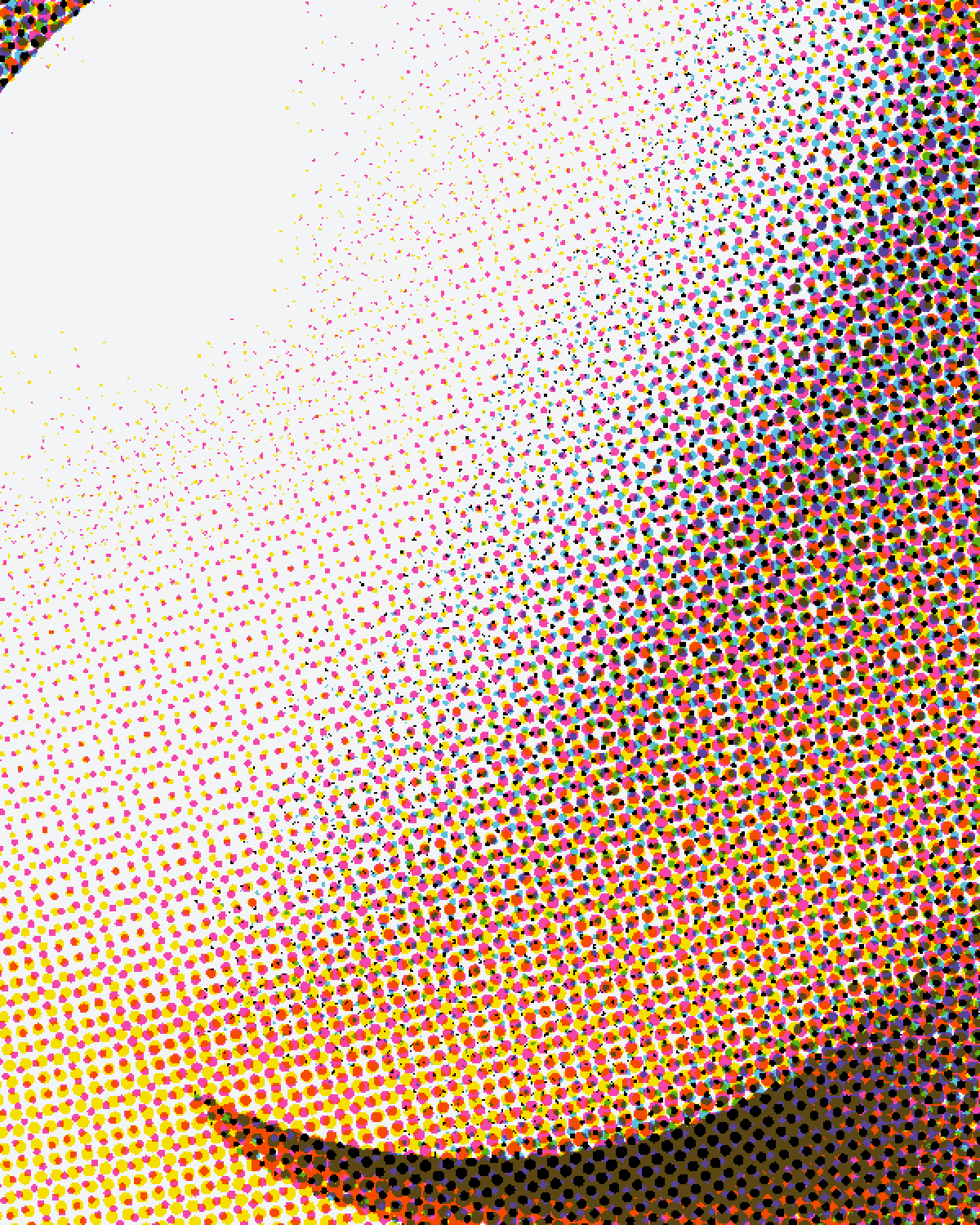
XM keeps the look of AM where AM is at ease and hands the two ends of the scale to FM. On this artwork the sheet looks the same as in AM from a distance; the difference is in the lightest tints, and in the total on the films (77.9% against 79.6%).
Lines whose width carries the tone.
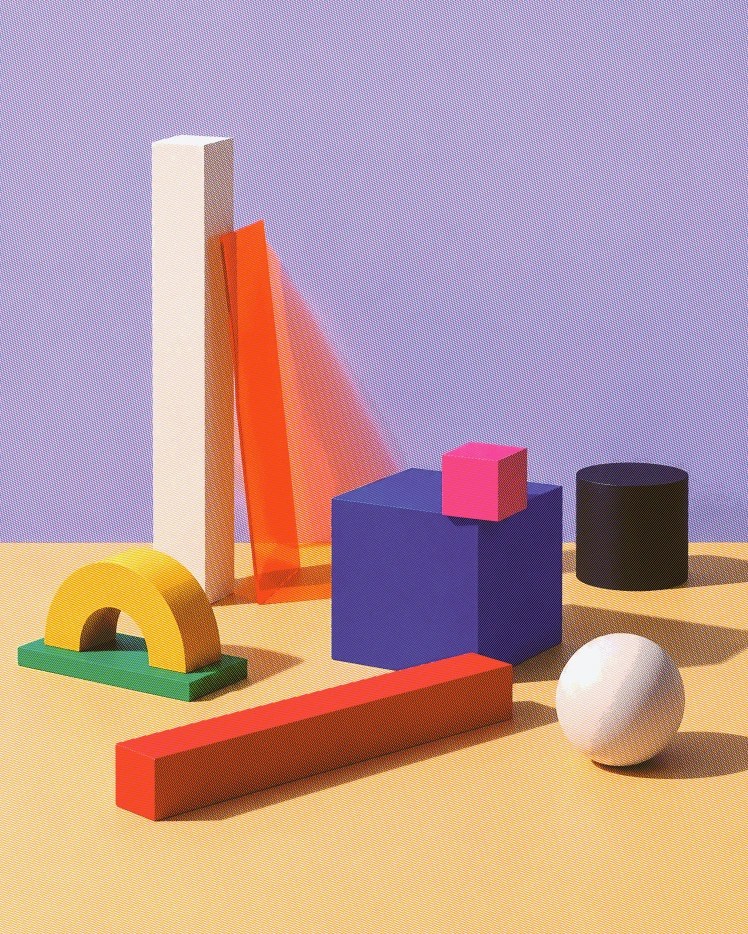
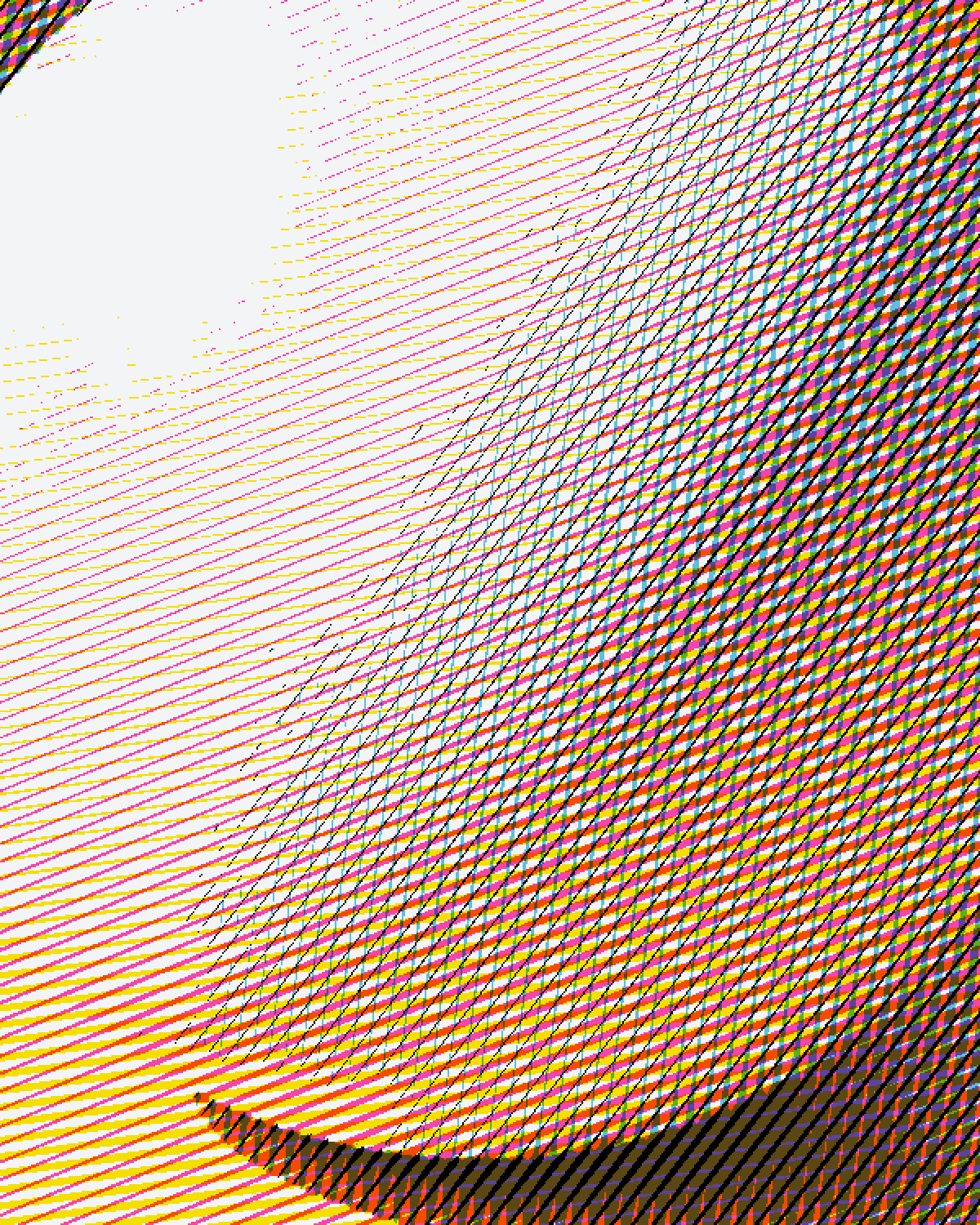
Lines is the engraving look. It has a Frequency and an Angle like AM, a Pattern (Parallel, Rings or Crosshatch) and a Stroke (Straight, Wave or Zigzag).
Ink or paper, with no tones at all.
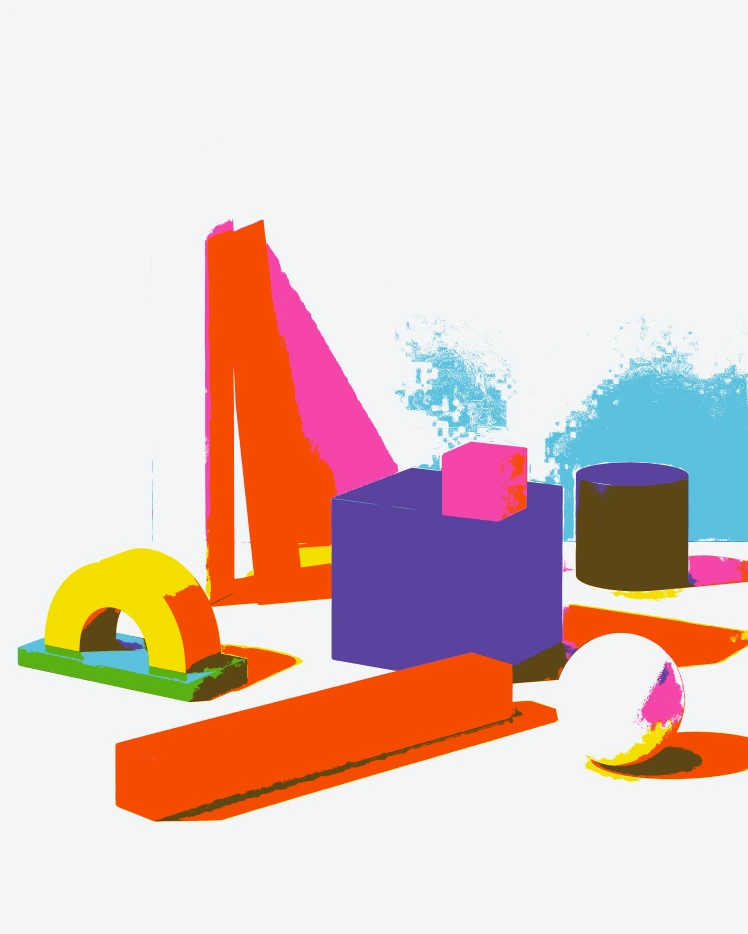
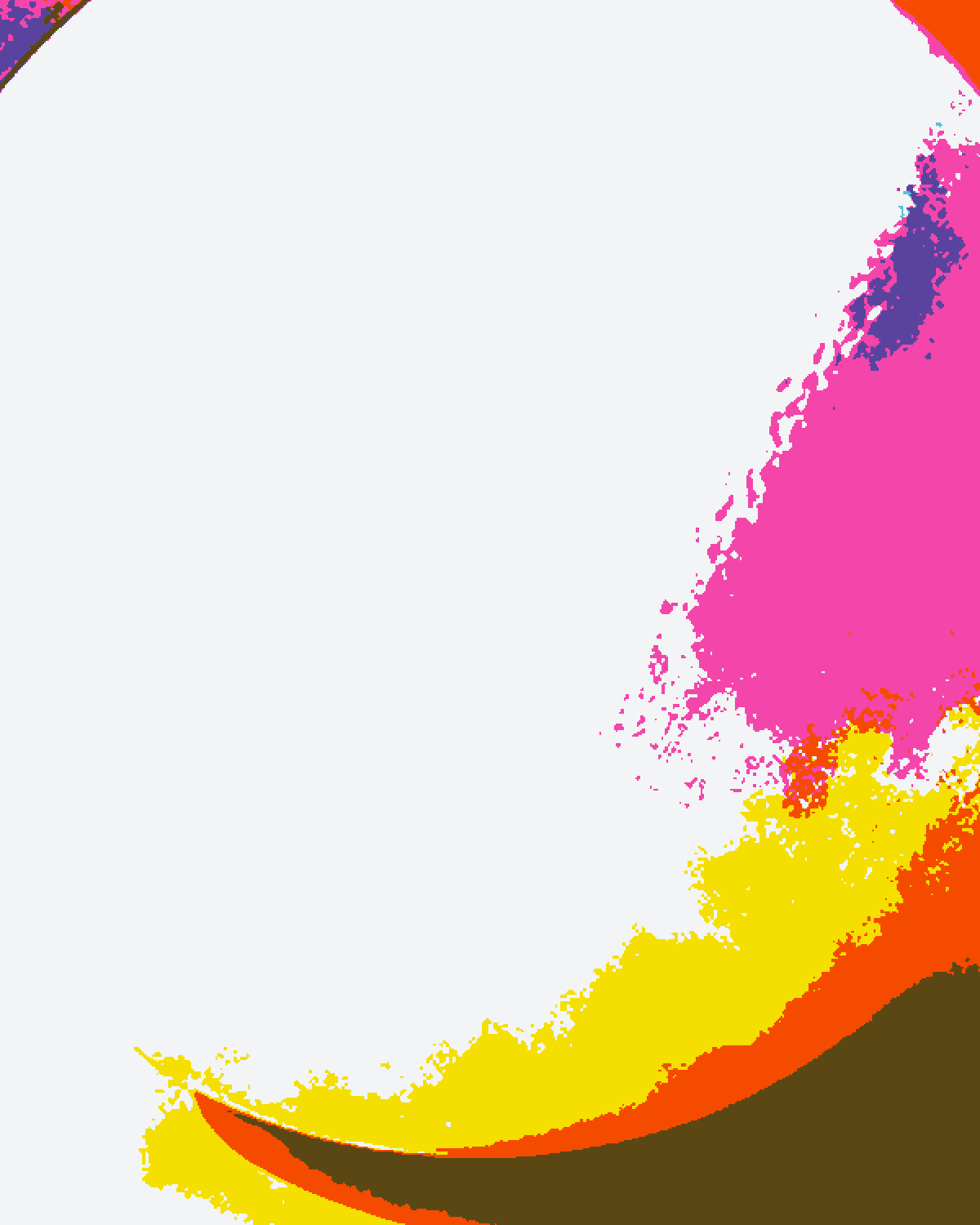
Threshold is not meant for an image like this one: everything lighter than the threshold disappears, and the total on the films falls to 54%. It is there for artwork that already is pure ink and paper: line art, type, or an image you screened yourself.
Same plates, same ink.
| Screen mode | As shown in the summary bar | Total on the films |
|---|---|---|
| AM | AM · 60 LPI · CMYK +7.5° · Round | 79.6% |
| FM | FM · Blue · 84.7 µm | 79.6% |
| Index | Index · 200 ppi | 79.4% |
| Dither | Dither · Bayer 8 · 84.7 µm | 79.6% |
| XM | XM · 60 LPI · CMYK +7.5° | 77.9% |
| Lines | Lines · Parallel · 60 LPI · CMYK +7.5° | 79.7% |
| Threshold | Threshold · 50 % | 54% |
Apart from Threshold, the totals barely move. A screen changes how the ink is arranged on the sheet, not how much of it there is: that is set earlier, by the split mode, and by the tone settings of the profile.
A look, then a risk.
- AM for the familiar printed look, and when you want the dot to show.
- FM for photographs and soft gradients, and whenever a grid would fight the image.
- XM when you like AM but your lightest tints matter.
- Lines, Dither and Index as graphic choices: the screen becomes part of the drawing.
- Threshold for line art and for artwork that is already screened.
- With several inks, check how they fall on each other. Screens that give each ink its own angle keep the colours apart; screens that share one pattern stack them.
A screen cannot be judged on a sheet fitted to the window. Zoom to 200% or more, or move the Loupe (L) over a gradient and over an edge.