Merging plates
Plates that print the same ink can share one master, and so can a margin and a plate. See what merging saves in passes, and what it changes in ink.
On a Risograph, every pass costs a master, a drum change and one more chance to lose registration. A separation can ask for more passes than it needs: two plates that print the same ink, or a margin in the colour of a plate. Merging puts them on one master. This lesson shows the two merges of the Editor, plate with plate and margin with plate, and what each one saves.
The artwork of the split mode lessons in Classic CMYK, print process Risograph. Plates and masters are shown alone in their ink, as the Editor shows them. Captions count the masters and give the ink coverage the Editor measures for each of them.
Not always the same number.
A plate is what a split mode hands to one of its roles: Classic CMYK always makes four, CYAN, MAGENTA, YELLOW and KEY. A master is what the machine burns and prints in one pass. Most of the time each plate becomes its own master. But nothing forces you to give four different inks to four roles.



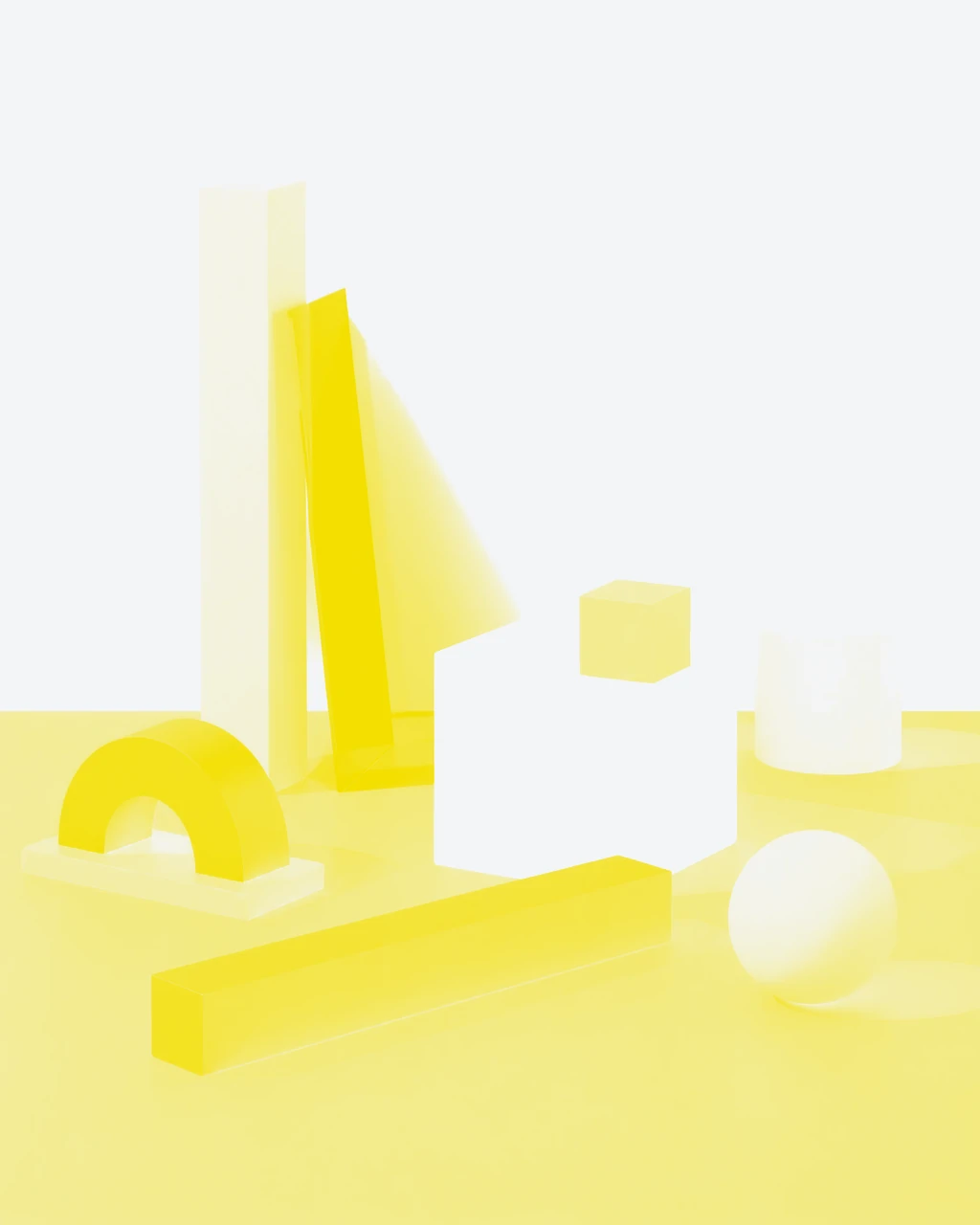

This is a classic Risograph trick: a blue key instead of black, for softer shadows and one drum less. The separation still has four plates, so printed as it stands it takes four passes, and the Aqua drum goes into the machine twice.
Same ink, one master.

Merged, the two plates are burnt on the same master and printed in the same pass. The master carries both images: 36.2% of coverage, more than either plate (18.5% and 22.2%) and less than their sum, because where the two overlap the master can only lay the ink down once.

Two Aqua passes. 4 masters: Aqua 18.5% · Fluorescent Pink 35.6% · Yellow 22.6% · Aqua 22.2%. Total 98.7%.
One Aqua pass. 3 masters: Aqua 36.2% · Fluorescent Pink 35.6% · Yellow 22.6%. Total 94.2%.
The print barely changes. Look at the blue cube and the cylinder, where both Aqua plates are dense: with two passes the ink stacks and the blue is a little deeper, with one master it is laid once. Everything else is the same sheet, for one pass less and a total of 94.2% instead of 98.7%.
At the bottom of the Pass panel.
- Click Pass in the right toolbar. Under the print sequence, the group Same ink on several plates appears as soon as an ink is used by two plates or more.
- Auto-merge plates is on by default: plates printing the same ink go on one master automatically, as soon as the separation puts an ink on several plates.
- Below it, one card per shared ink. Its switch merges or separates all the plates of that ink, and its last line counts the result, for example 2 plates → 1 master · 1 pass · 1 file.
- In the sequence above, a merged master is a single row with a ×2 badge. It prints at the pass of the first plate of the group.
- The Export step shows the same cards: one file is written per master.
Separate the plates of an ink yourself and the Editor leaves them apart. Opening an older artwork does not merge anything either: its plates stay as they were saved.
A full separation on a two-drum machine.


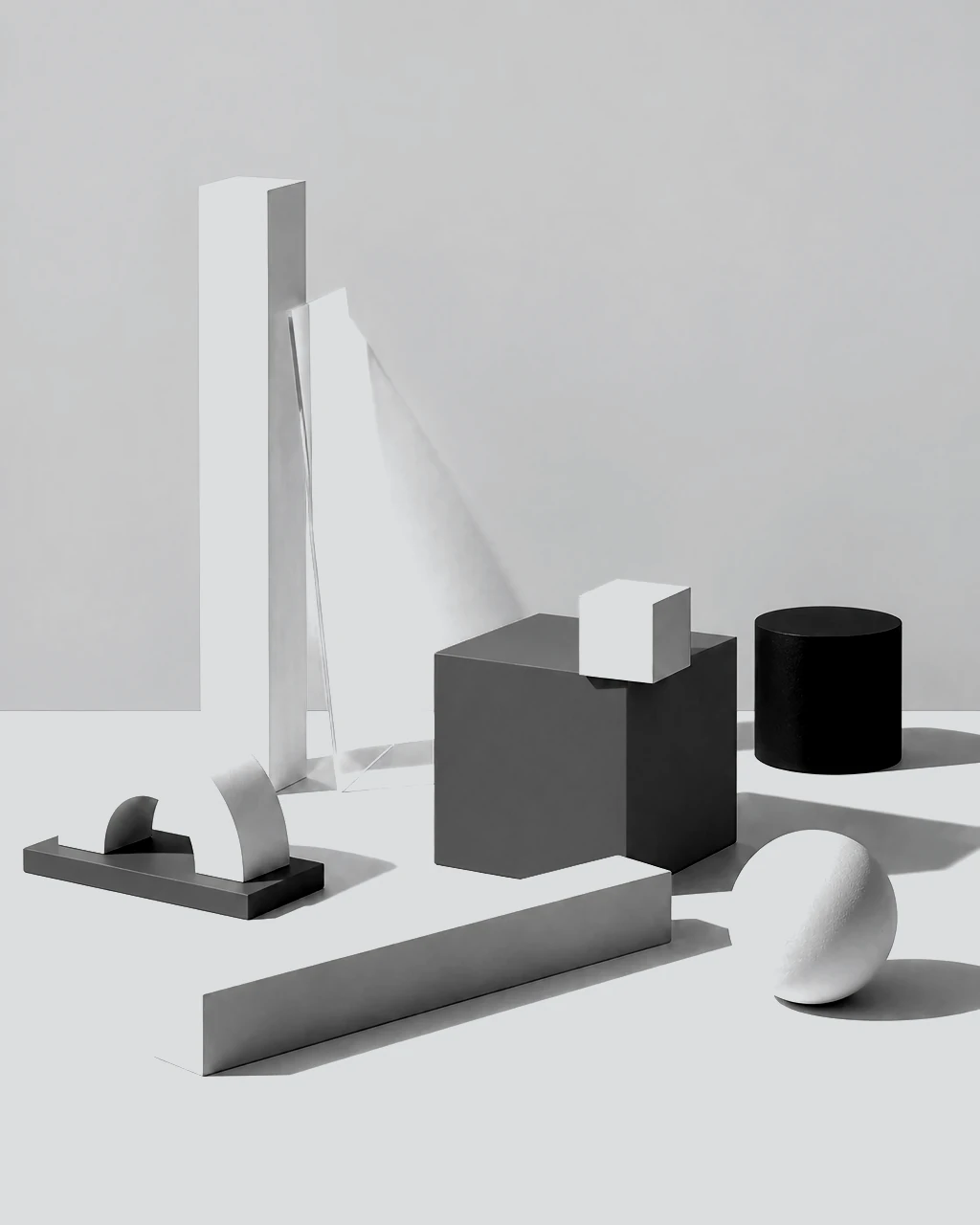

Here two inks share the four roles. Unmerged, the sheet would go through the machine four times; merged, it is an ordinary two-colour job. This is where merging matters most: it halves the passes, and with them the drying time and the registration risk.
When an ink is on three plates or more, its card lets you choose: tick the plates that go together and click Merge, and the same ink can end up on two masters instead of one. Click a plate in a master to take it out again.
A border in the ink of a plate.
A margin ink is a plate of its own: a band, a gradient or a frame around the artwork. When it uses the same ink as a plate of the separation, it does not need its own pass either.




The sheet is identical either way: same inks, same total of 91.7%. What changes is the work. Merged, the Yellow master holds the plate (16.5%) and the margin (23.5%), 40% in one pass, and the job stays at four masters. Apart, the Yellow drum prints twice and the job takes five.
- A margin is merged by default as soon as its ink is exactly the ink of a plate.
- In the Pass panel, the group Margin ink on a plate lists these margins. Click a margin badge to give it back its own pass, or use the switch for all of them.
- The same choice sits on the ink card of the Margin panel: Merged into Yellow or Separate plate.
- A margin in an ink no plate uses always prints on its own master: there is nothing to merge it with.
Four plates and a margin on three masters.


The two merges add up. The Aqua master now carries the CYAN plate, the KEY plate and the margin. Left apart, this sheet would take 5 passes, three of them with the Aqua drum; merged, it takes 3.
What each merge saves.
| Job | Made of | Masters and passes | Total |
|---|---|---|---|
| Blue key, plates apart | 4 plates | 4 | 98.7% |
| Blue key, Aqua merged | 4 plates | 3 | 94.2% |
| Two inks, plates apart | 4 plates | 4 | 55.4% |
| Two inks, both merged | 4 plates | 2 | 52.6% |
| Yellow margin, apart | 4 plates + 1 margin | 5 | 91.7% |
| Yellow margin, merged | 4 plates + 1 margin | 4 | 91.7% |
| Blue key + Aqua margin, all apart | 4 plates + 1 margin | 5 | 99% |
| Blue key + Aqua margin, all merged | 4 plates + 1 margin | 3 | 95.5% |
Merging a margin moves ink from one master to another without changing the total. Merging two plates lowers it a little, by the ink the two plates would have printed on top of each other.
When to merge, when not to.
- Leave Auto-merge plates on. One master per ink is what the machine expects, and what the export then writes: one file per drum.
- Keep two plates of one ink apart only when you want the second pass on purpose: a deeper colour where they overlap, at the price of a pass.
- Merged plates share one pass, so they share one place in the print order. If the two plates needed different positions in the sequence, keep them apart.
- For a margin, pick its ink from the palette of the artwork whenever you can. A border in a fifth ink is a fifth pass.