Shadrumstencil print studio
IndexProductPricingGuideLearn
  1. 01Index
  2. 02Product
  3. 03Pricing
  4. 04Guide
  5. 05Learn
  • Changelog
  • Schools
  • Legal
  • Privacy
[email protected] shadrum.studio

© 2026 Shadrum. All rights reserved.

LEARN4 lessons
⌘K
Learn/Editor/Split

Editor Split

Split modes: how an image is shared between your inks.

All Editor lessons
SECTIONS
  • 01 Split
  • 02 Lab
  • 03 Halftone
NEED MORE?
Email support ↗
01

Split

4
Split modes
SPLIT · SPLIT MODES

Split modes

What a split mode does, and the eight cards of the Editor on a single artwork, each with its ink coverage.
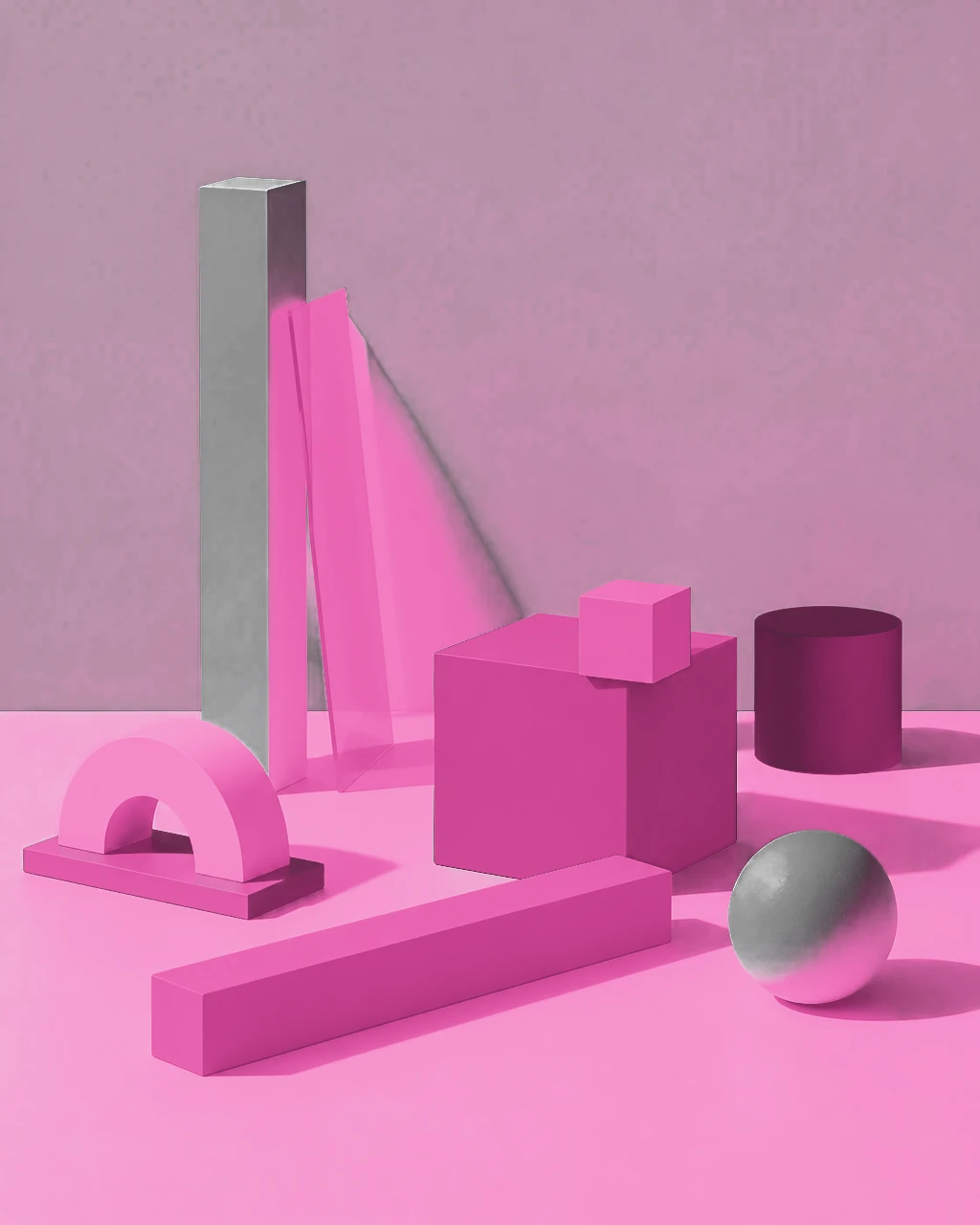
Split mode variants
SPLIT · SPLIT MODES

Split mode variants

Every variant of every split mode card on one artwork, with the ink coverage of each print.
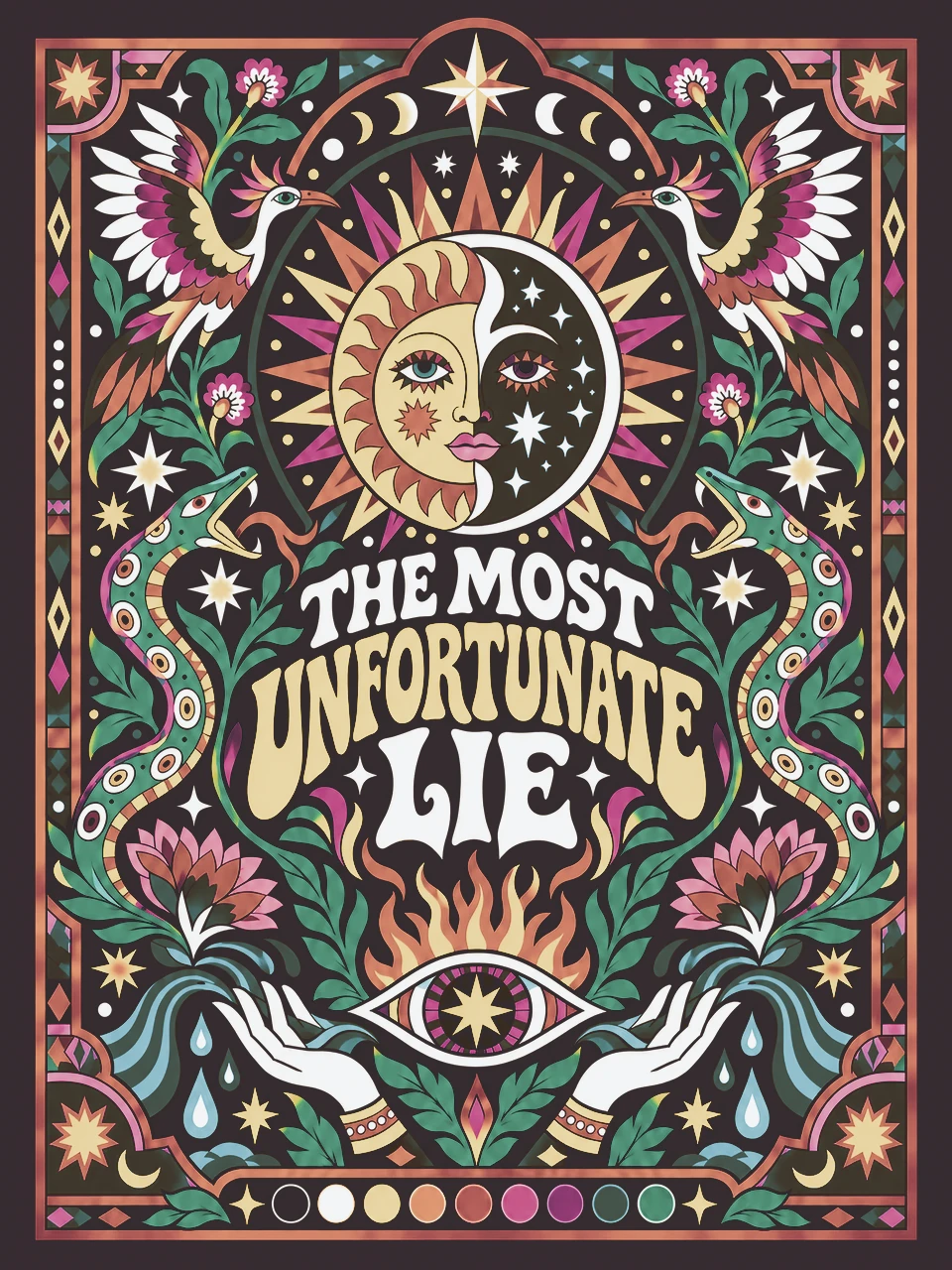
Split modes by image
SPLIT · SPLIT MODES

Split modes by image

A photograph and an illustration through every split mode: which modes suit which image, and what each costs in ink.
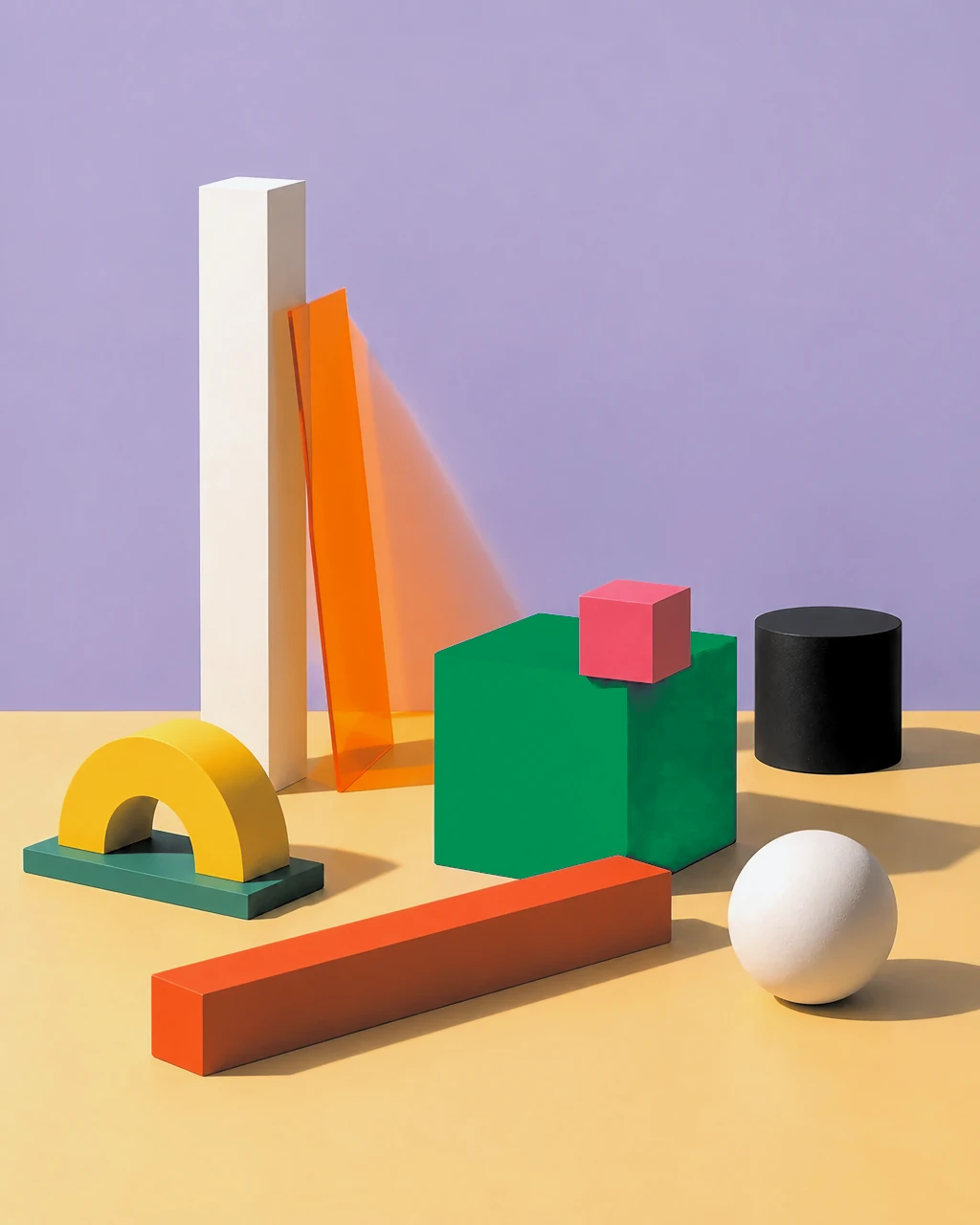
Extra spot colors and Knock
SPLIT · SPOT COLORS

Extra spot colors and Knock

Add an ink on top of a separation, send it to one color of the image, and choose with Knock whether it replaces the inks under it or prints over them.

READY?

Start withStart with Shadrum.Shadrum.

Start now Download
7-DAY TRIAL · FULL ACCESS · CANCEL ANYTIME · SEE PRICING

Get Shadrum.

PRODUCT
  • Library
  • Editor
  • Layout
  • Calibrate
RESOURCES
  • Pricing
  • Guide
  • Learn
  • Changelog
  • Schools
LEGAL
  • Terms of use
  • Terms of sale
  • Privacy policy
  • Cookie policy
  • Notice & credits
NEWSLETTER

Stay in the drum. Updates and tips.

One email a month · Unsubscribe anytime ·

© 2026 Shadrum. All rights reserved.LegalPrivacyTerms
shadrum.studio
·[email protected]

*Risograph is a registered trademark of Riso Kagaku Corporation. Shadrum is not affiliated with, or endorsed by, Riso Kagaku Corporation.

Shadrum / Loading / 2026
ShadrumFile editor & prep — for stencil press
000%
0/— assets