Booklets
A booklet prints out of order. See how a Booklet preset imposes twelve pages on three sheets, and what to check before you print.
A saddle-stitched booklet is a stack of sheets folded in half and stapled in the fold. Each sheet carries four pages, rarely in reading order. The Booklet presets do the sorting: you place the pages in reading order, the sheets come out imposed.
A 12-page zine on Booklet A4→A5 (2-up), Risograph: twelve labels in alphabetical order, Bear Hug (page 1) to Wildfire (page 12), in Smart CMYK. Views from the canvas, plates from the export.
One fold, one staple line.
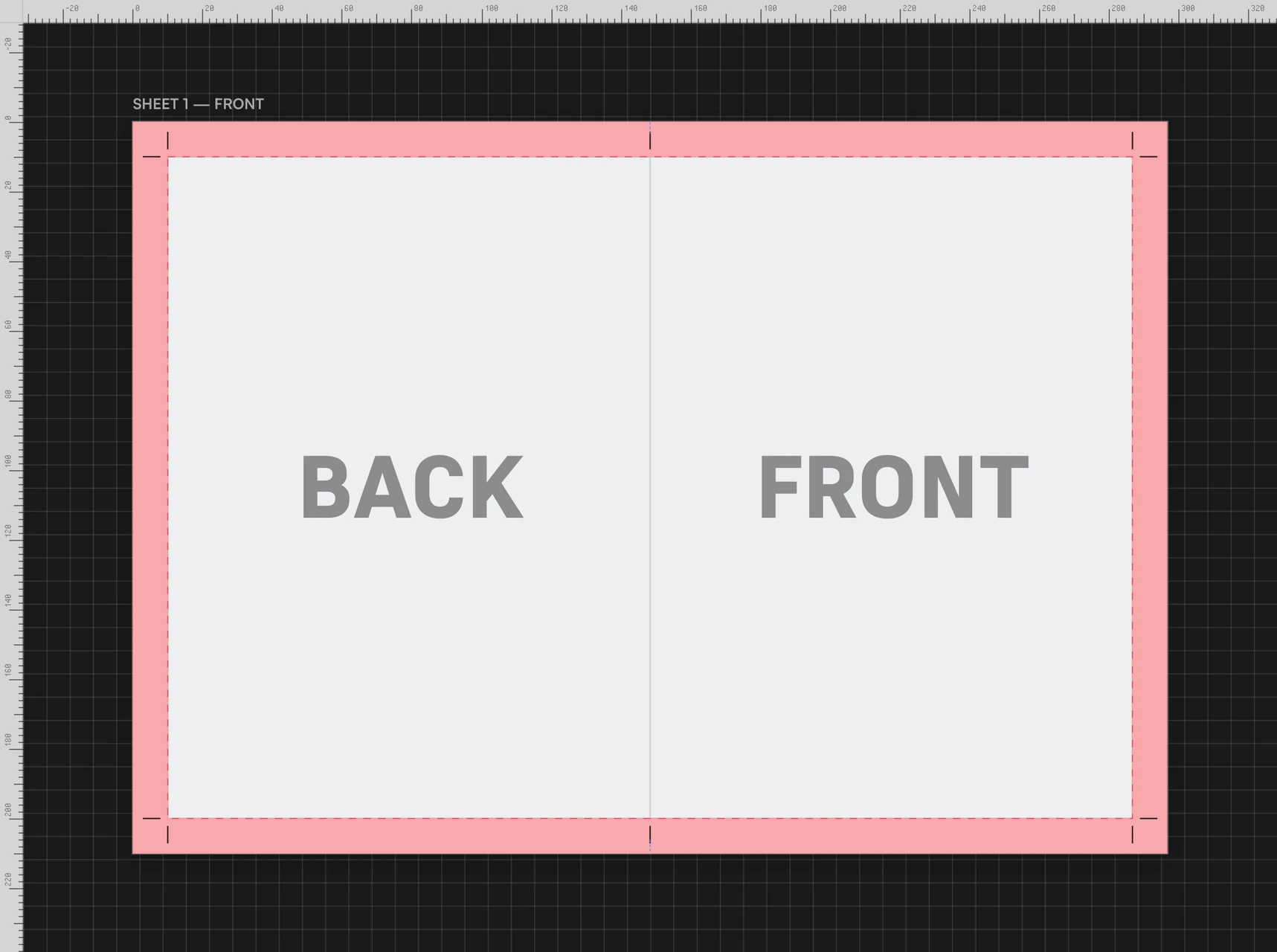
- In the New layout window, the Booklet family lists sixteen formats, named sheet then page: Booklet A4→A5 (2-up) folds A4 into A5.
- 2-up puts four pages on a sheet, Pages from 4 to 64; 4-up puts eight, from 8 to 64. The window counts the paper: 3 sheets needed for 12 pages.
- Each empty page shows its number; the first and the last read FRONT and BACK.
Reading order is not printing order.
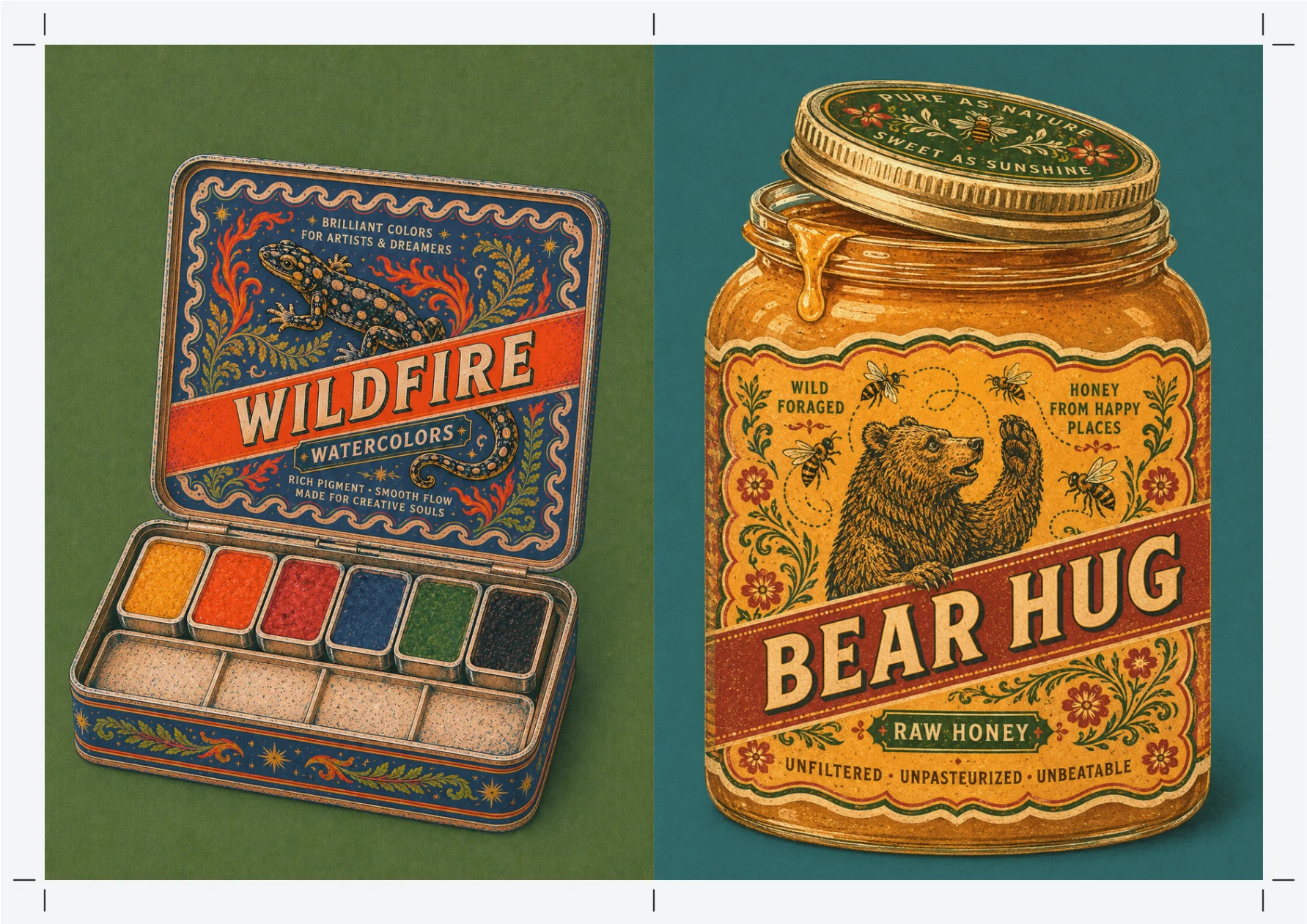

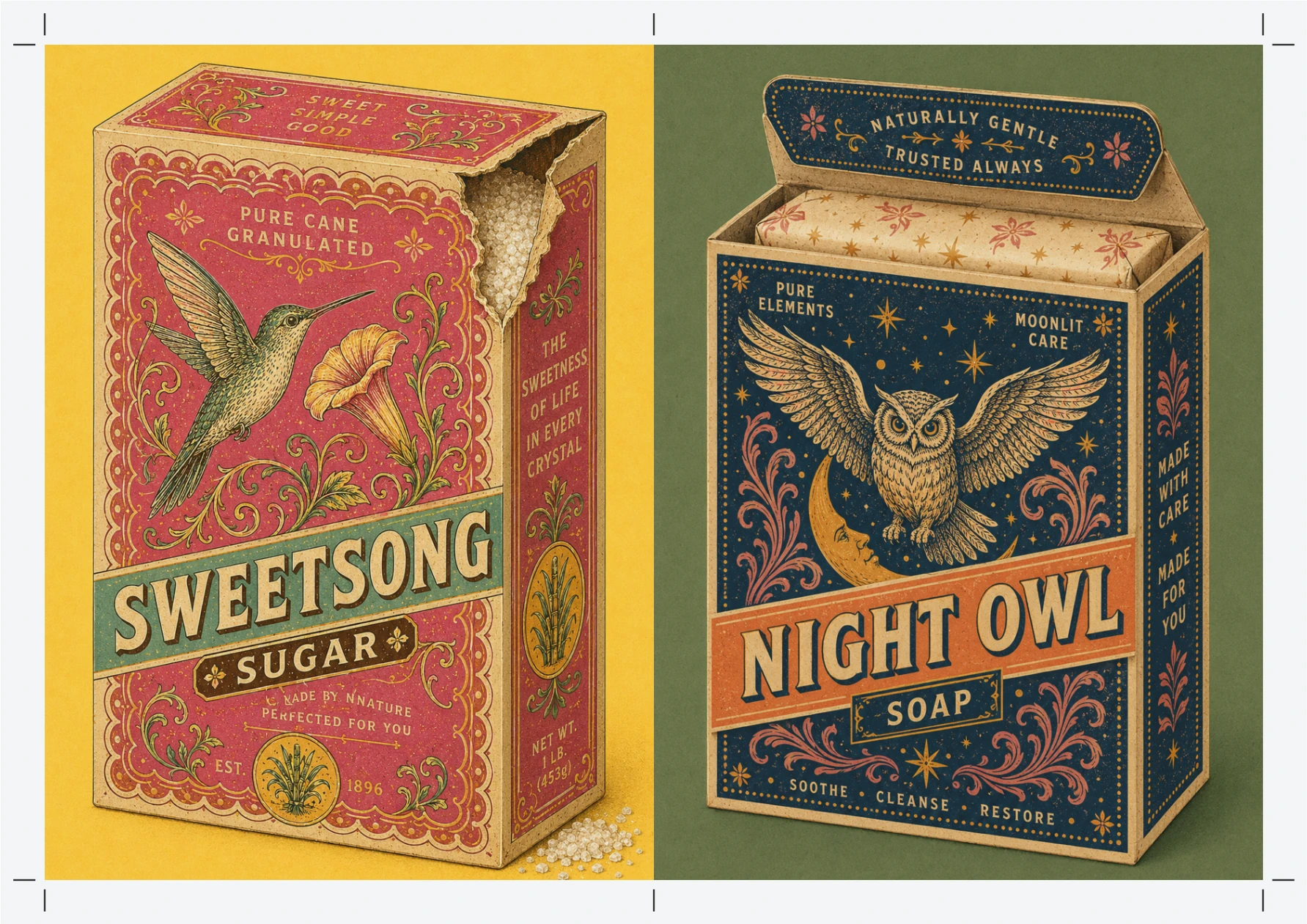
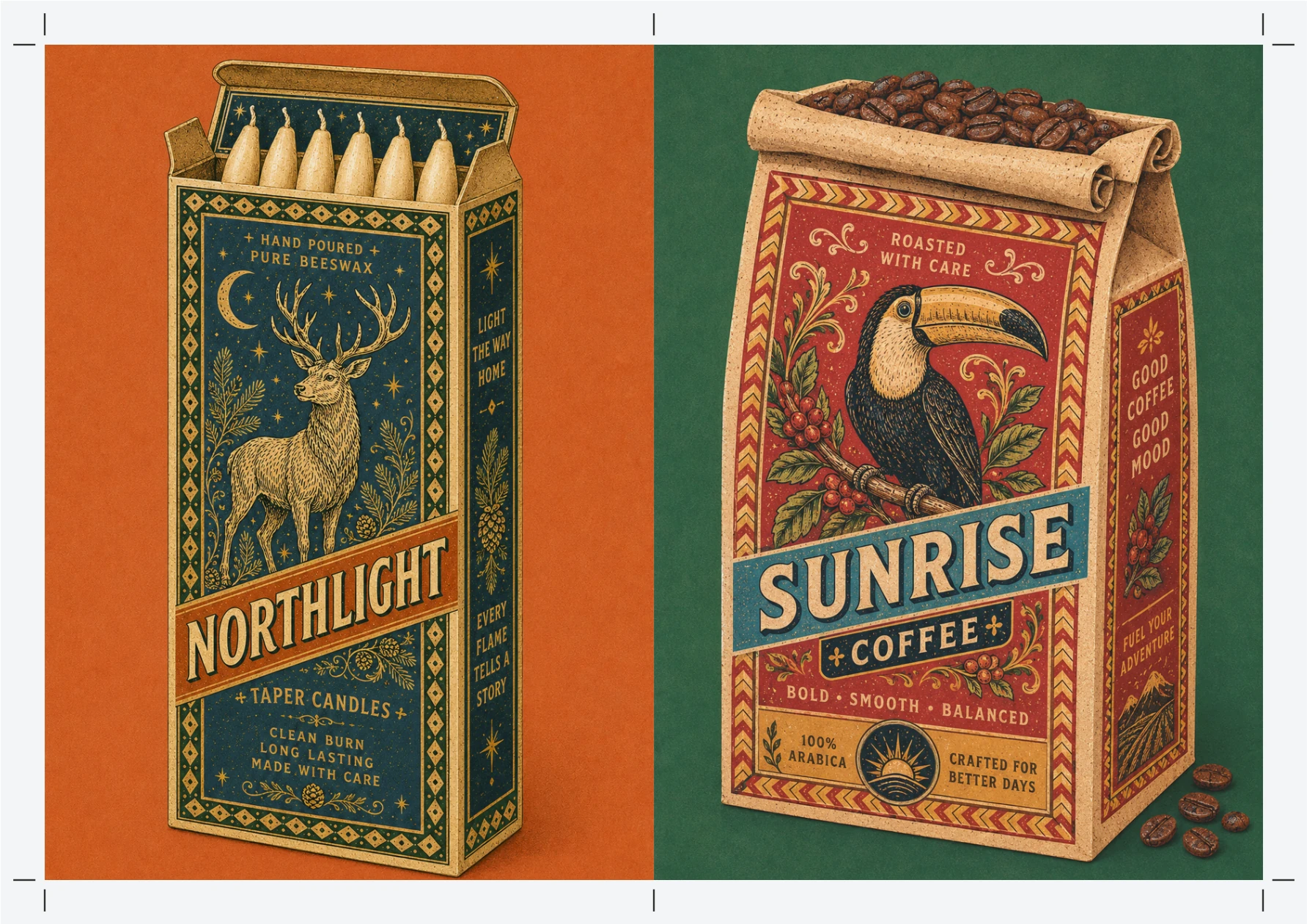
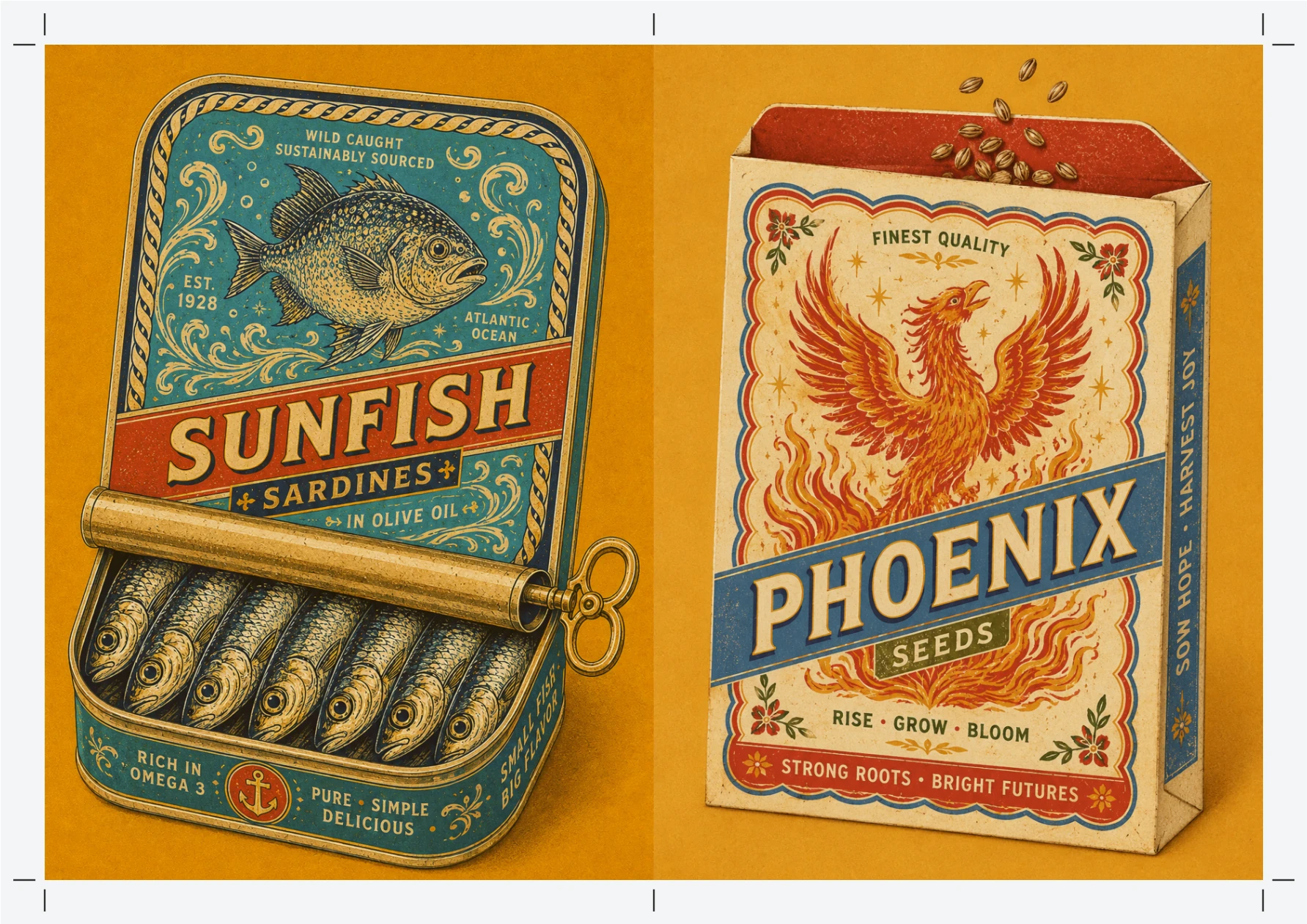
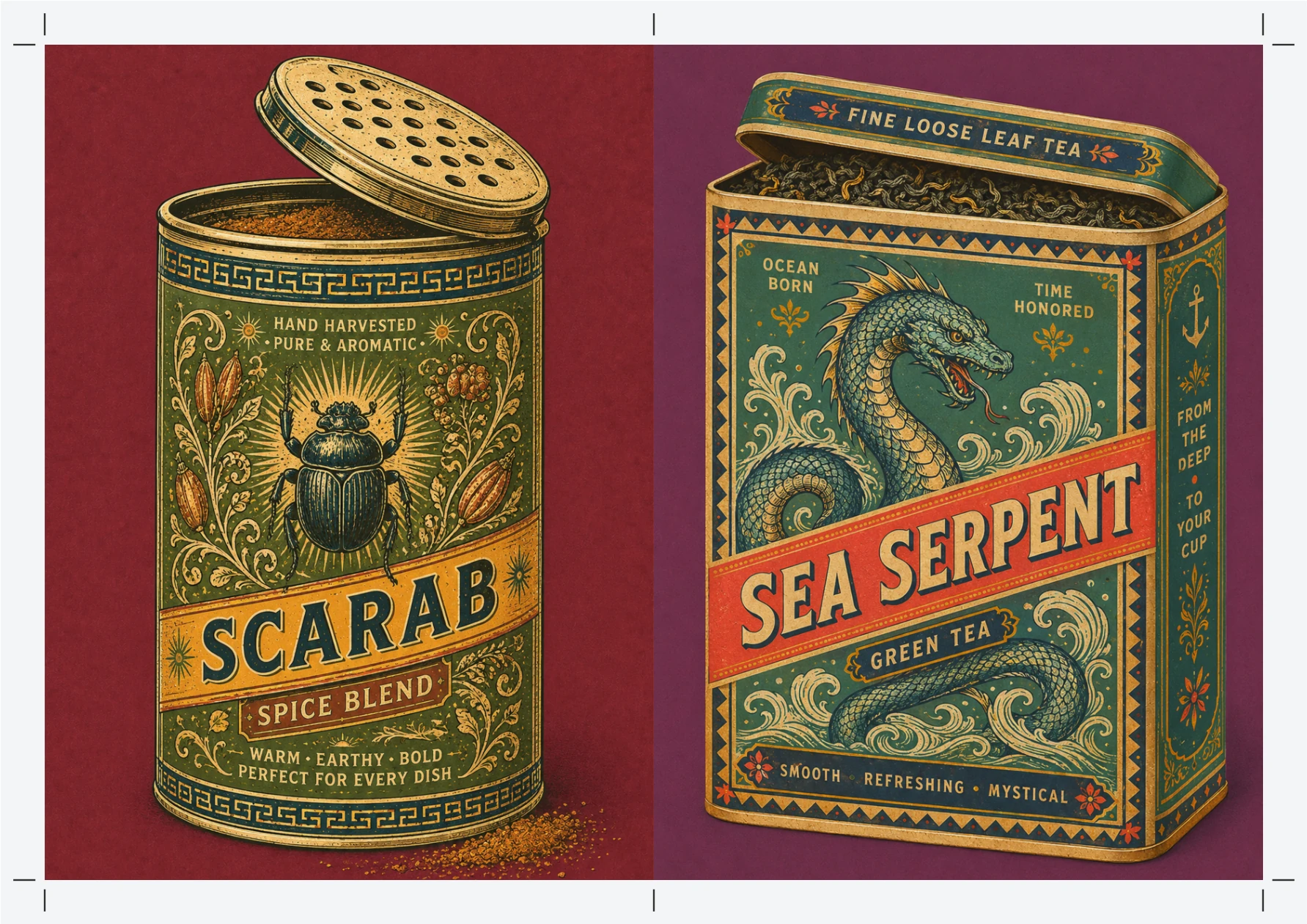
- Sheet 1 is the outside: back cover (12) beside cover (1). Sheet 3 is the middle: pages 6 and 7, the only neighbors on the sheet that are also neighbors in the zine.
- On every side of this booklet the two page numbers add up to 13: a quick check on a folded proof.
- Four view buttons sit in the top toolbar (V moves to the next). Single shows one side, turned over with Front and Back in the bottom bar; Grid and Vertical show the sheets as they print; Spread shows the pages as they read.
One sheet at a time.
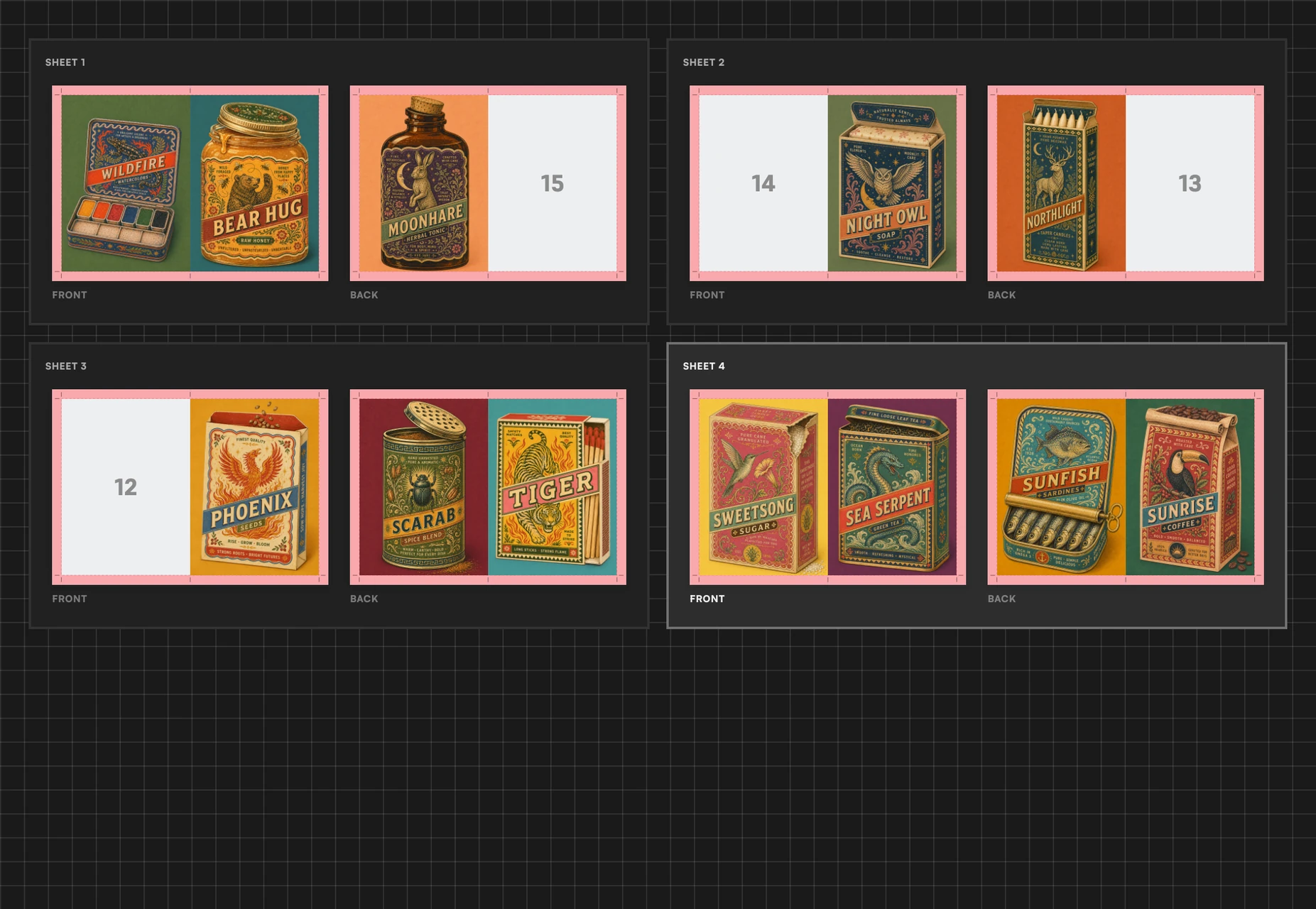
- The window says it: Number of pages can be changed after. Open Sheets in the right toolbar and click Add sheet: four more pages each time, up to 16 sheets.
- Pages 1 to 11 stay put, the back cover goes from 12 to 16, and the new pages, 12 to 15, arrive before it. Wildfire is still on the front of sheet 1.
- Delete, on a sheet card, removes a sheet and its pages; the other pages are renumbered. Check the order in Spread afterwards.
Not quite A5 on A4.
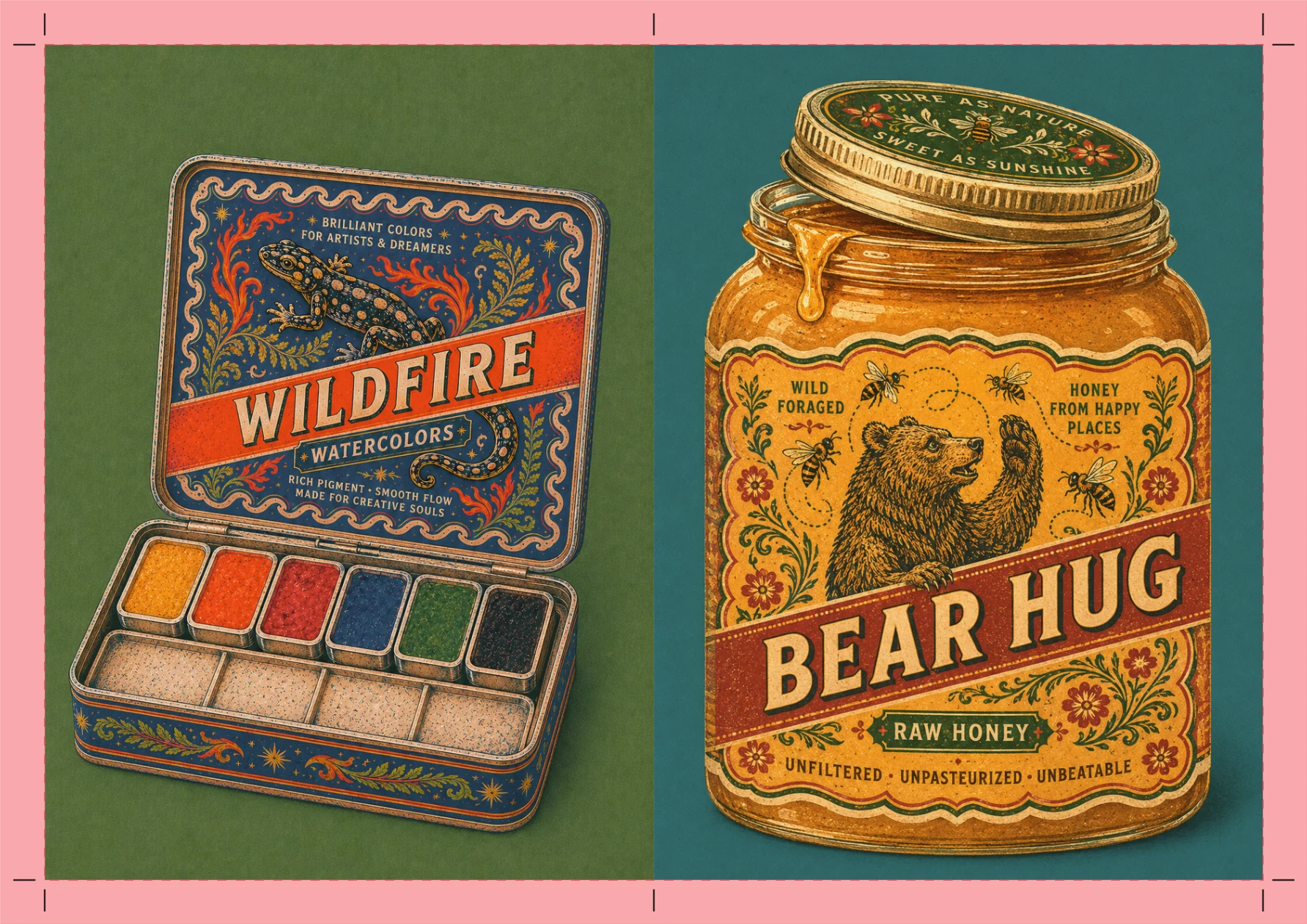

- The pink band on A4 is the No-Print Area, the edge the machine does not print. A new layout takes it from your Layout preferences (10 mm here); change it in the Bleed panel. The pages share what is left.
- So a page is 138.5 × 190 mm, not 148.5 × 210. At step Print, Resume shows it under Final format: Closed page 138.5 × 190 mm, the A5 the preset promises, and the gap.
- Booklet SRA4→A5 (2-up) brings more paper: on its 320 × 225 mm sheet the preset keeps a border round its pages, the pink band on the right. With the No-Print Area as created a page is 138 × 190 mm; at 0 it is 148 × 210 mm, a true A5.
Contain or Cover.


- An item dragged from the Library panel lands in the middle of the page, smaller than it. Click the page to open its editor and pick a Fit Mode.
- Contain shows the whole item: these labels are a little taller than the page, so about 2 mm of paper stays on each side. Cover fills the page: about 3 mm goes at top and bottom.
What passes the fold prints on the facing page.


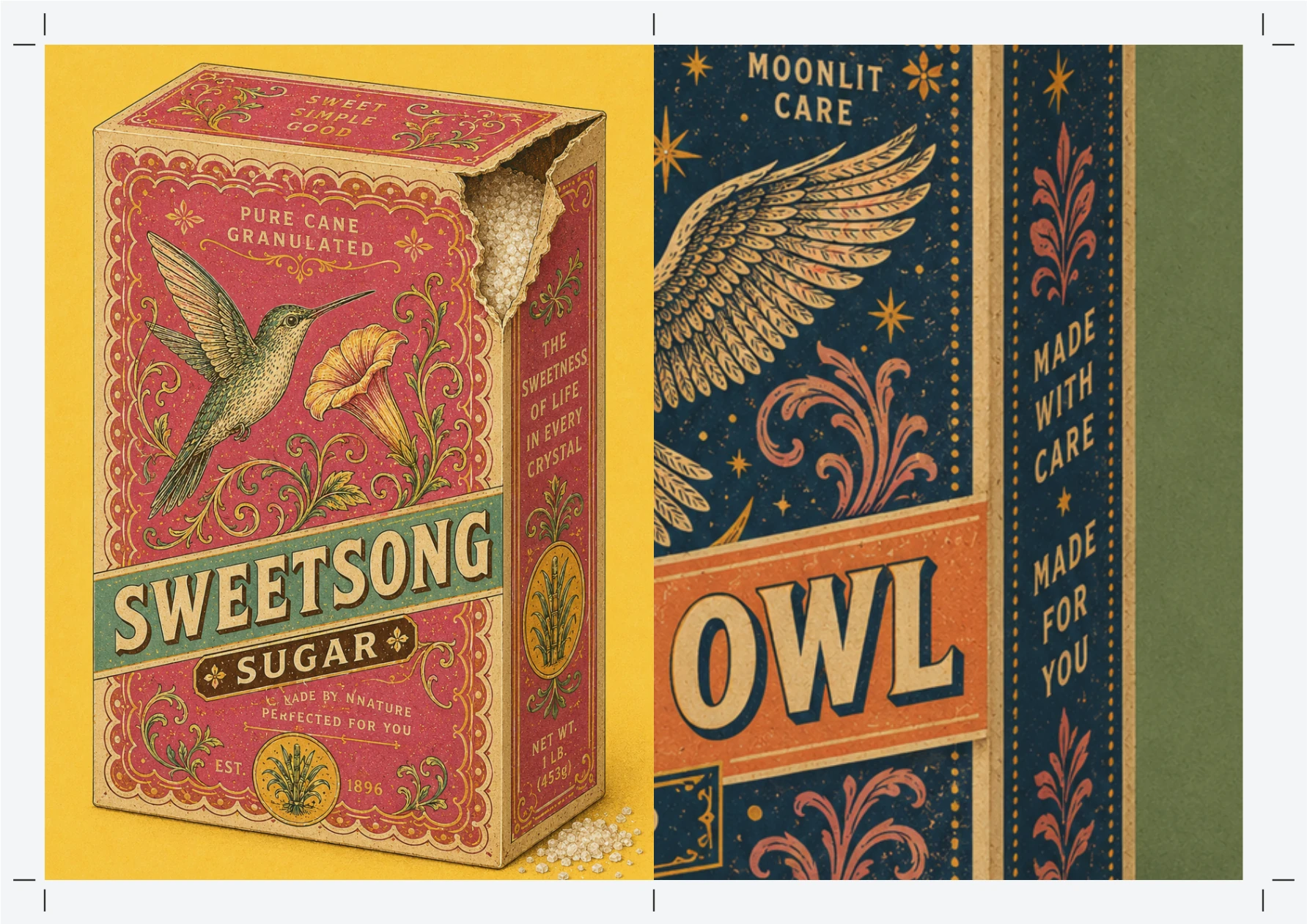
- In the page editor, drag an item or pull a handle: what passes the fold prints on the facing page, even on another sheet. The owl is split between sheets 1 and 2, and does not run over Sweetsong, its neighbor on the paper. Limit to page only keeps an item inside its page.
- Only the middle spread, pages 6 and 7, prints in one piece. Elsewhere a double-page image meets itself at the fold: it depends on your registration and folding.
Page numbers on the plates.
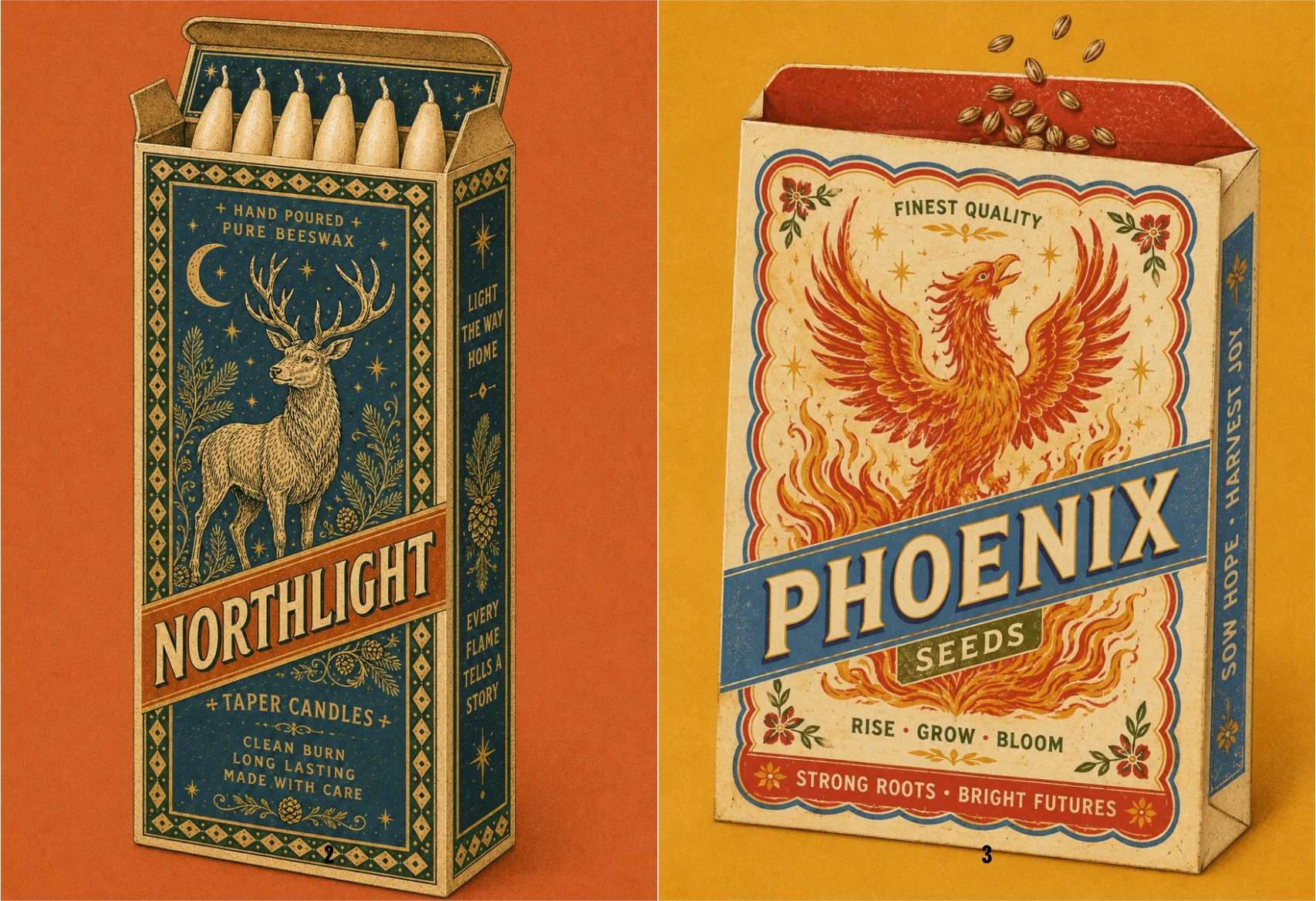
- Open Folio in the left toolbar and turn on Enable folios: Bottom center, 8 mm from the edge, 9 pt, the darkest ink of your palette.
- Exclude covers is on at first: the first two and last two pages get no number, so page 3 prints 1. Bottom — outer edge puts the number on the outer corner of each page.
- A folio in an ink the pages already use prints on that plate. Add a color gives it up to three inks, each on its own plate.
Where to fold.

- On the canvas, corner ticks show the trim and a line shows the fold. On the plates, the export draws the fold: a short tick at the top and bottom edges of the sheet.
- In the Marks panel, Print on picks the plate: One plate with A means the darkest ink of each side, Black here. Stroke sets the thickness.
Eight pages on a sheet.
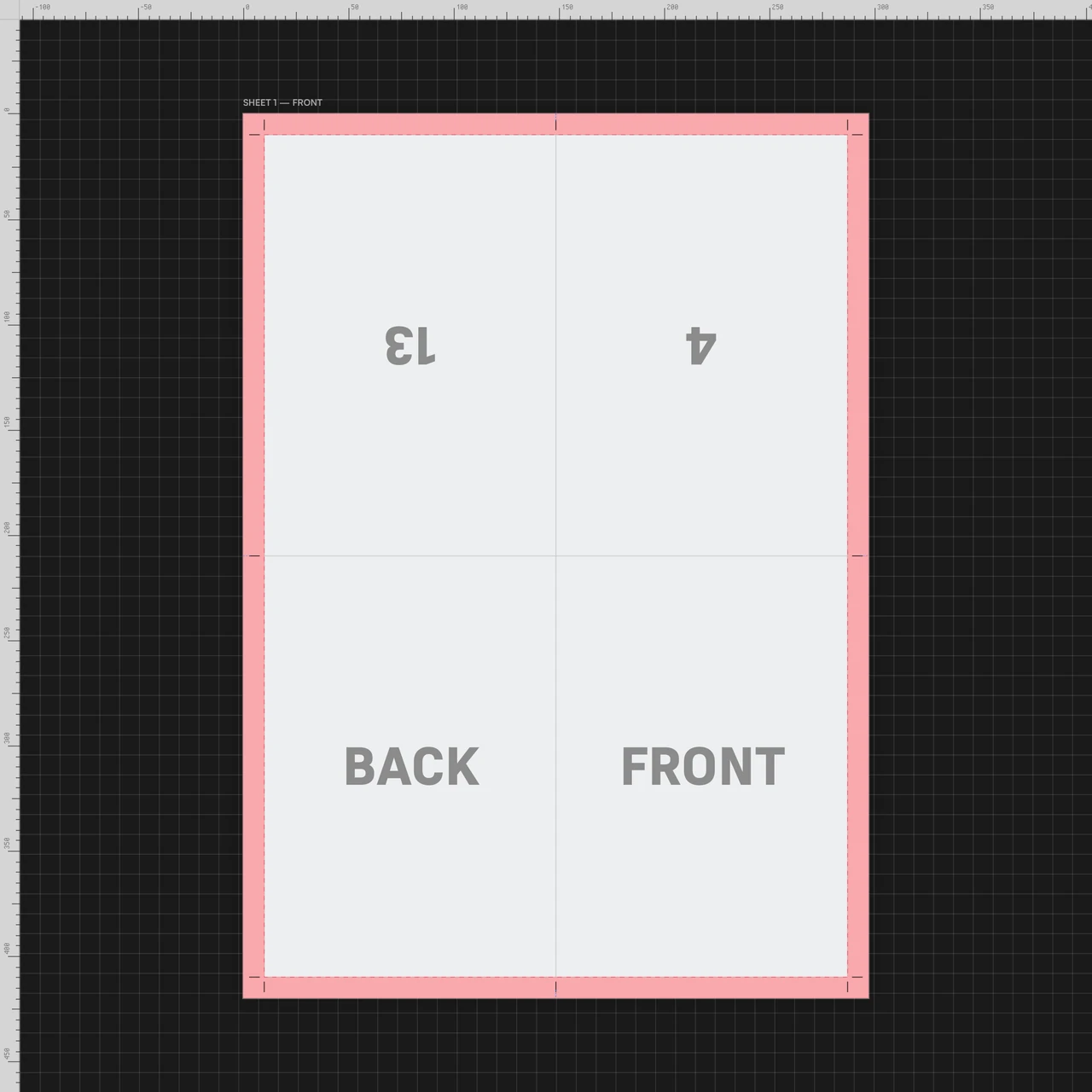
Booklet A3→A5 (4-up) puts four pages on each side of an A3 sheet: 16 pages on 2 sheets. The top row is head down, for a sheet folded twice. You still place pages in reading order; an item dropped on a head-down page turns with it.
A proof and four plates for each side.
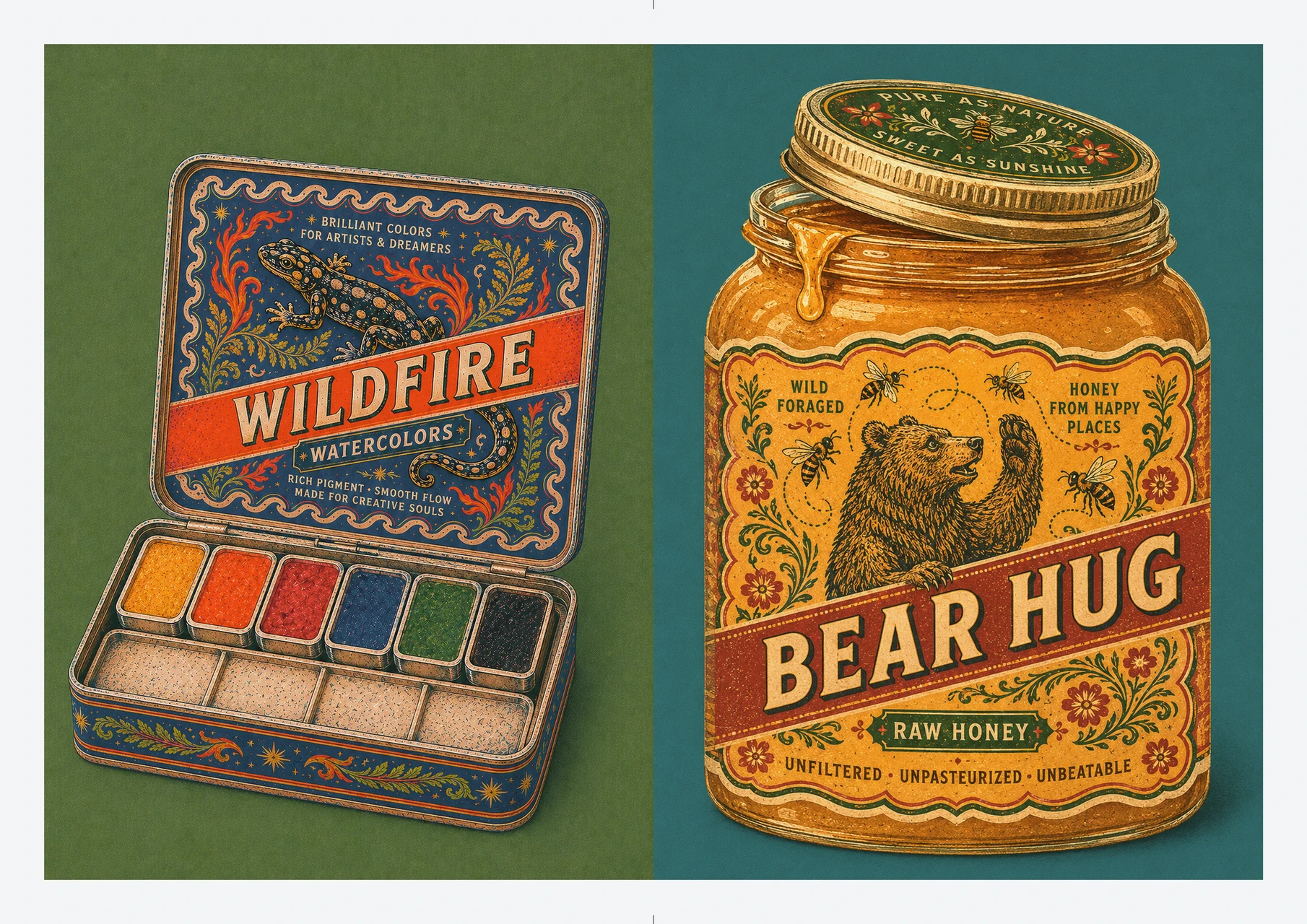
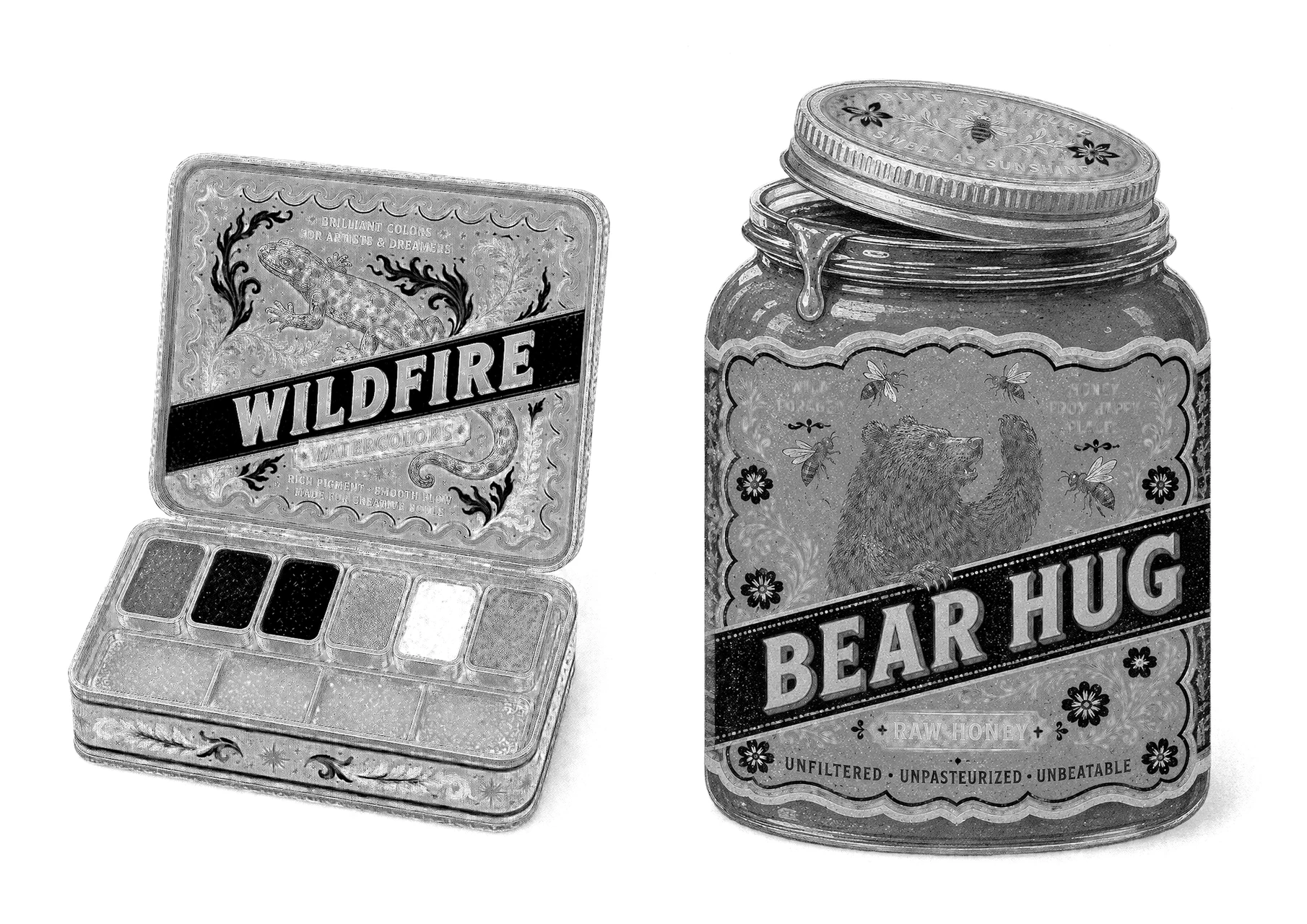
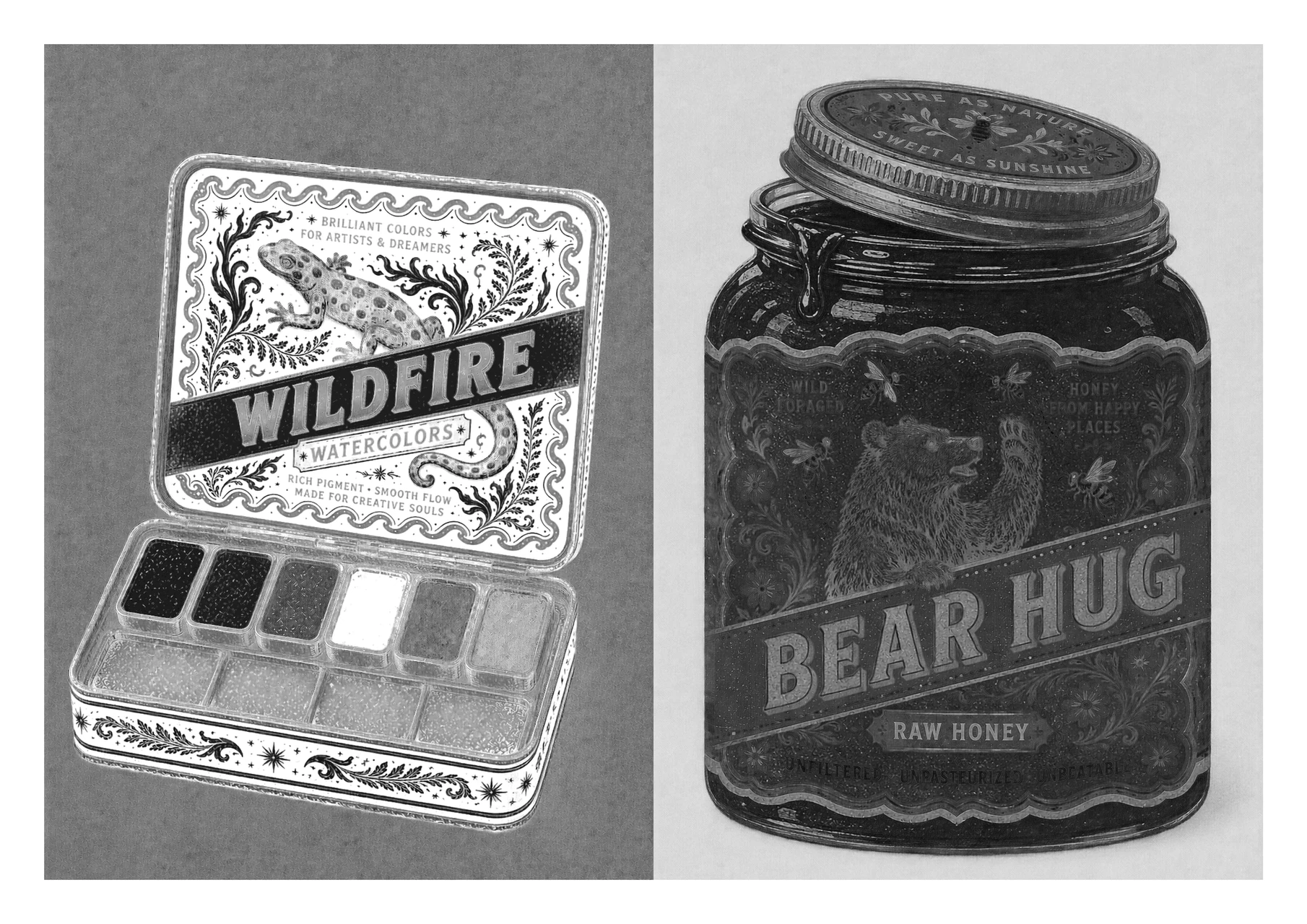
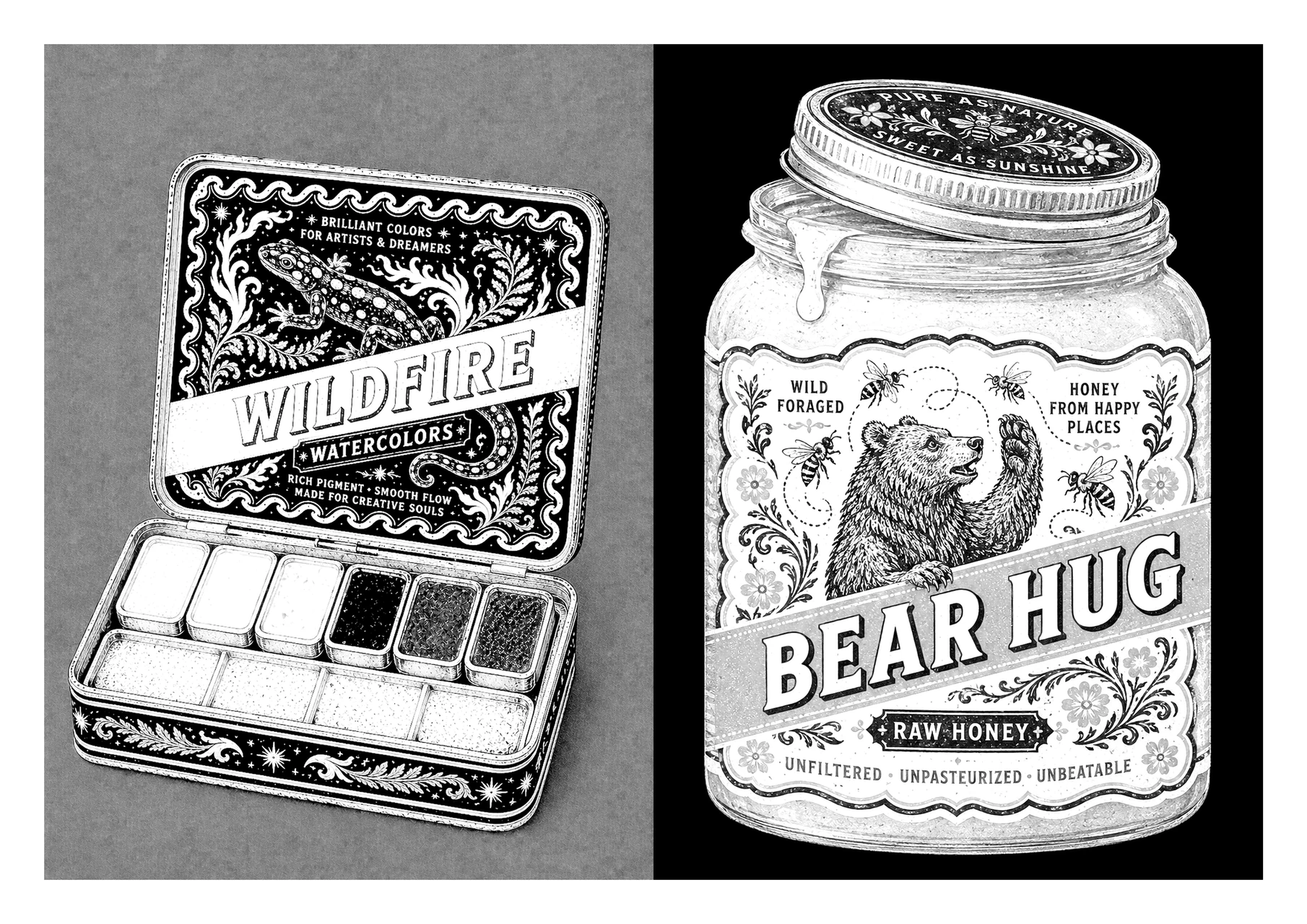
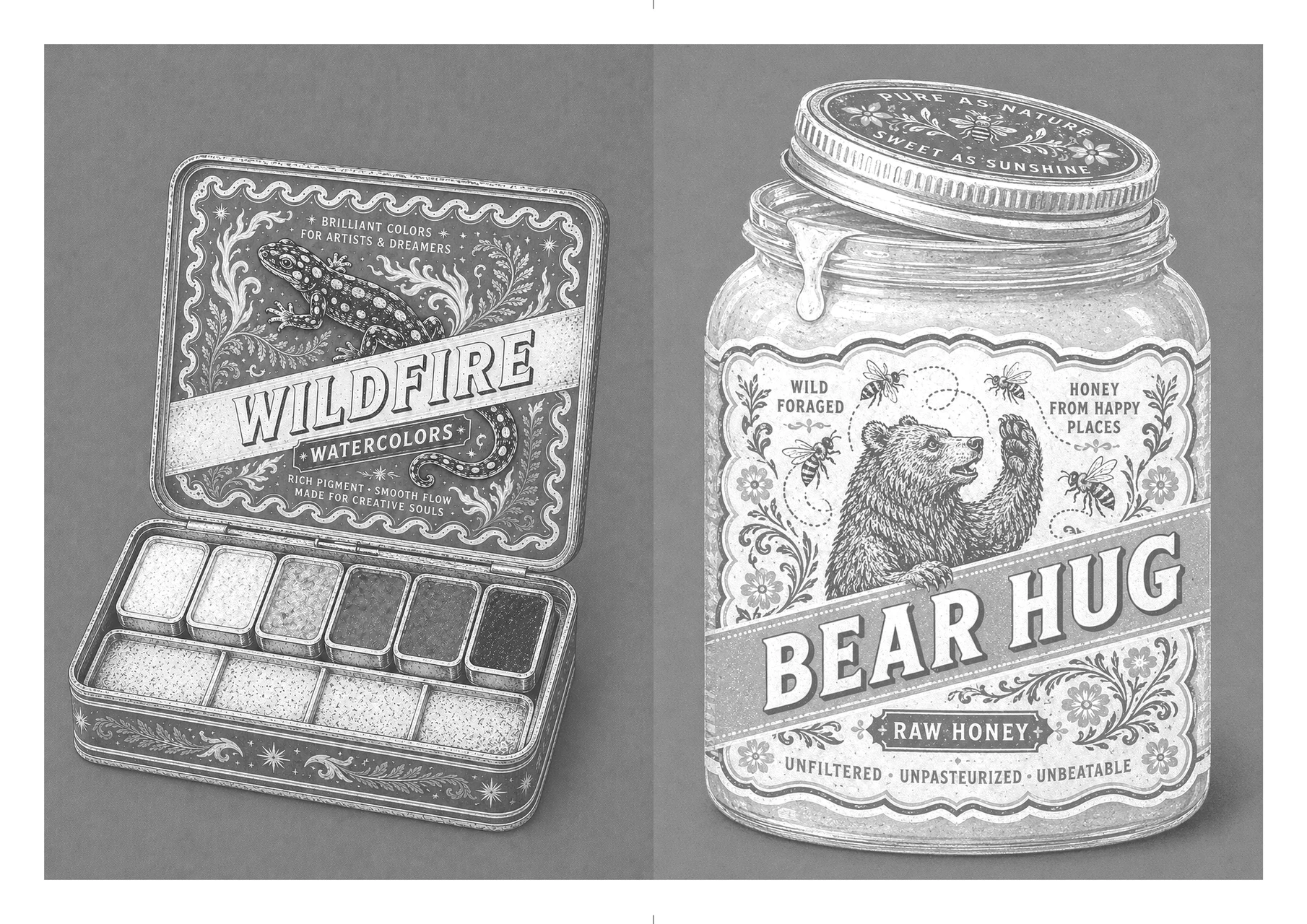
- Step Print opens Resume and Export. Total print passes reads 24, One pass per ink, per side: four inks, two sides, three sheets.
- Under Sheets, export All sheets (3), the Current sheet or a Range. Sheet 1 alone gave 8 plates, each a whole imposed side: the pink plate holds pages 12 and 1.
- The folder holds layout_preview.pdf (the color proof of each side), spread_preview.pdf (the pages in reading order), masters.pdf (one page per plate) and, with Generate print-pass instructions, a print_pass_order.pdf per side. Exporting a layout opens each file.
Three habits.
- Count in fours for 2-up, in eights for 4-up: a ten-page zine prints as twelve.
- Print the color proof on any printer, fold it and read it before you make a master.
- For a true A5, take the SRA sheet. Keep double-page images for the middle spread.
Before placing anything, open Grid: each empty page shows its number where it prints.