Business cards
The Business Card family fills a sheet with whole cards, front and back. See how many fit on each sheet, how to cut them, and what each face costs in ink.
A business card is the most repeated job in a print shop: one small design, a hundred copies, two faces, and a guillotine at the end. The Layout has a family for it. You pick the card, then the sheet, and Shadrum fills the sheet with as many whole cards as fit. The questions left are yours: which sheet, how to cut, what goes on the back.
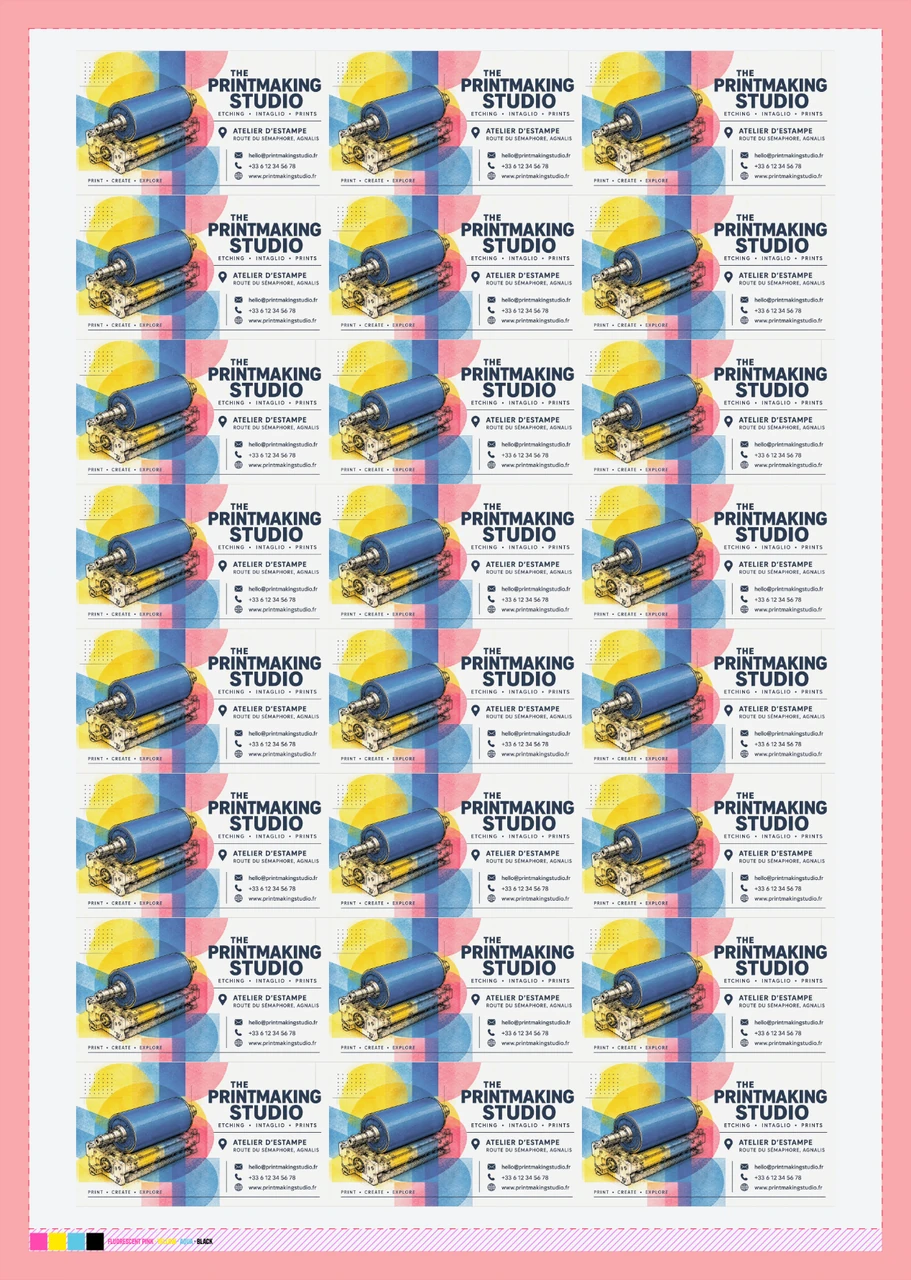
One US business card, 88.9 × 50.8 mm, separated in Classic CMYK (Aqua, Fluorescent Pink, Yellow, Black), print process Risograph, and a riso print for the back in Smart CMYK with the same inks. Every image is the Layout's own render: the canvas, the sheet without its guides, or the proof and plates of its export. Coverage is measured on the exported plates, as a share of the whole sheet.
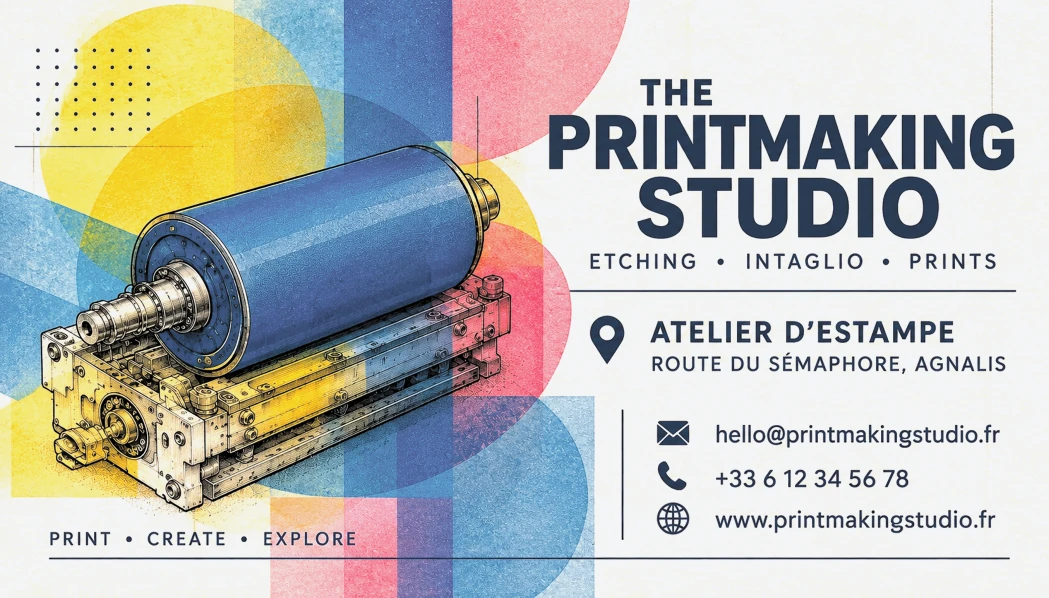
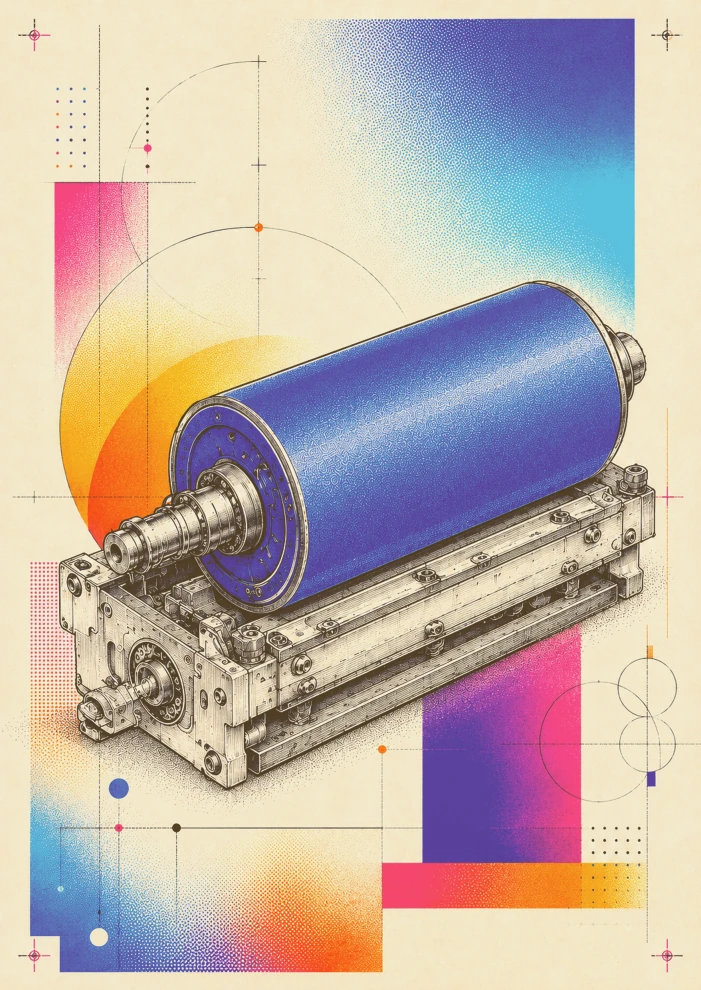
Two choices, in that order.
- In the New layout window, pick Business Card (Cards, multi-up per sheet).
- The Format step lists cards, not sheets: ten sizes under Standard, Square and Slim, from Business Card EU (85 × 55 mm) to Business Card Slim (70 × 28 mm). The dimensions shown are those of the card.
- The sheet comes at the Details step, under Paper format: A5, B5, A4, SRA4, A3, SRA3, A2, SRA2. A4 is selected by default.
- The preset is named after both, for example Business Card A4 (US 88.9×50.8), and so is the layout if you leave its Name empty.
As many whole cards as fit.
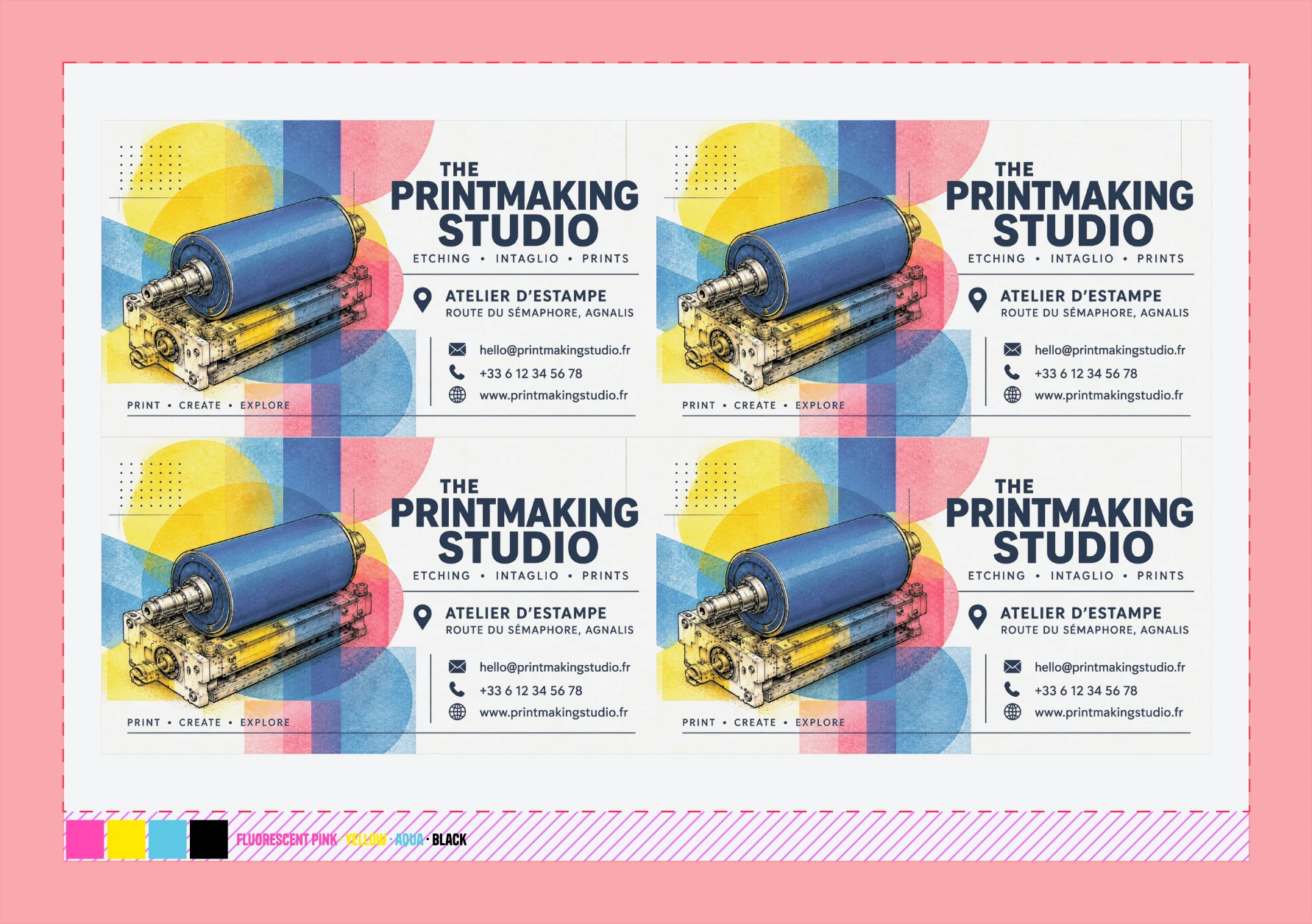
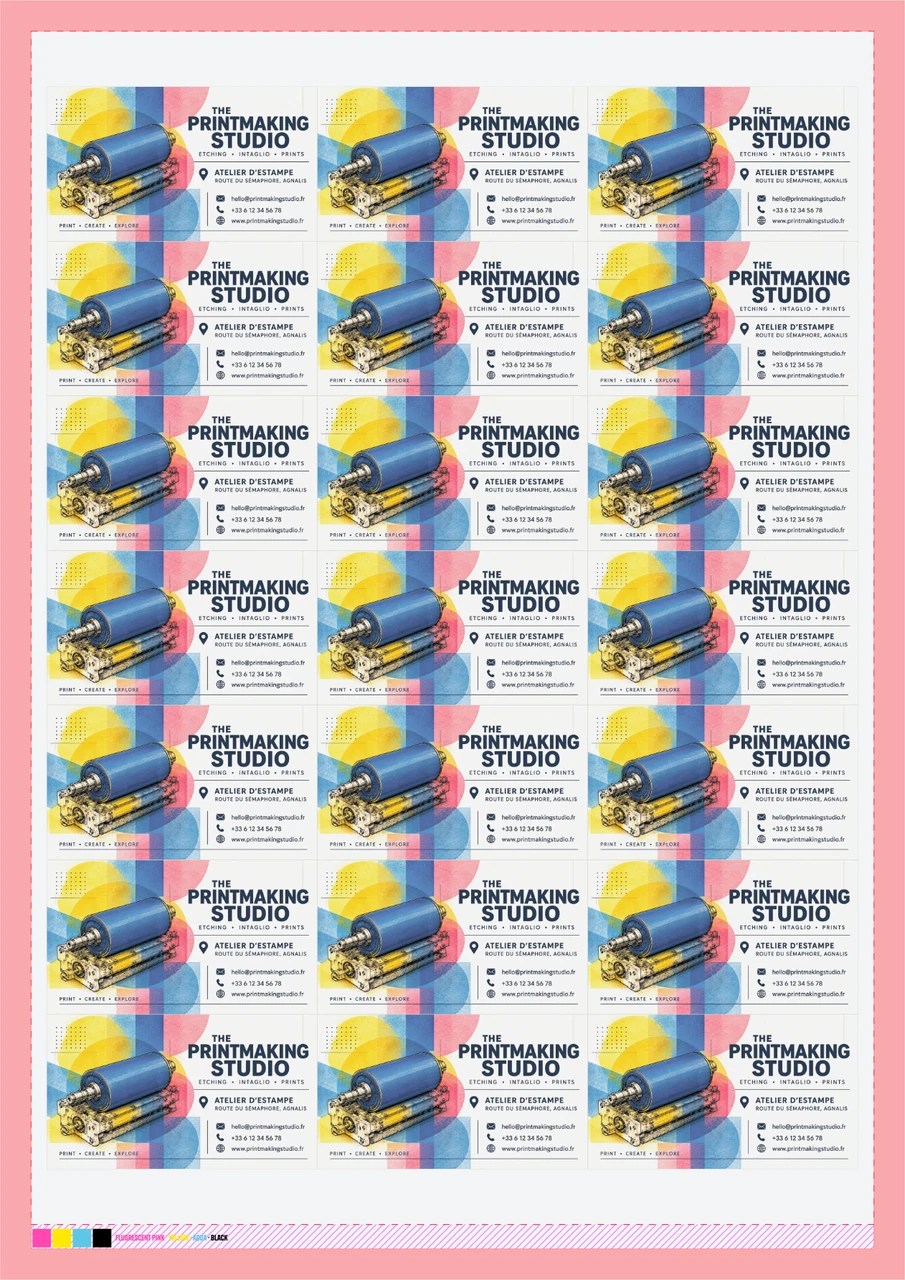
| Paper format | Sheet | Orientation | Cards per face |
|---|---|---|---|
| A5 | 148 × 210 mm | Landscape | 4 |
| B5 | 182 × 257 mm | Landscape | 6 |
| A4 | 210 × 297 mm | Portrait | 10 |
| SRA4 | 225 × 320 mm | Portrait | 10 |
| A3 | 297 × 420 mm | Portrait | 21 |
| SRA3 | 320 × 450 mm | Portrait | 24 |
| A2 | 420 × 594 mm | Portrait | 44 |
| SRA2 | 450 × 640 mm | Portrait | 48 |
- The cards touch: there is no gutter between them, and the block sits in the middle of the sheet.
- Only whole cards count. The pink No-Print Area around the edge and the hatched band of the label come off first; what is left decides the grid.
- SRA4 holds no more US cards than A4: 10 on both. A3 holds 21, one more than two A4 sheets.
- In the Layout panel, Sheet & Orientation starts on Auto (Fits the most slots per sheet). In portrait an A5 takes one column of US cards; turned to landscape it takes two. Portrait and Landscape force the sheet either way.
The whole face at once.
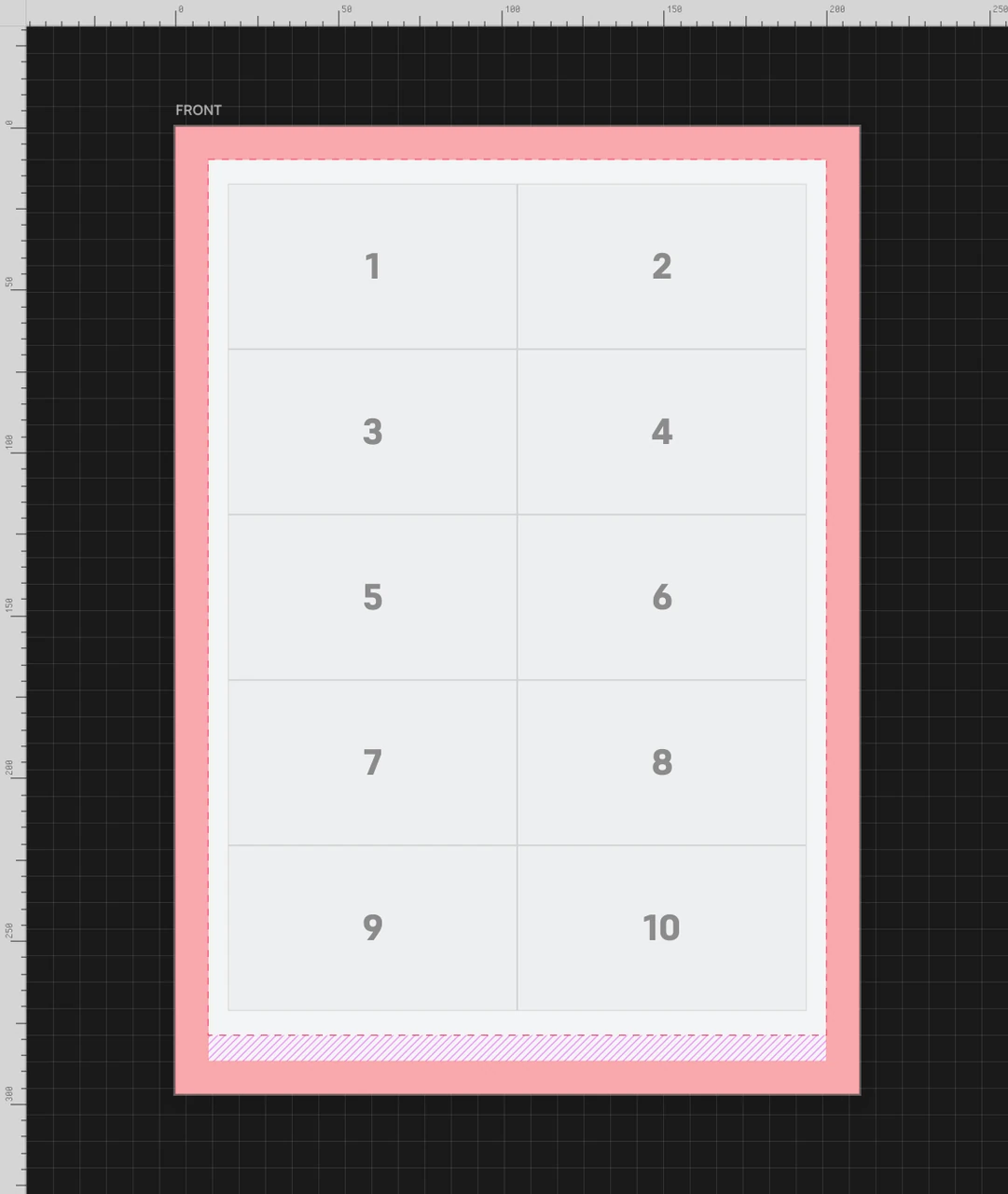
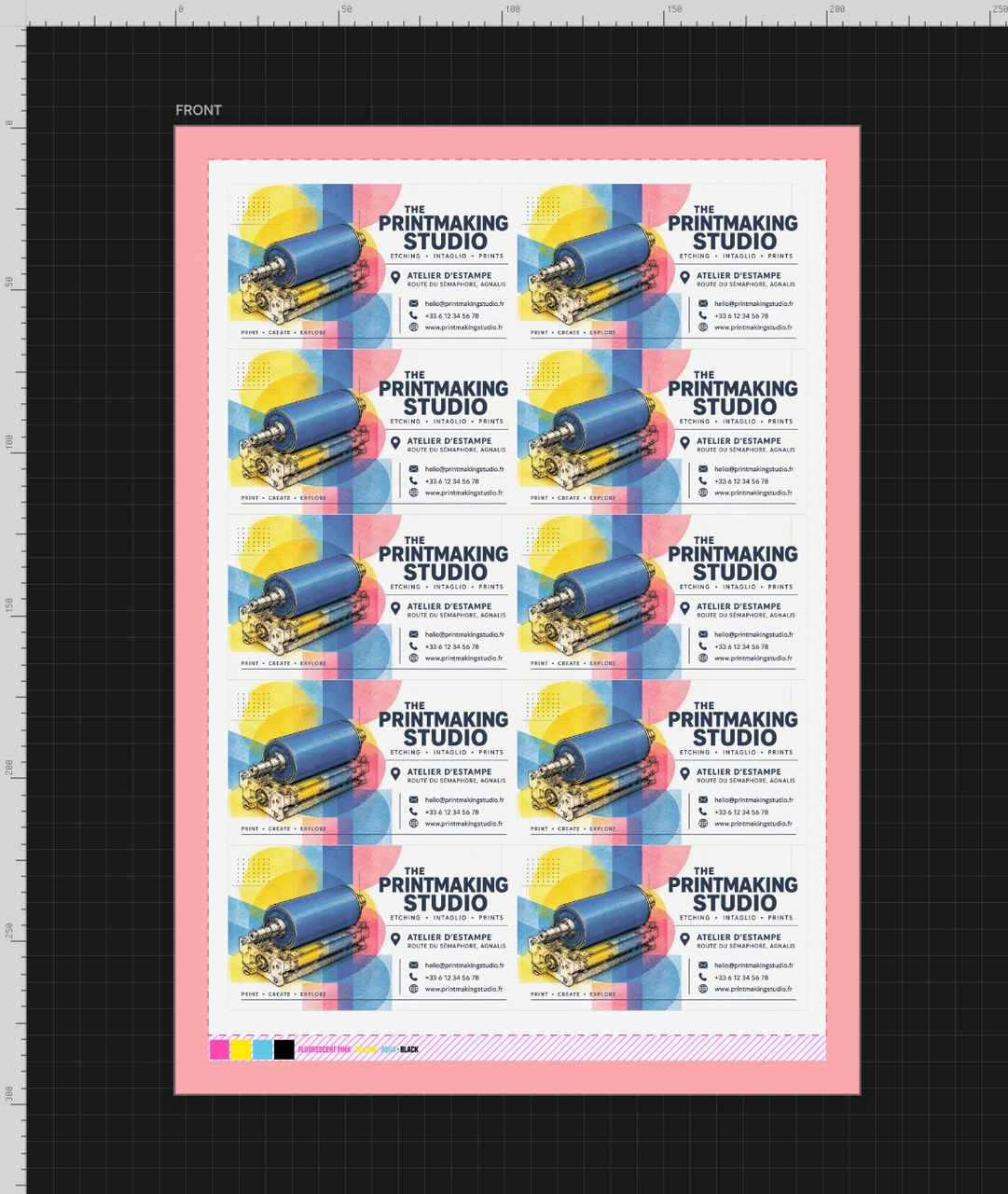
- Drag the card from the Library panel onto any slot, or onto the sheet: it fills every slot of the face. Drop another one and it replaces the first, everywhere.
- This card file is 1661 × 947 pixels, the proportions of a US card to within a tenth of a millimeter: it fills each slot as it lands. A file drawn for an EU card would not, so check the card size before you design.
- Click a card to open its slot: Fit Mode, Rotation and Flip apply to every card of the face. The card size itself is fixed by the preset.
Already there.
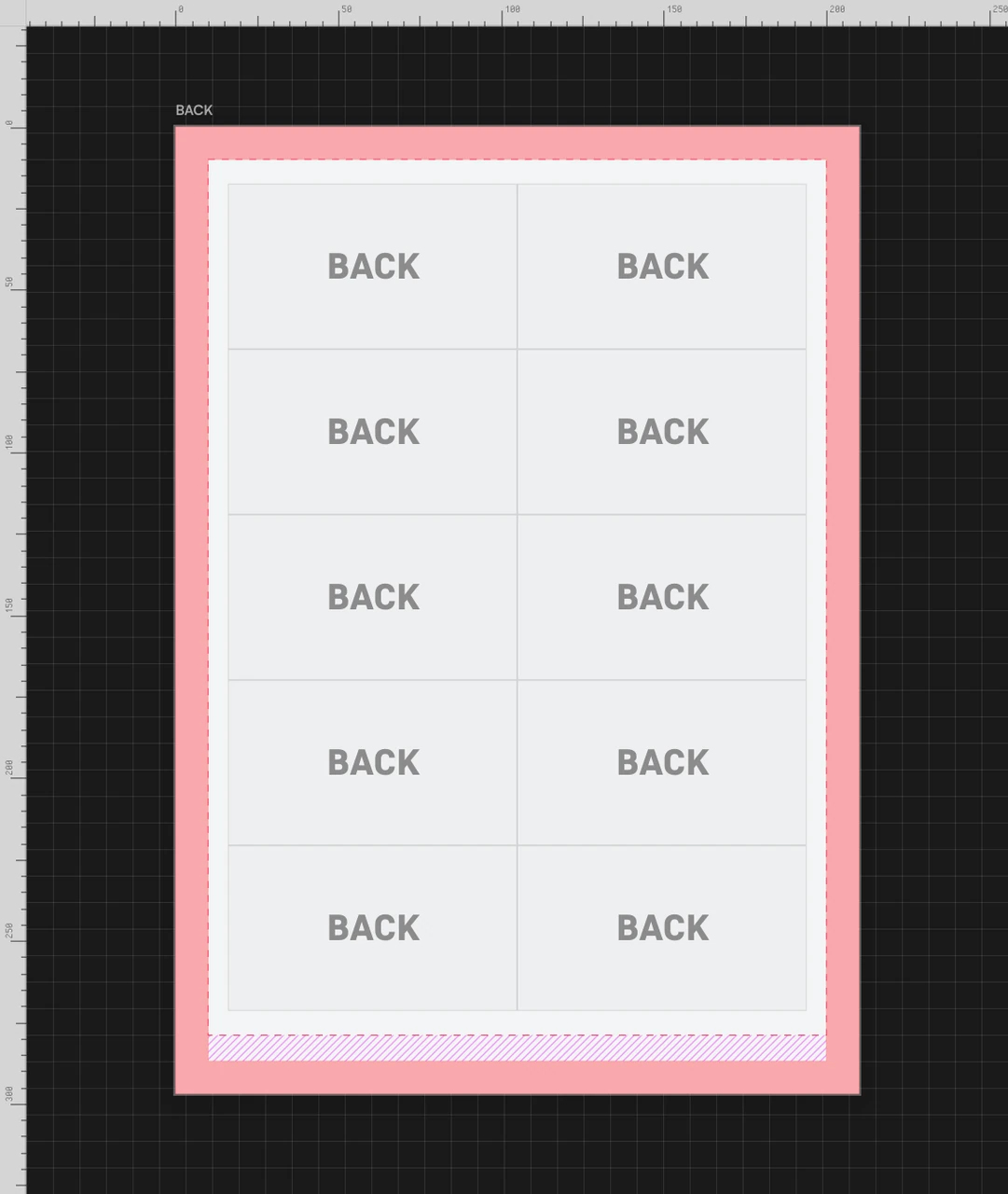
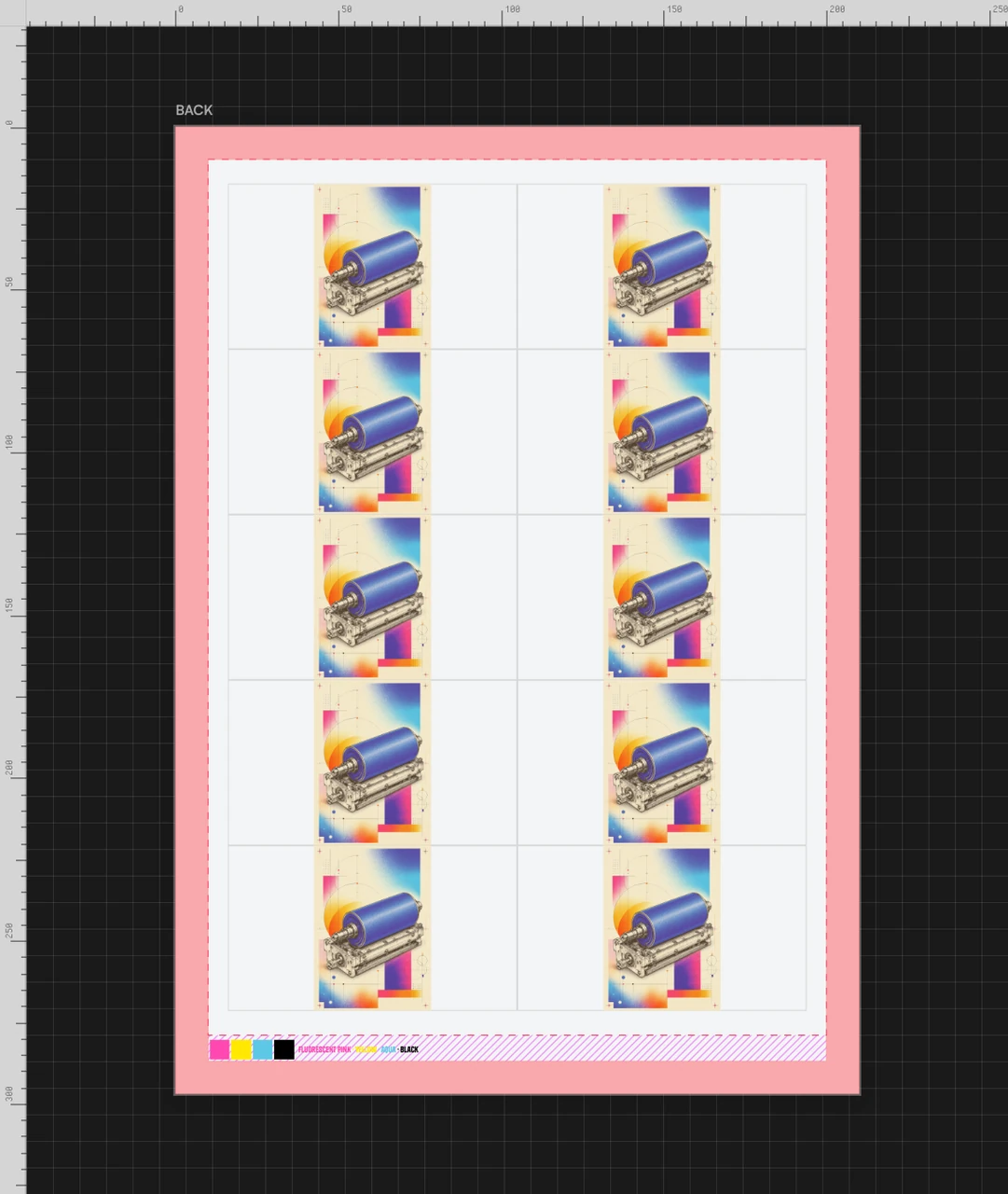
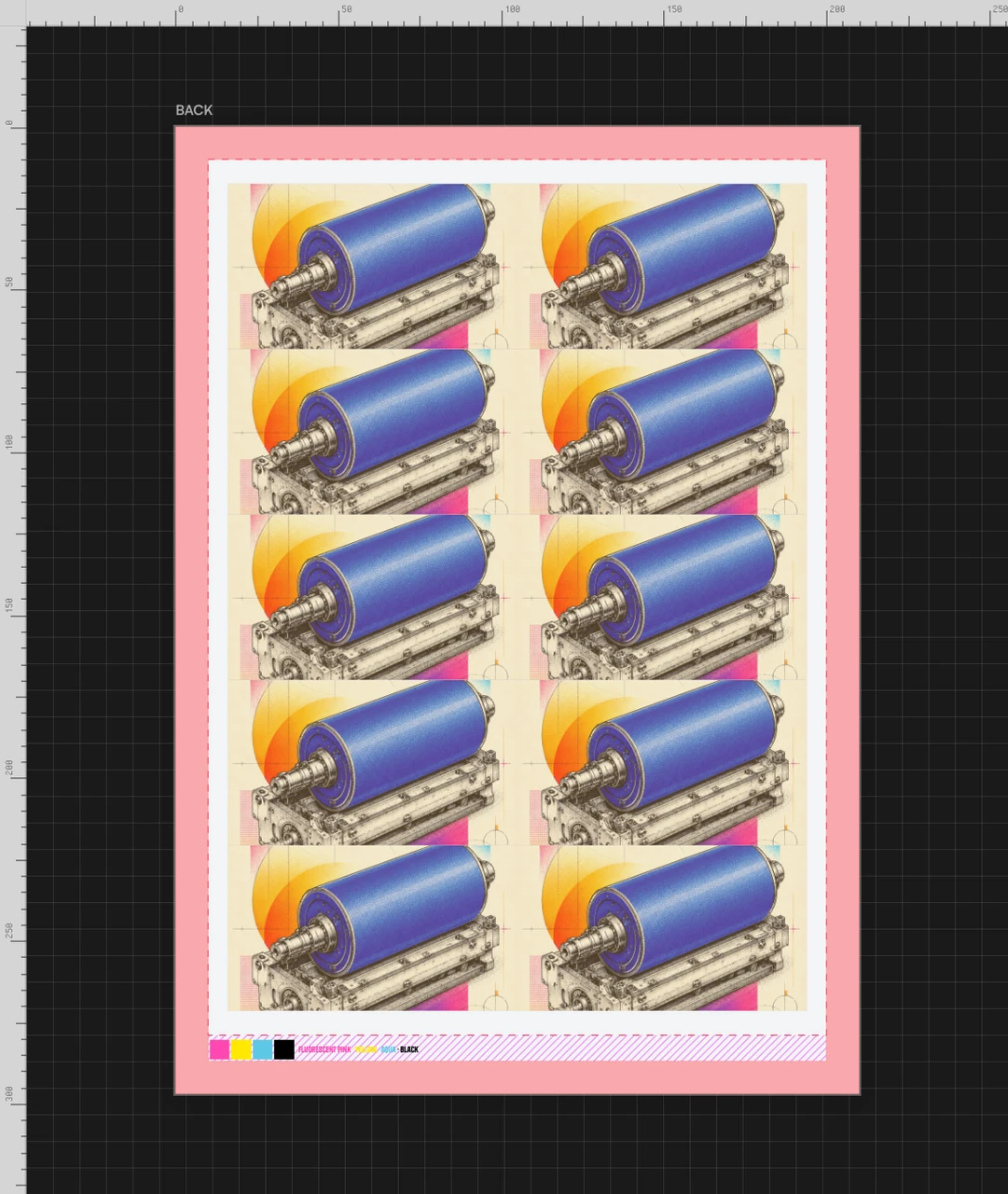
- A business card layout is created with a back. Front and Back, in the bottom bar, switch the canvas from one face to the other; the label above the sheet reads FRONT or BACK, and the empty back slots say so.
- The back is a mirror of the front: the card in the top left of the front is backed by the slot in the top right of the back. Once the sheet is turned, each back lands behind its own front.
- Only one card design was made for this sheet, so the back carries a riso print in portrait. It does not have the shape of a card: dropped, it fits whole and leaves paper on both sides. Cover fills the card and crops the print instead. Either way, every back follows.
- A one-sided card: turn off Enable back side (verso) in the Layout panel, or the verso button on the sheet in the Sheets panel. The back goes, with anything placed on it, and Print mode in the same panel reads Simplex.
Ticks keep the count.
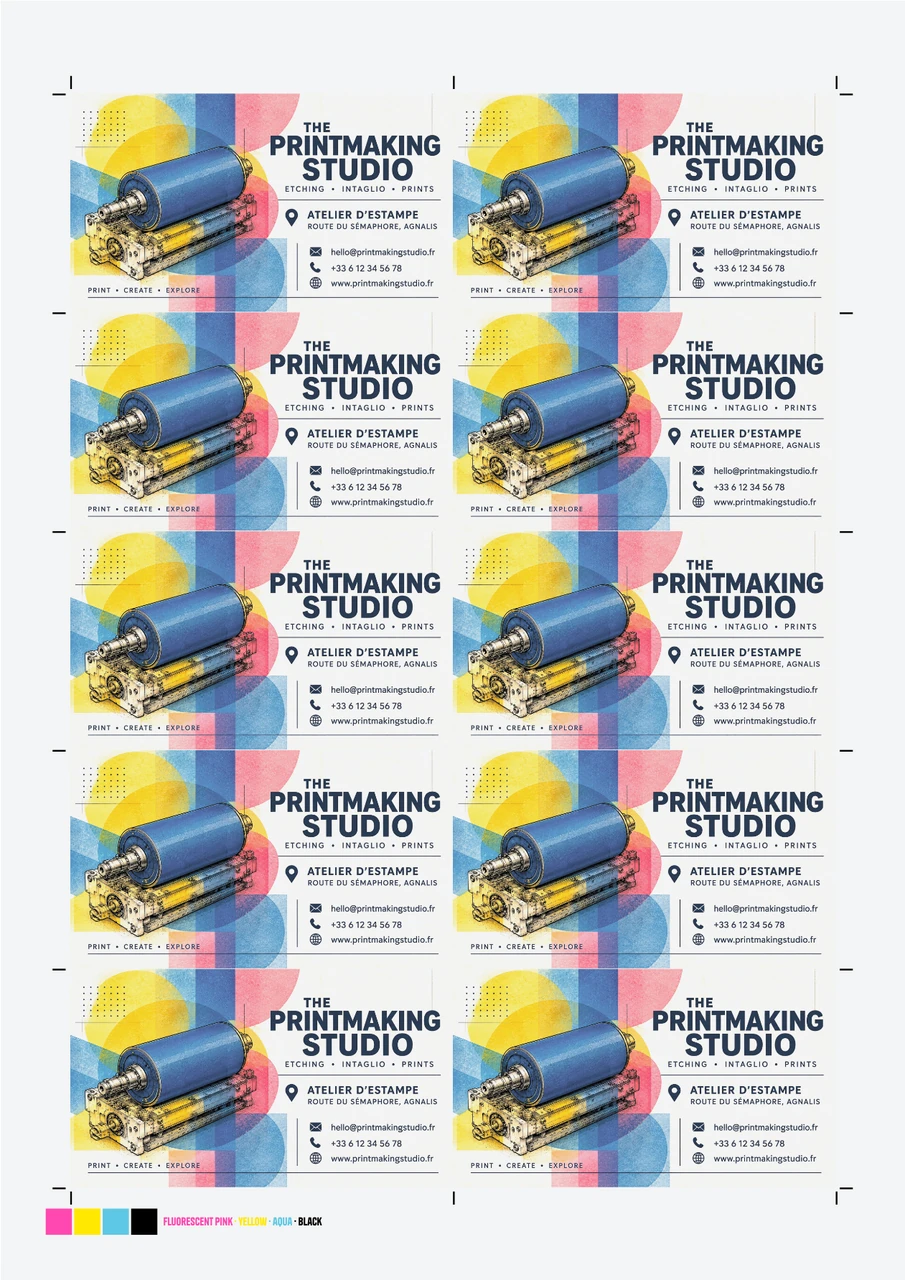
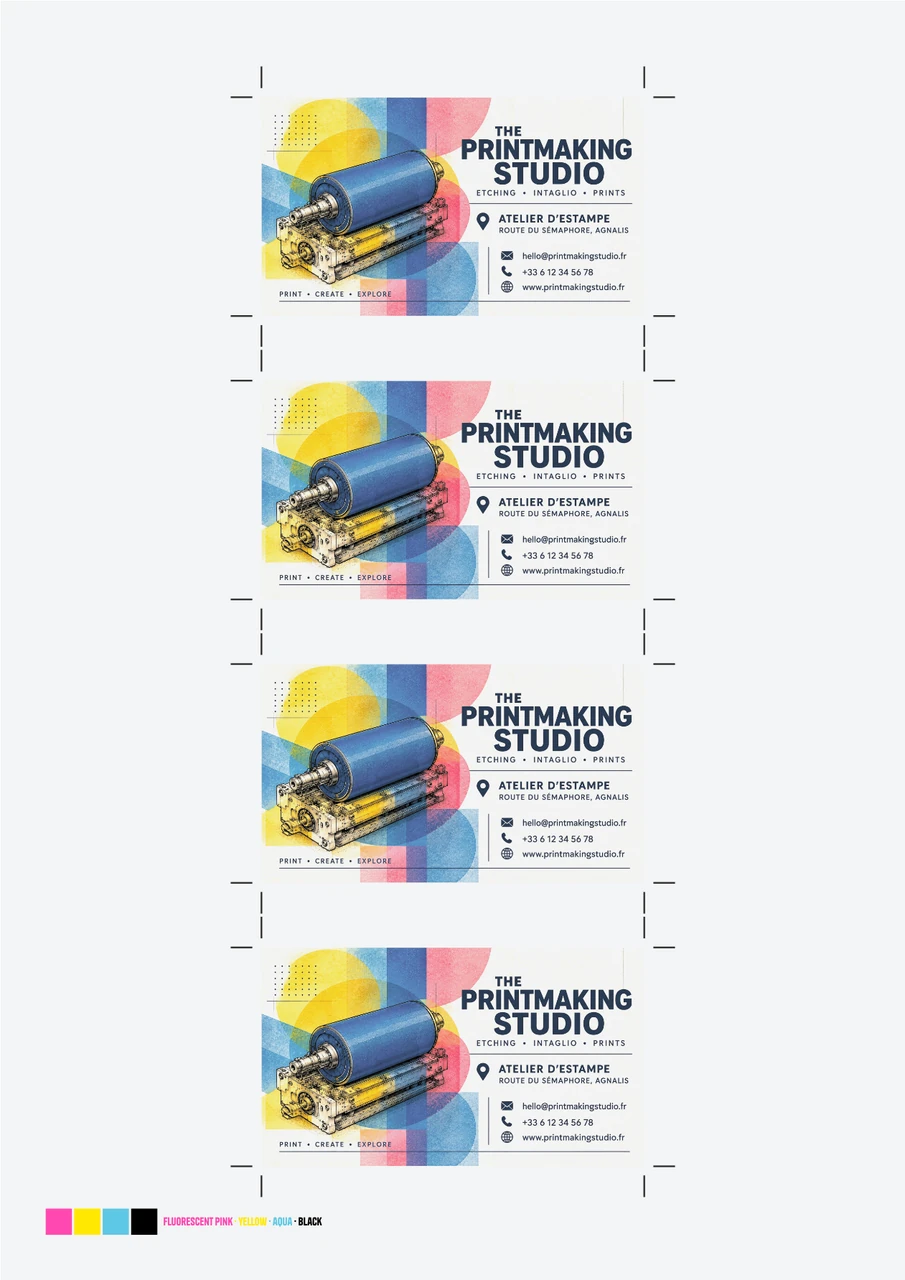
- Edge to edge, two cards share one cut line. A guillotine goes through the stack once per row and once per column.
- Cut ticks (guillotine) keeps the cards touching and prints a short tick outside the block at each row and column boundary, to line up the blade. The count does not move: 10 on A4, 21 on A3.
- Show crop marks needs paper between the cards. On a Planche you would shrink the copies to win them back; a card has a fixed size, so the cards go instead: 4 on A4 instead of 10, 12 on A3 instead of 21. Planche and Flat shows both kinds of marks.
- The Grid panel of a card sheet has no Copy size: only Gutter between slots and Grid position. A wider gutter means fewer cards.
- Cards that touch have no room for a bleed: when a design runs ink to the edge, as this one does at the top and bottom, a cut slightly off the line shows a sliver of the next card.
On both faces.
Look under the cards in every sheet above: the row of ink squares and ink names is the Label. A business card sheet has it from the start, and the back prints its own, for the inks of the back. It sits in the hatched band below the last row of cards, inside the sheet the grid has to share. The Label panel moves or hides it.
Two faces, eight plates.
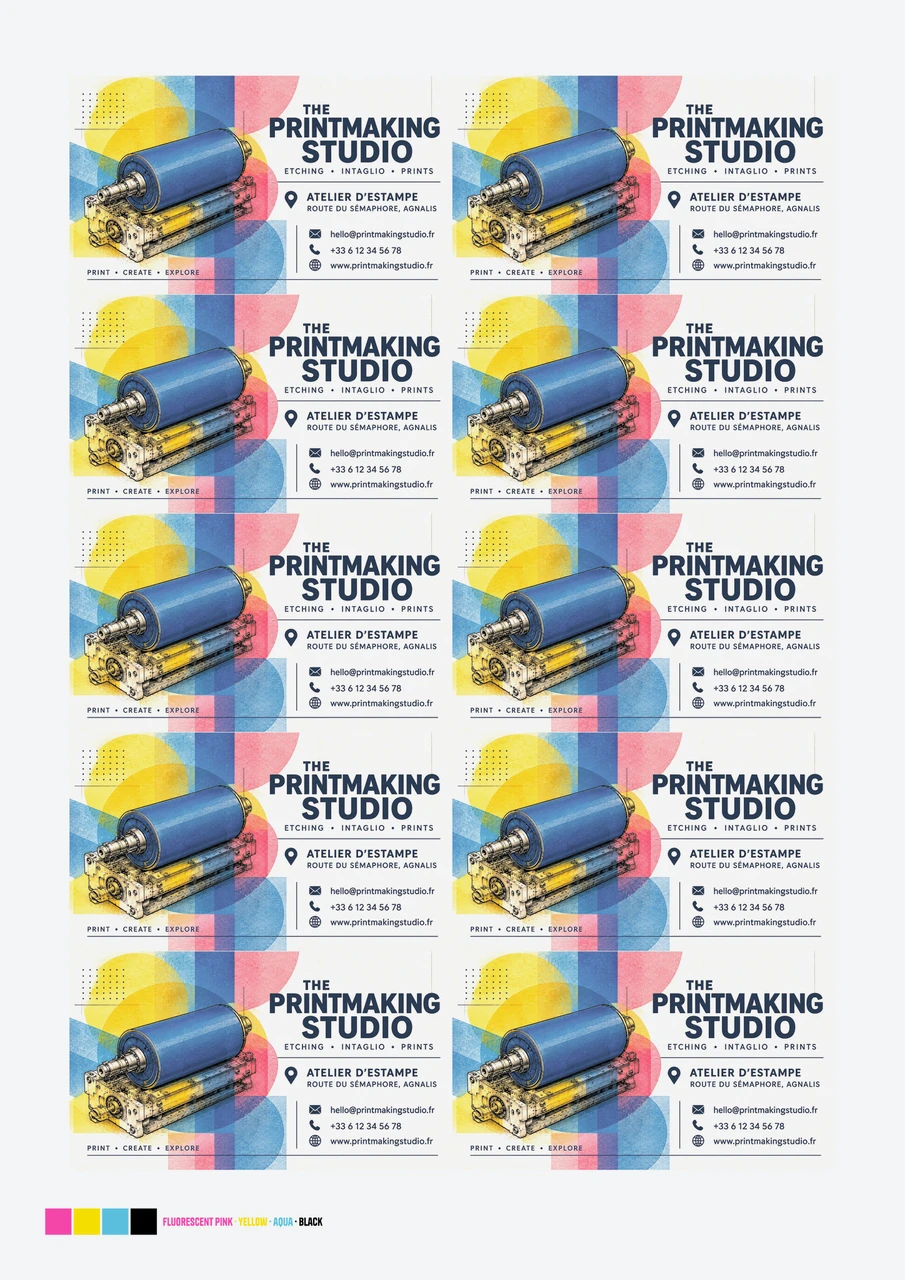
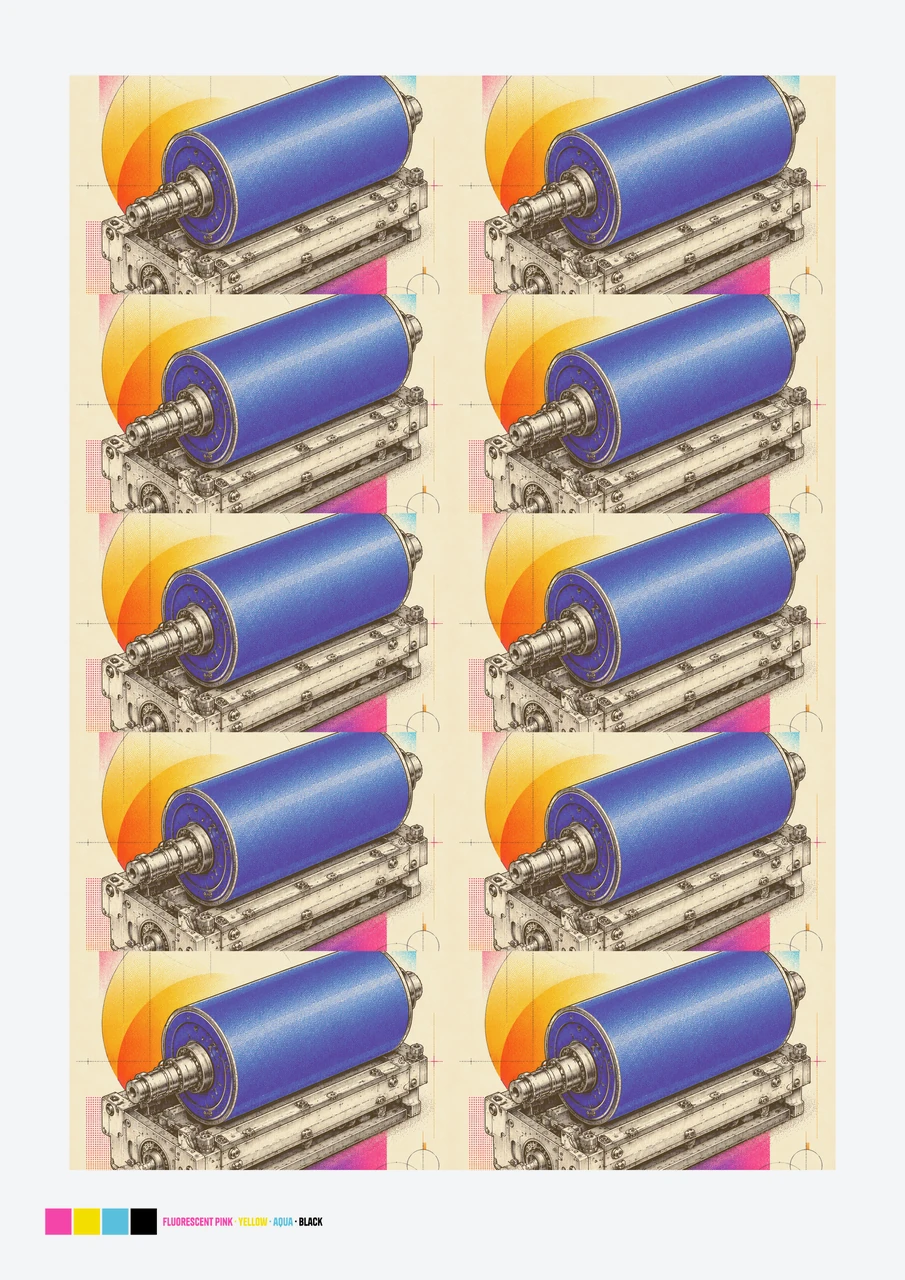
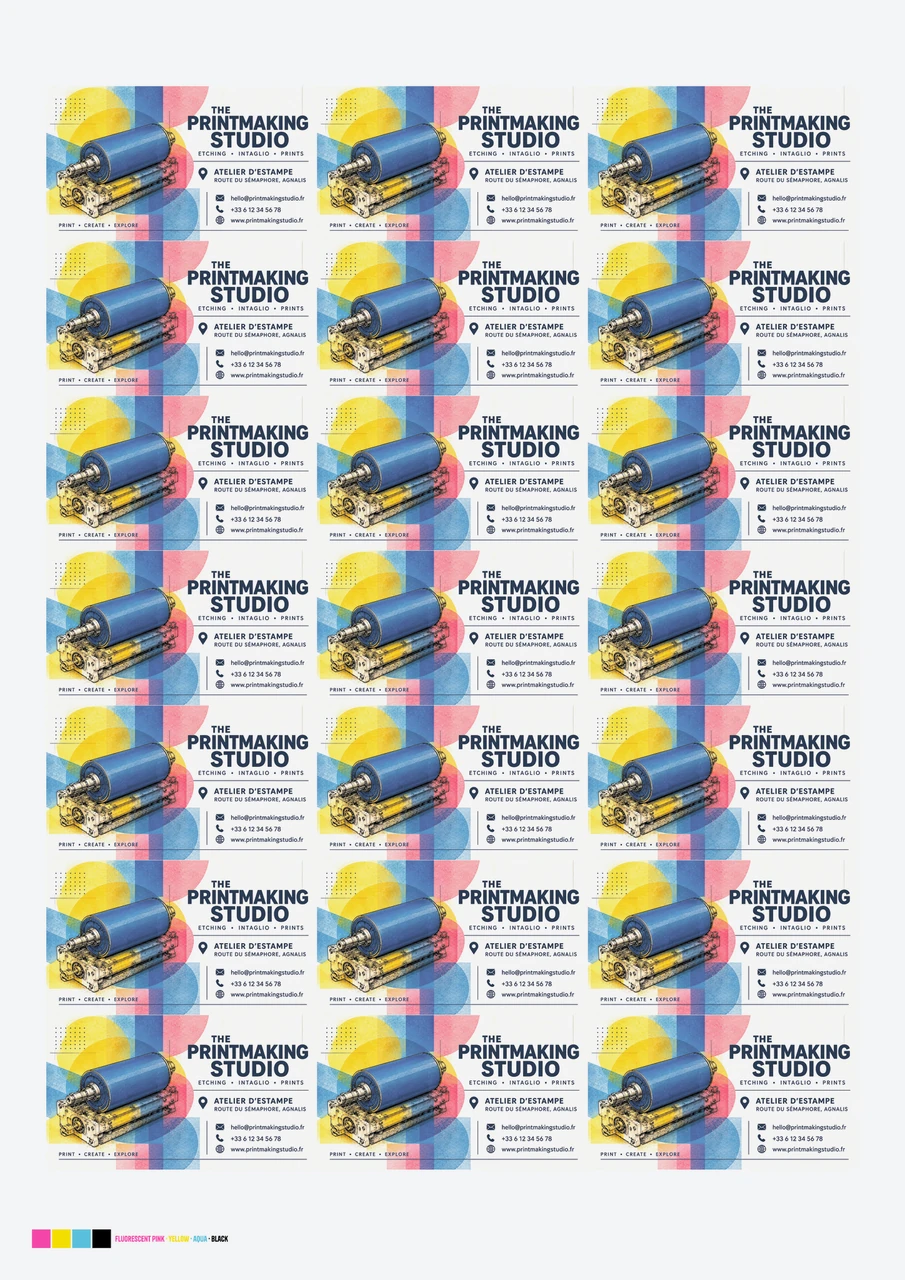
The A4 sheet exports 8 plates: four inks on the front, four on the back, each face in its own pass order, with the color proof in layout_preview.pdf and the plates in masters.pdf. Total print passes, in the Resume panel, counts the same: one pass per ink, per side. The A3 sheet had nothing on its back: its export holds 4 plates, the front only.
| Sheet | Fluorescent Pink | Yellow | Aqua | Black | Total |
|---|---|---|---|---|---|
| Front card alone, in the Editor | 15.1% | 10.6% | 24.5% | 10.9% | 61% |
| A4, front (10 cards) | 11% | 7.7% | 17.7% | 8.3% | 44.6% |
| A4, back (10 cards) | 30.5% | 19.3% | 31.7% | 0.8% | 82.2% |
| A3, front (21 cards) | 11.6% | 8% | 18.6% | 8.7% | 46.7% |
- The A3 front inks more of its sheet than the A4 front, 46.7% against 44.6%, on every plate: its 21 cards leave less bare paper around them.
- The two faces of one sheet do not weigh the same. The back inks 82.2% of the A4, the front 44.6%; its Black plate is almost blank, because the print on the back has almost no black.
Count the sheets, not the cards.
| Cards to print | A4 | A3 | SRA3 |
|---|---|---|---|
| 100 | 10 sheets | 5 sheets | 5 sheets |
| 250 | 25 sheets | 12 sheets | 11 sheets |
| 500 | 50 sheets | 24 sheets | 21 sheets |
- A small run, or a test before the real one: A4 or A5, quick to print and to check.
- A real run: the largest sheet your machine feeds. Fewer sheets means fewer passes for the same cards.
- Between two sheets of the same family, compare the counts first: SRA4 gives no more US cards than A4, SRA3 gives three more than A3.
- Cutting on a guillotine: Cut ticks, and the full count. Cutting card by card, or a design that needs a bleed: Show crop marks, and fewer cards per sheet.
Switch the canvas to the back before you export. A blank back is skipped by default, as on the A3 above; a back you did not mean to keep costs a full set of passes.