Folds
The Fold presets turn one sheet into a leaflet, a map or an accordion. Here are two of them built from start to finish, and what the numbers on the panels tell you about the object.
A fold is one sheet, printed and folded: no cut, no staple. The preset divides the sheet into panels and says which panel becomes the cover. Two examples here, from the empty sheet to the plates: a road map of photographs in black and gold, and a strip of six sushi posters that shows how to pick the fold from the images.
Each image is drawn by Shadrum: the Layout canvas, a side of the sheet, or the color proof and the plates of the export. The photographs are separated in Duotone — Vivid with Black and Metallic Gold, the posters in Smart CMYK, both for a Risograph.
One sheet, panels and folds.
- In the New layout window, Fold is the card that reads Accordion, gate, tri-fold, map and more. Its Format step groups the presets by kind of fold, from Half-Fold to Accordion.
- Every Fold layout is a single sheet. Most print both sides; French Fold and Map Fold start with the front only.
- Each panel is a slot that carries one page. An empty slot shows its number, with FRONT and BACK for the two covers.
Eight panels, and a map behind them.
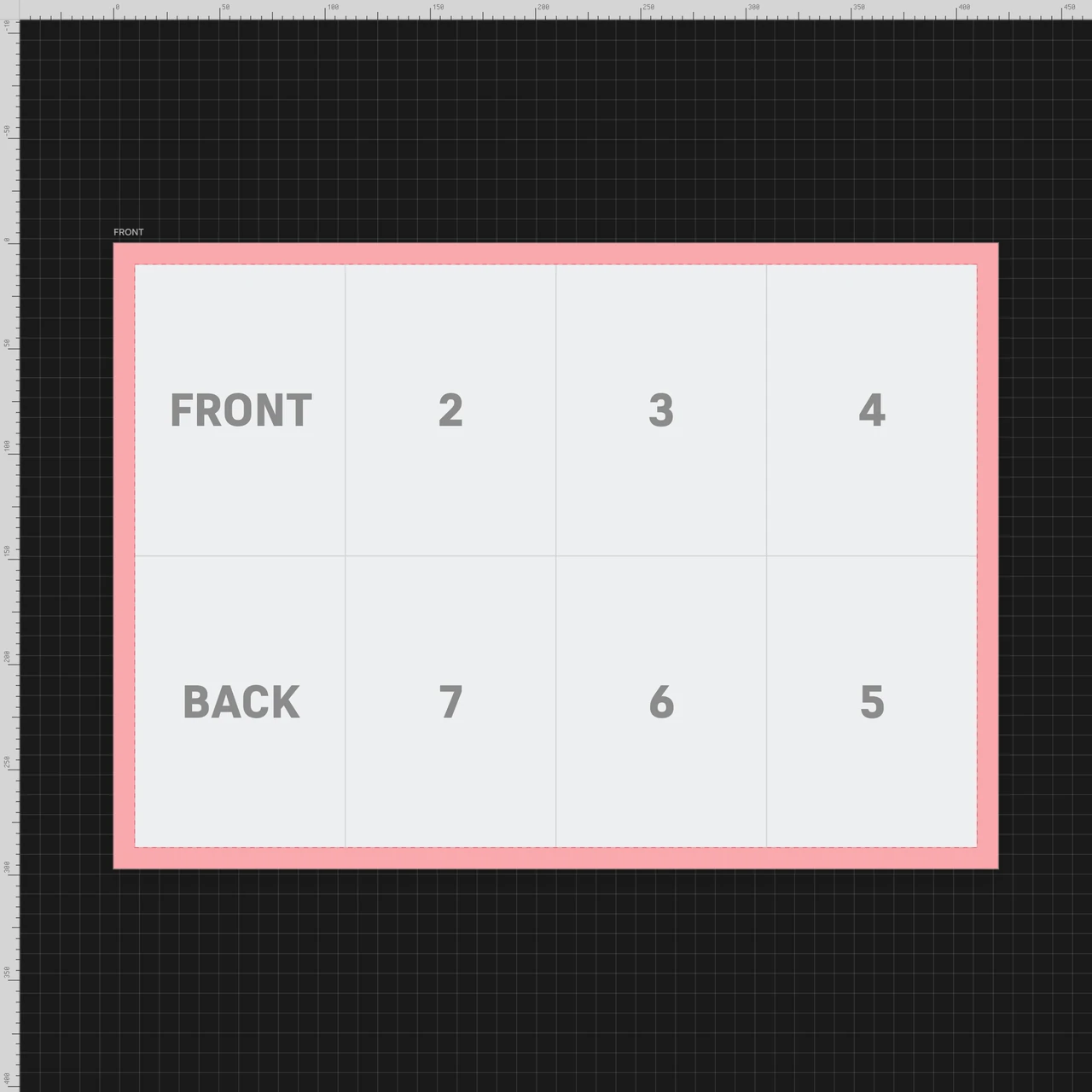
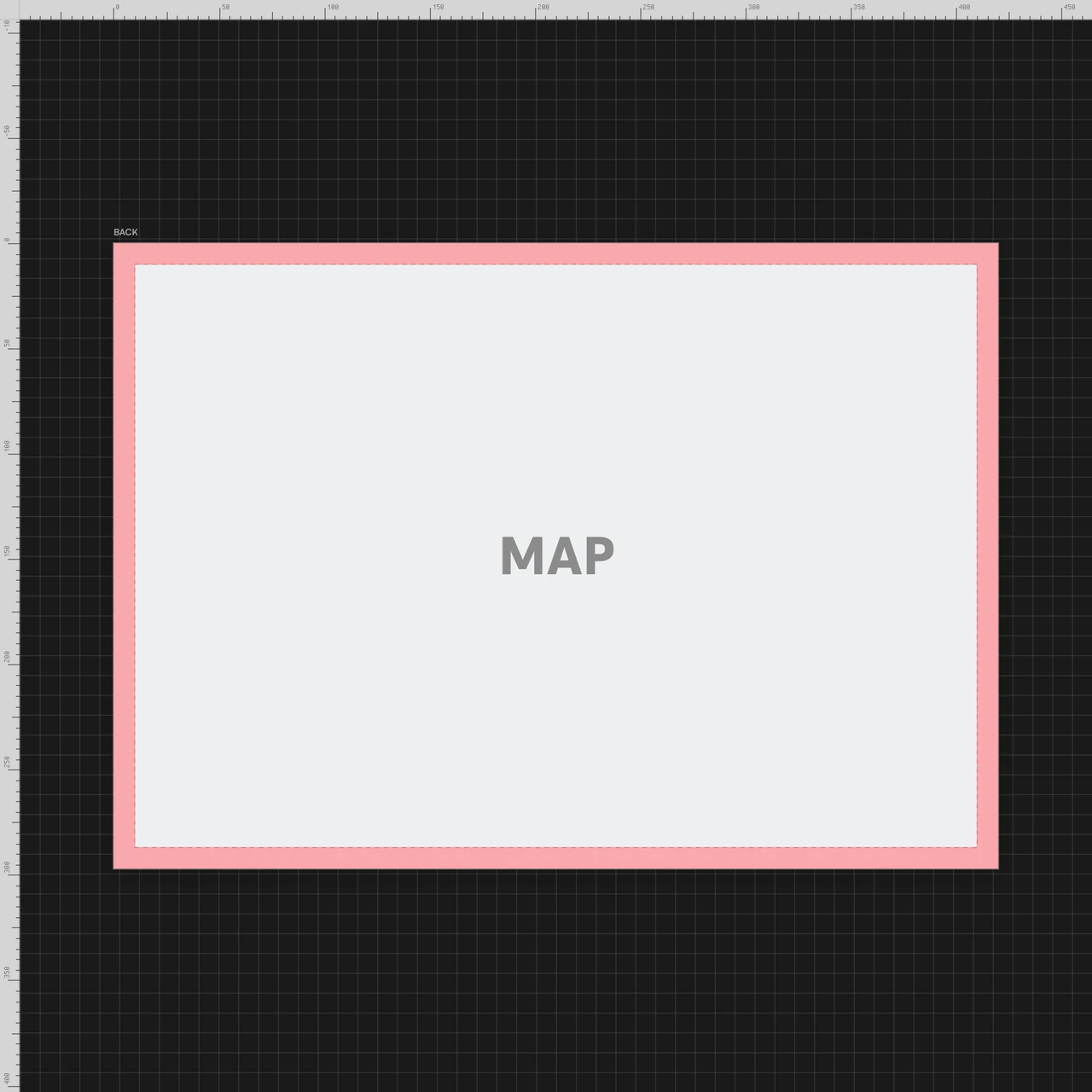
- At Details, the Map Fold asks for a Back: None or Map. Map adds one area across the whole back, behind the eight panels; the hint says it can be changed after.
- Read the numbers: FRONT, 2, 3, 4 along the top, then 5, 6, 7 back along the bottom from the right, and BACK under FRONT. Folded, the left column stays outside: cover on one side, back cover on the other.
- The panels are taller than wide, like an A6 page. The photographs are square.
Square photographs, tall panels.
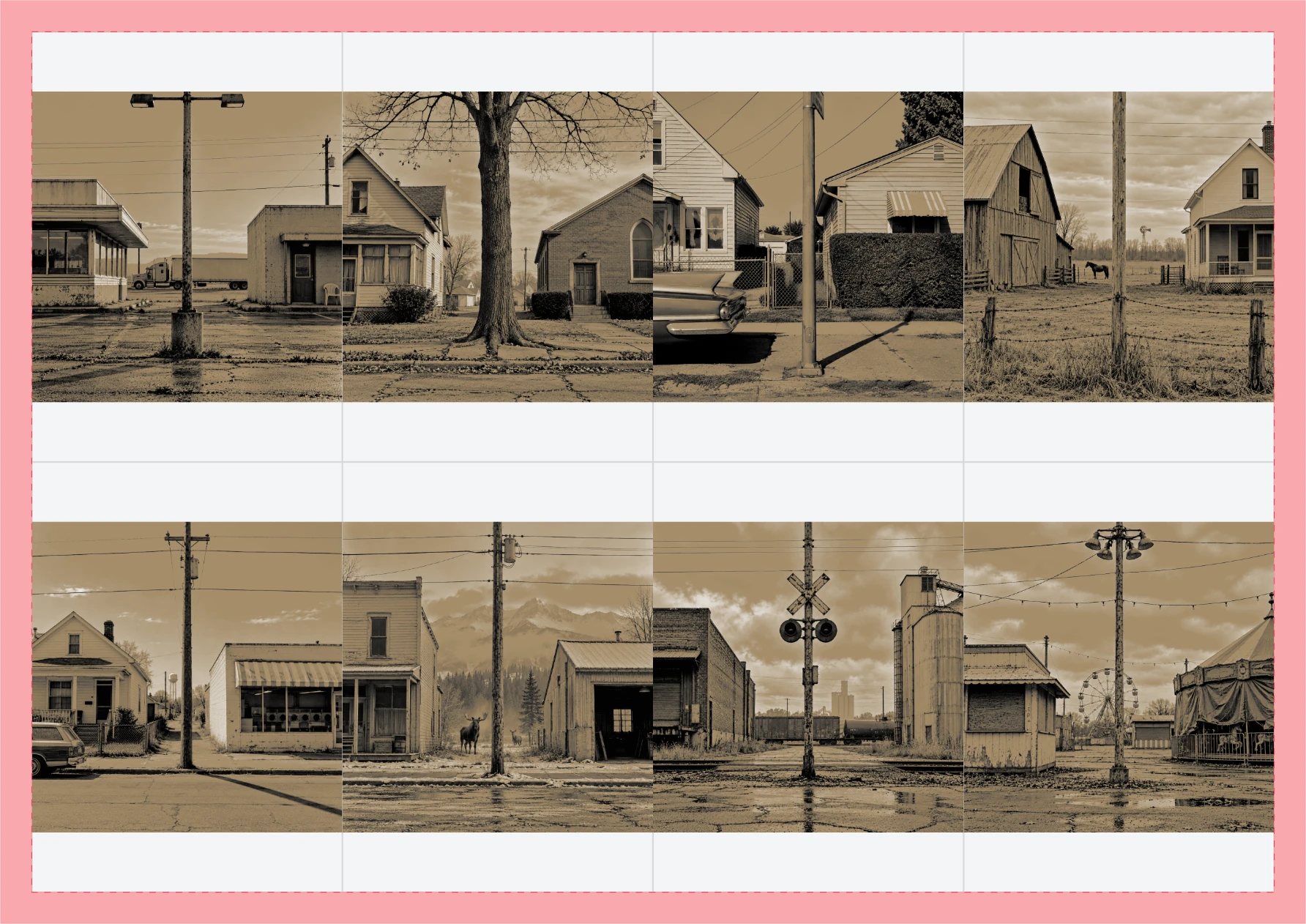
Contain: the whole photograph, and a white band above and below it.
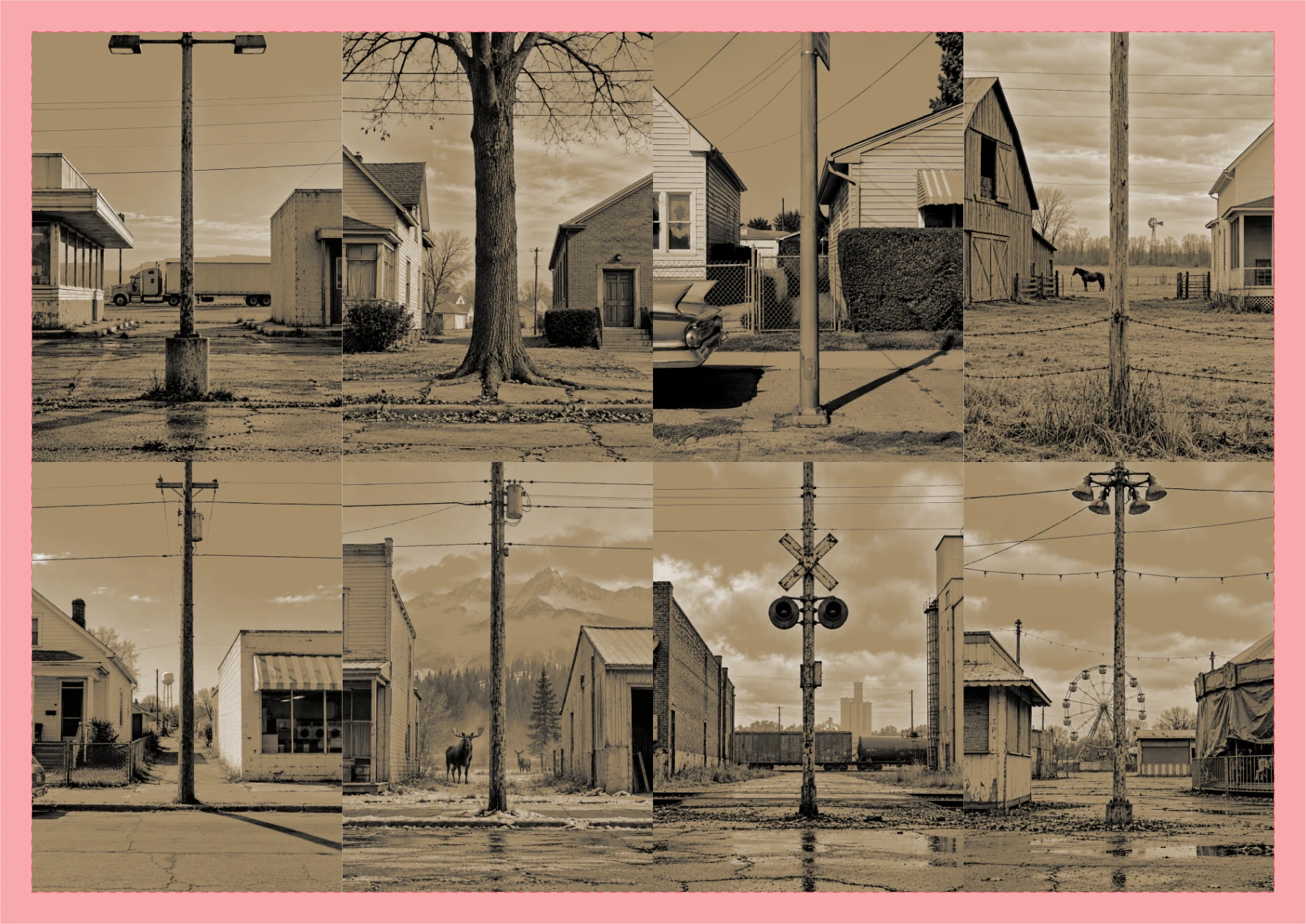
Cover: the panel is filled; the sides of each photograph are trimmed.
- Click or double-click a filled slot: its editor opens, headed by the page (FRONT, Page #2…). Fit Mode offers Contain and Cover.
- Contain fits the whole artwork in the page. Cover fills the page and lets the rest overflow.
- On a map the bands would break the panels into small framed pictures. These photographs each have a pole at the center and lose nothing important at the sides: Cover it is.
- The back holds one more photograph, set to Cover on the MAP area.
Two passes a side.
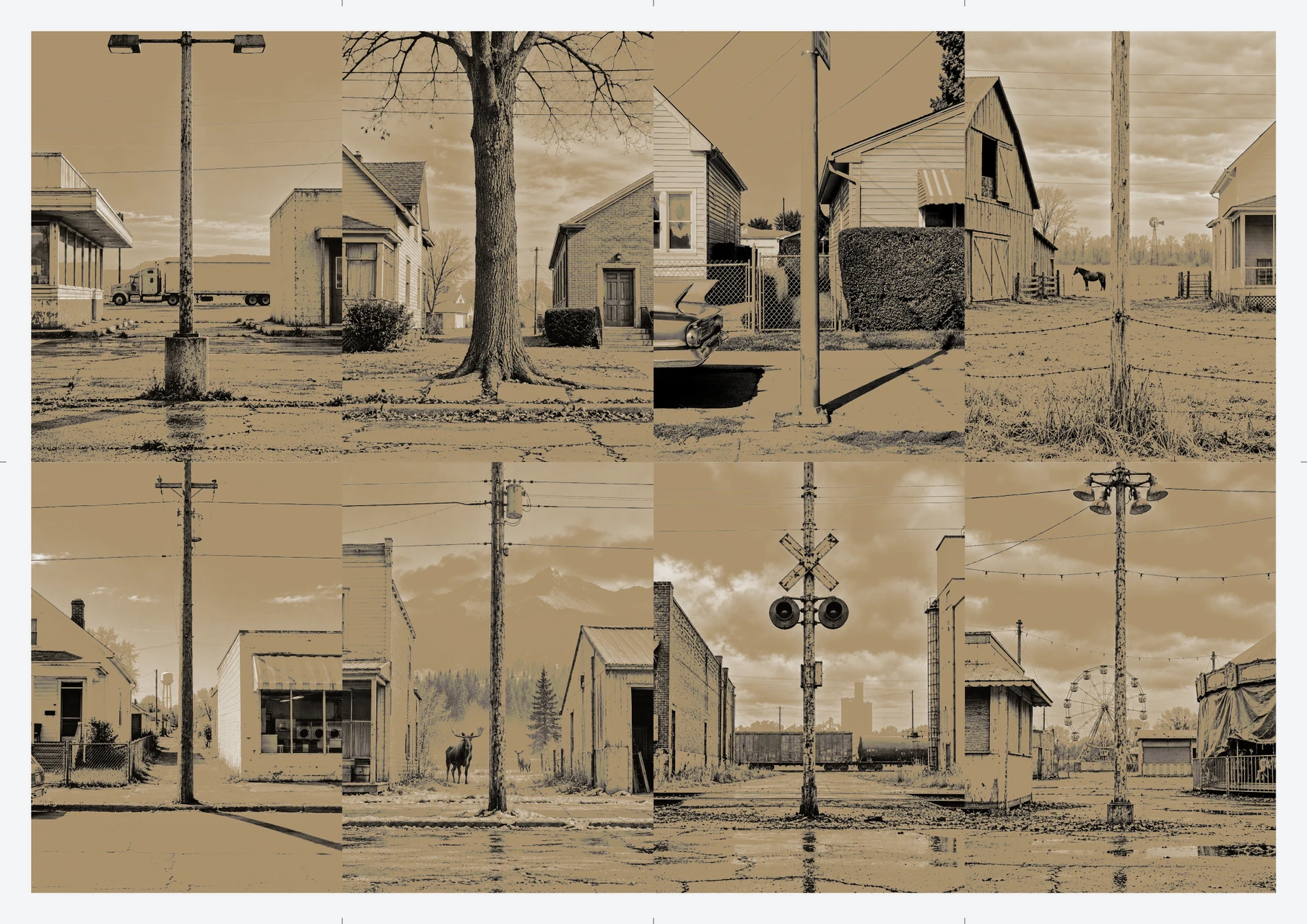
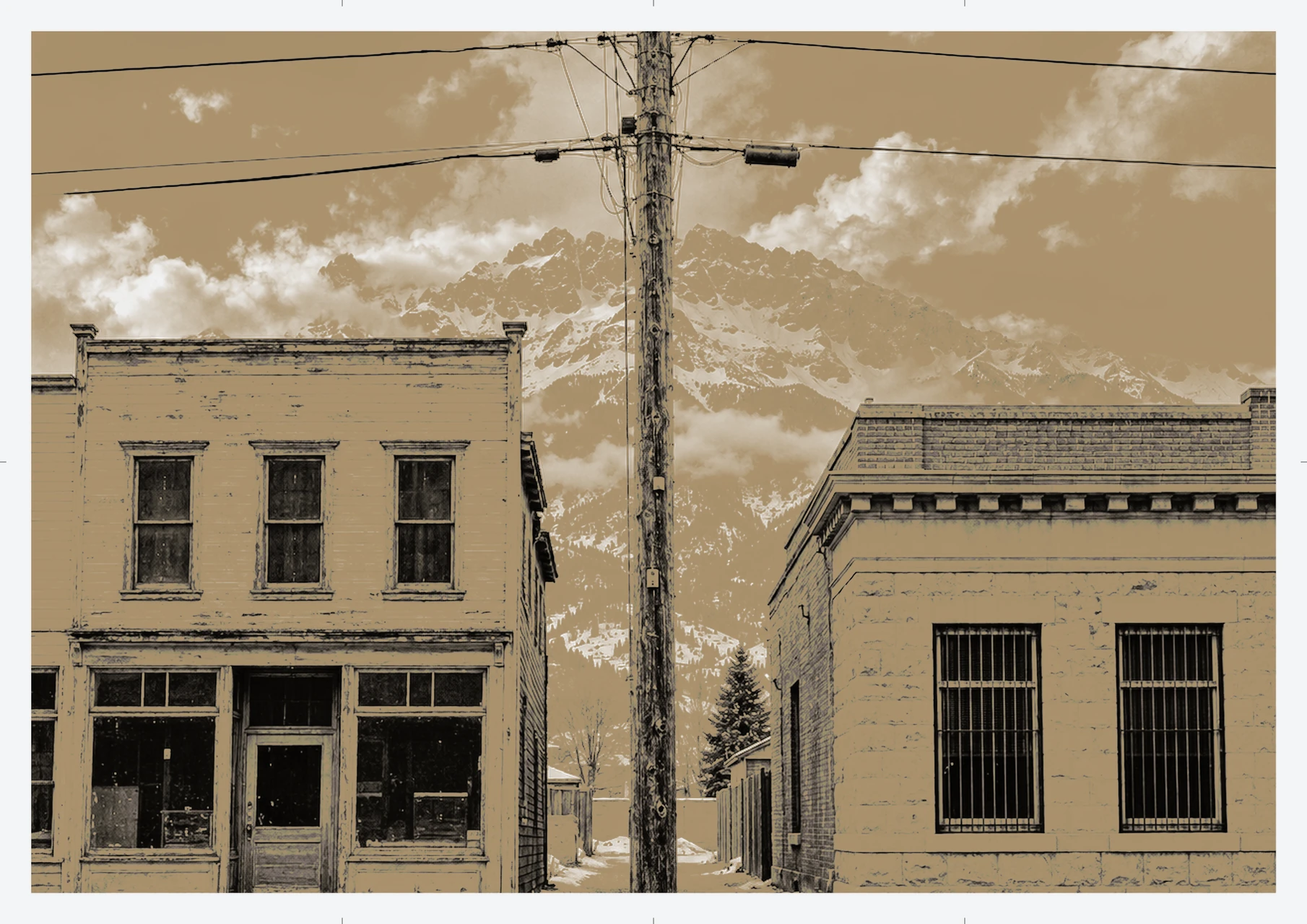
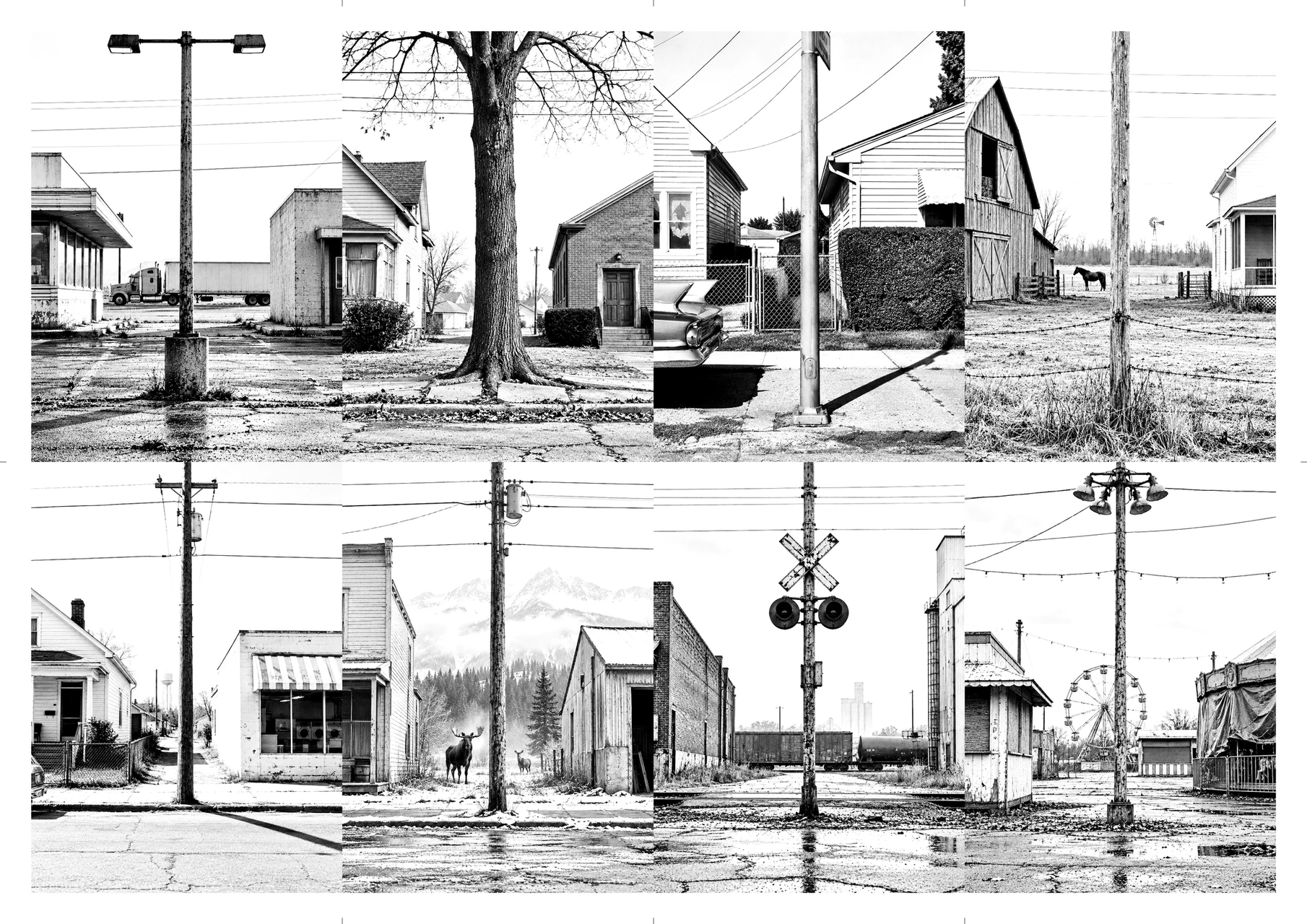
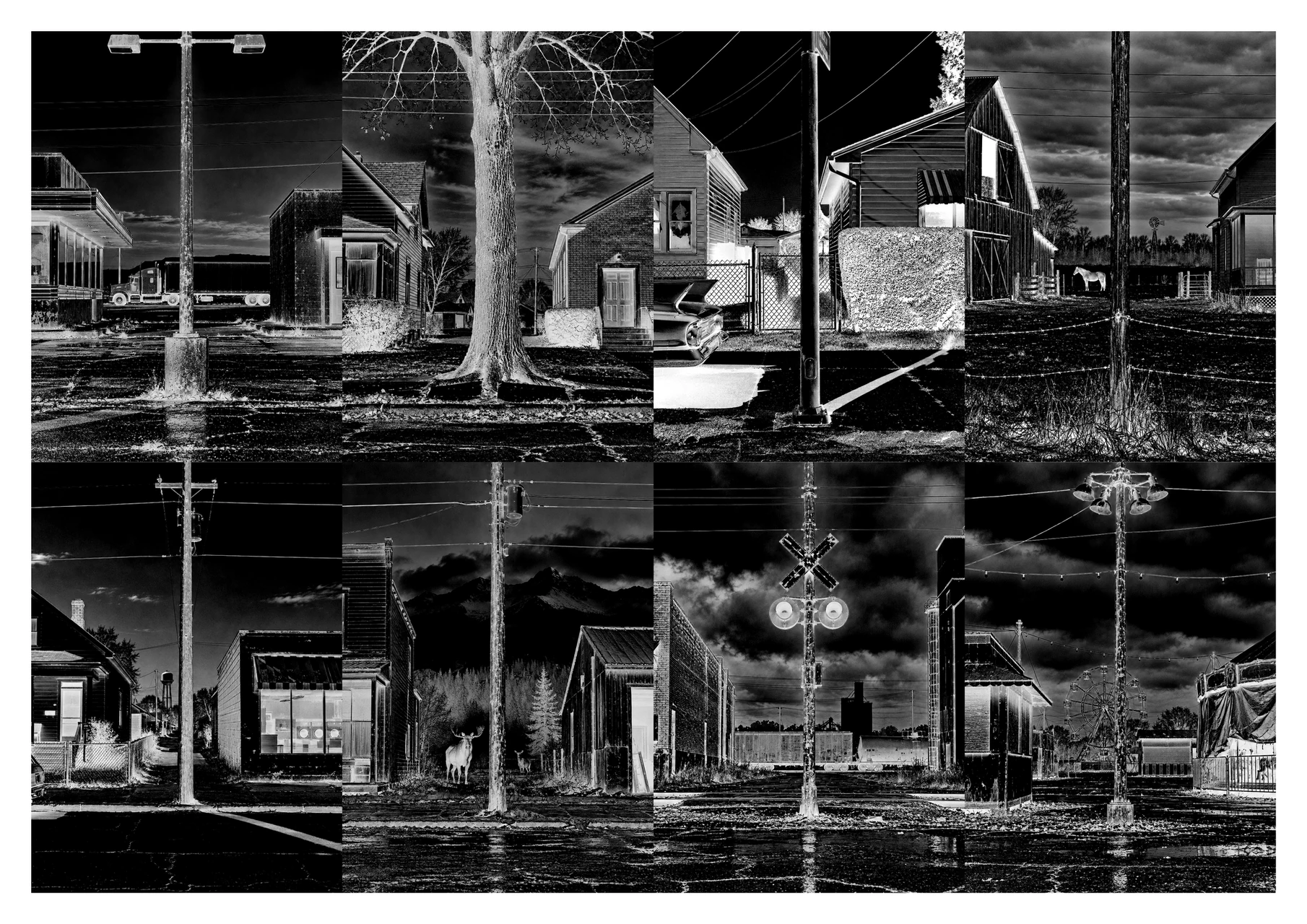
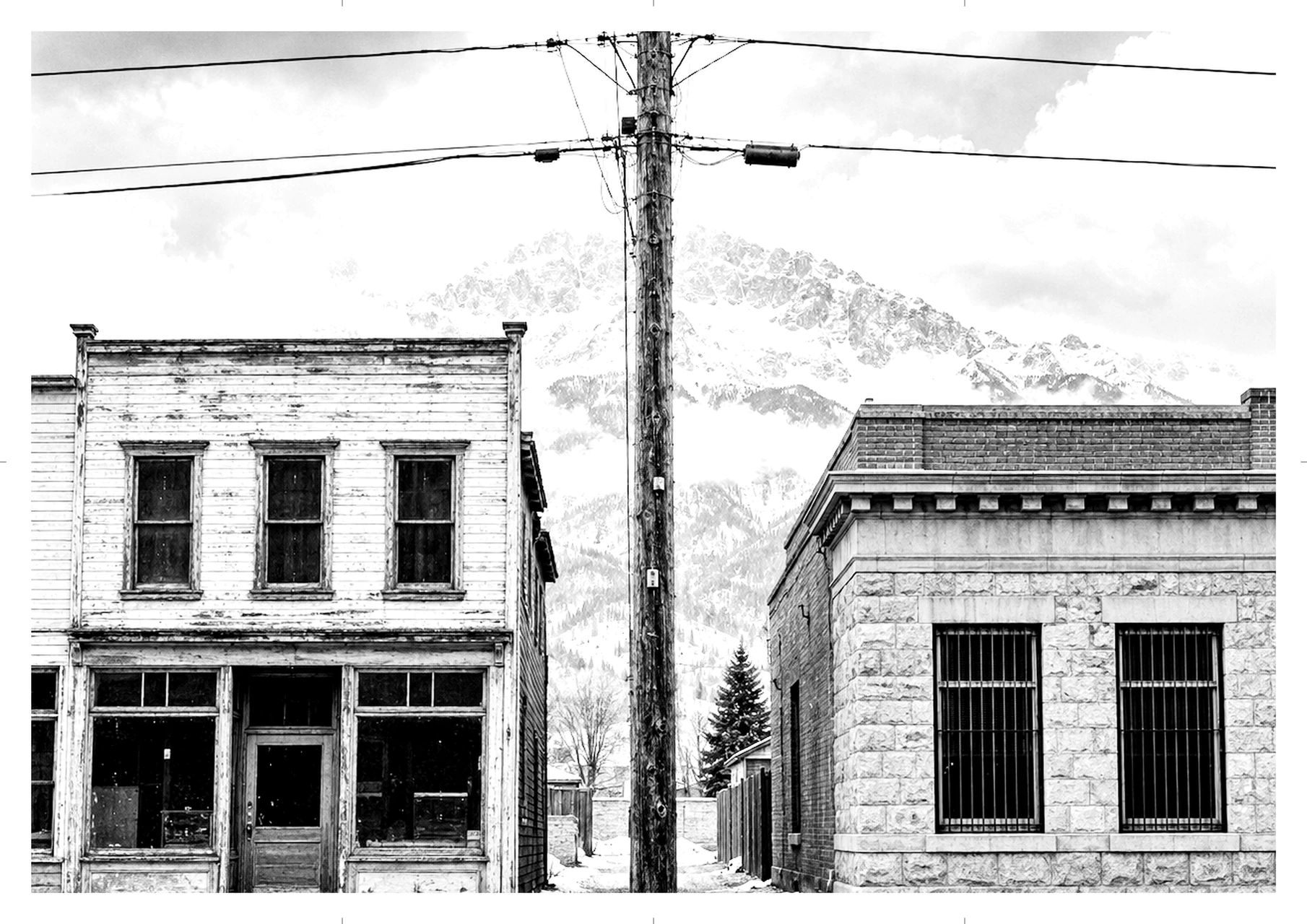
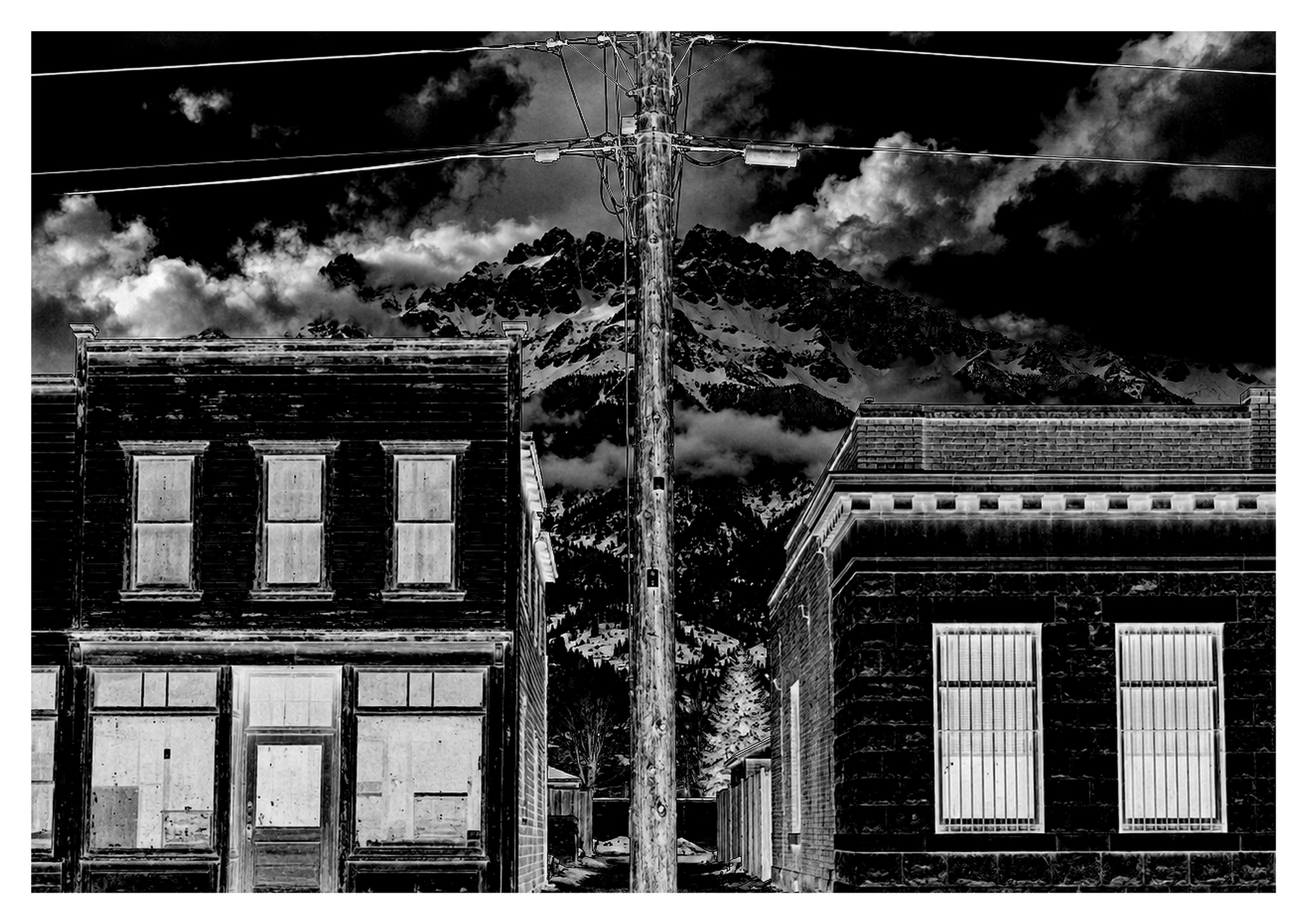
- Duotone — Vivid splits each photograph into two inks: Black holds the shadows and the lines, Metallic Gold lays the tone over most of the picture.
- Two inks on two sides: 4 passes for the map. The export prints Black first, then Metallic Gold, on both sides.
- The gold covers most of the sheet. How the order of the passes is set, and what to weigh with a metallic ink, is in Print pass order.
Six narrow panels.
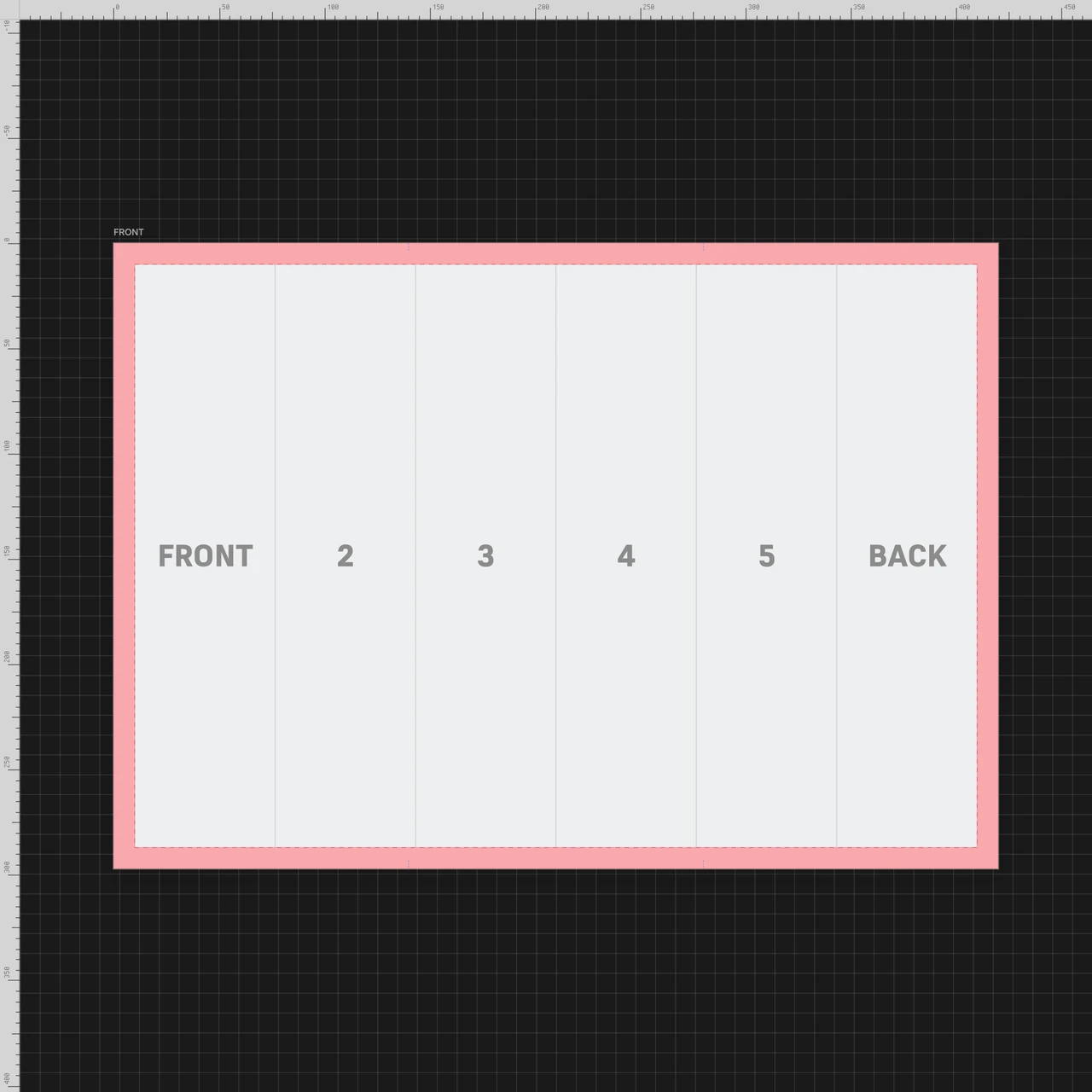
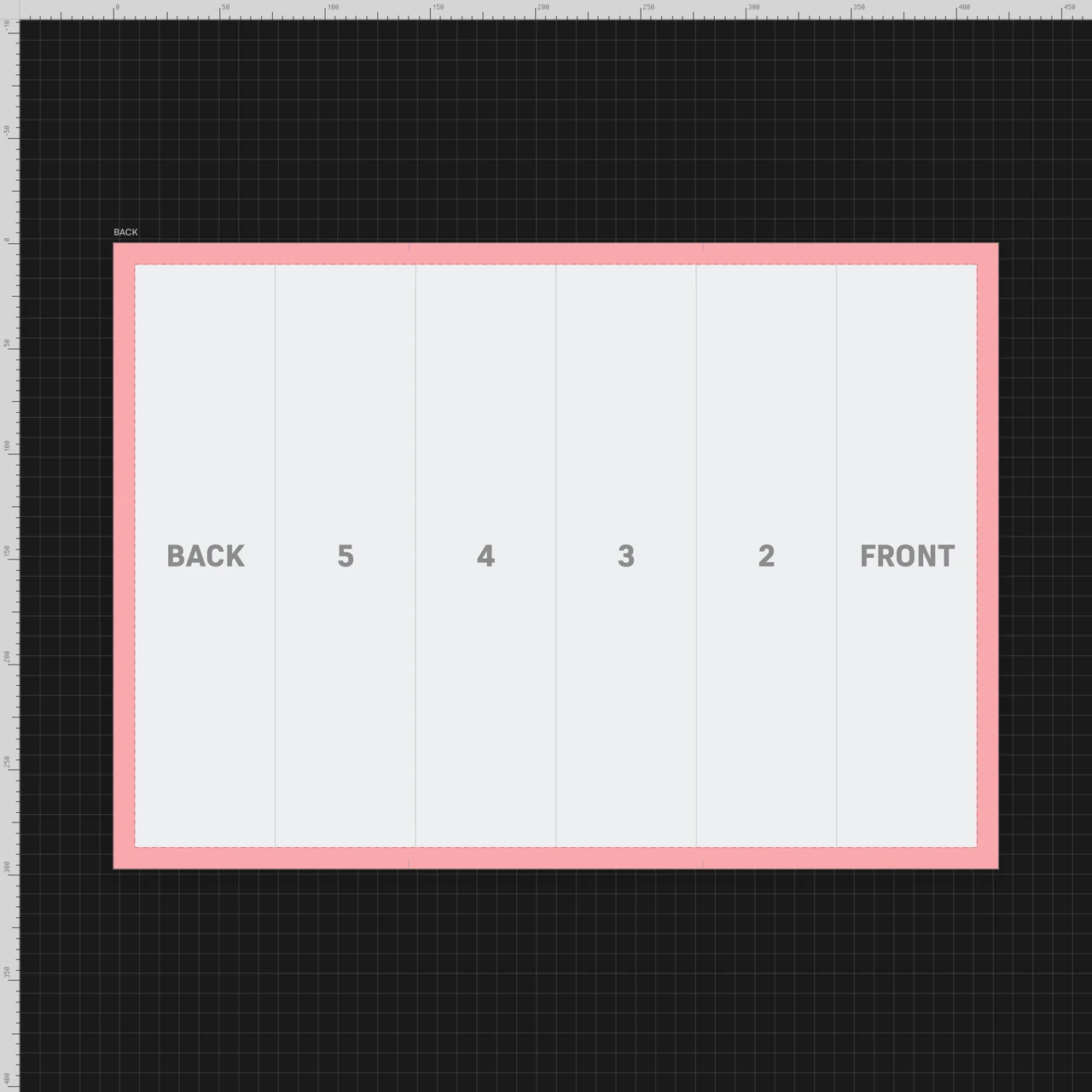
- An accordion folds back and forth, like a zigzag. Each panel keeps its number on both sides: the back is drawn as the sheet looks once turned over, so the panel behind FRONT sits at the right.
- Six sushi posters were meant for it, one per panel.
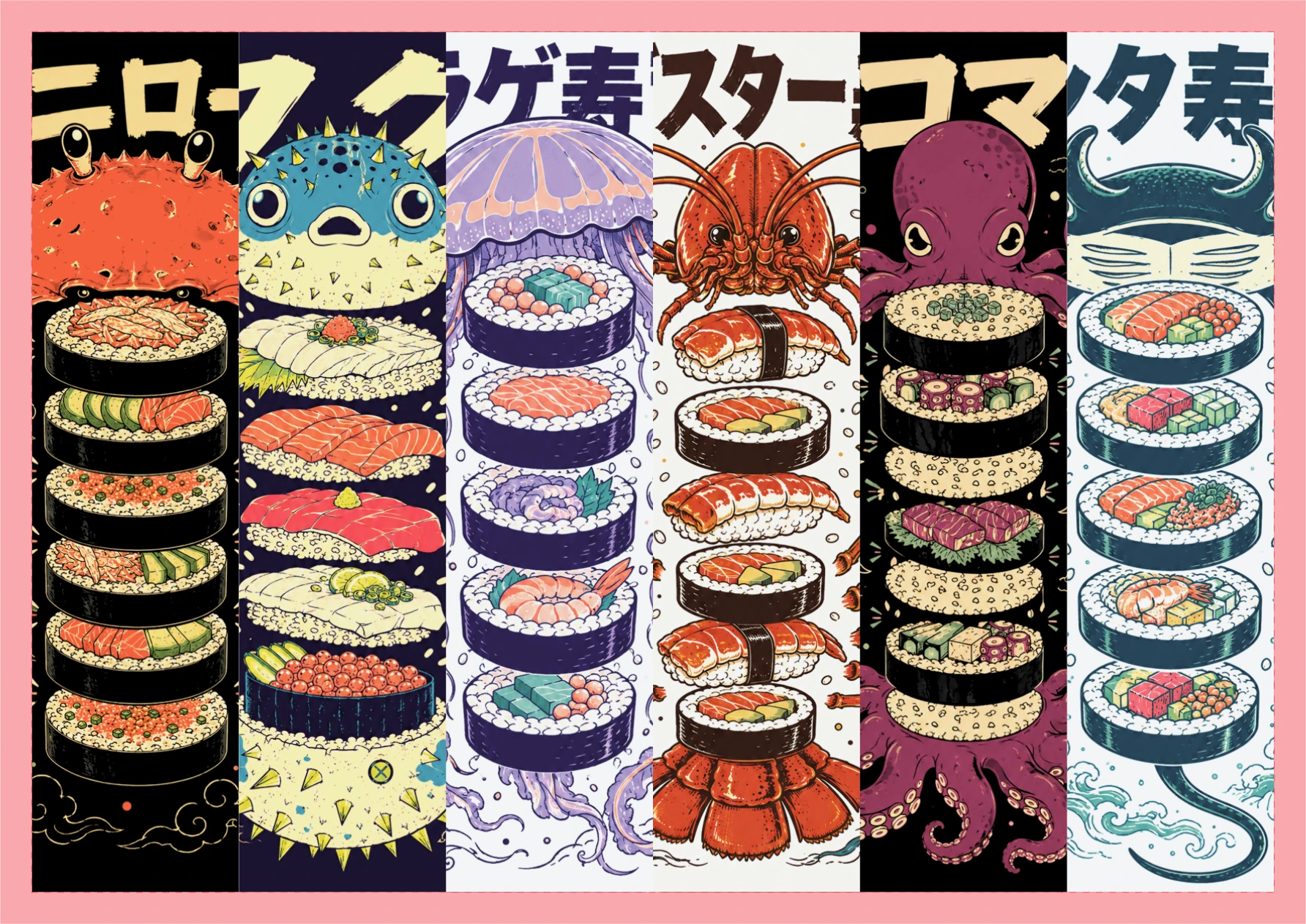
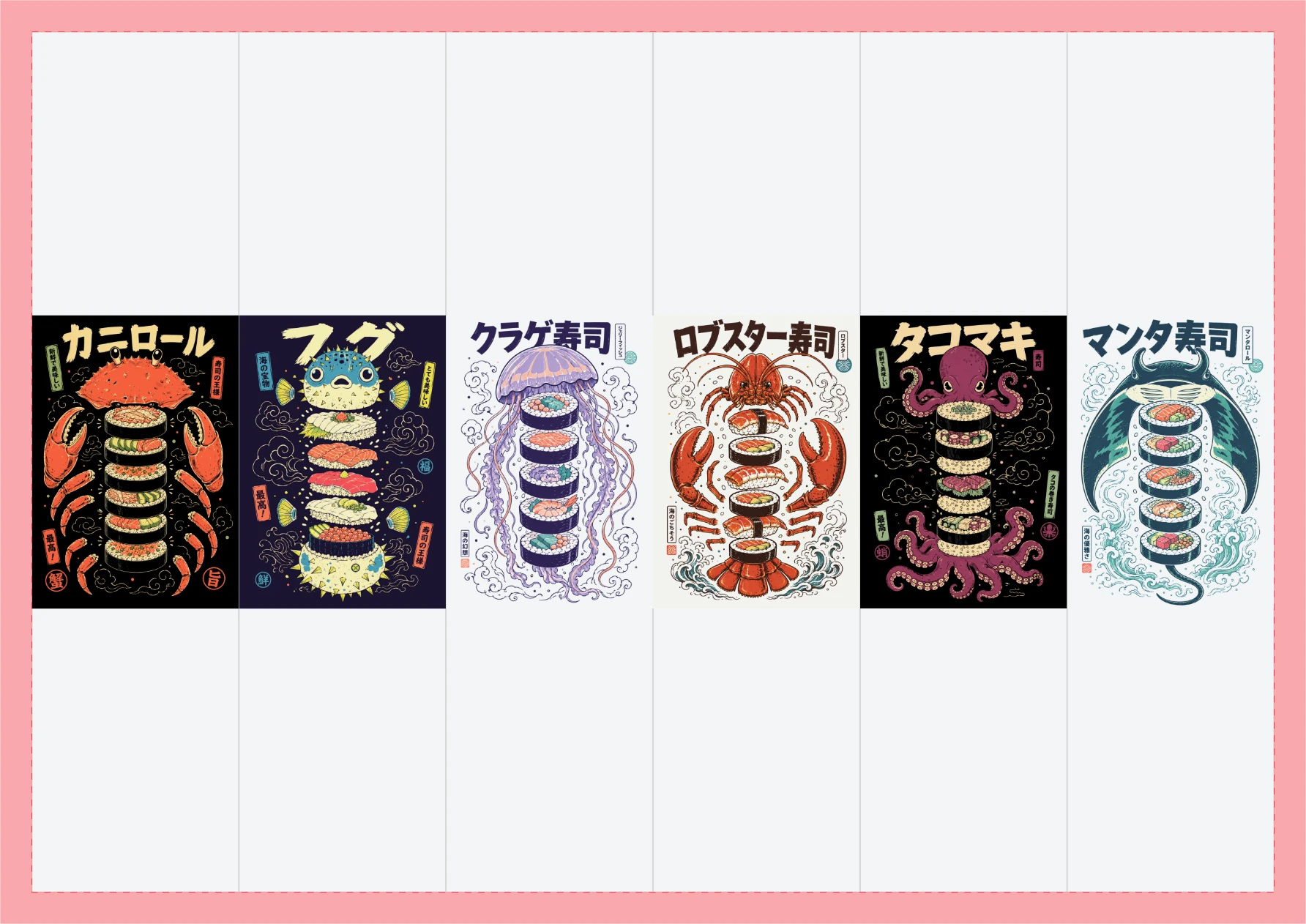
Contain: each poster uses about a third of the height of its panel.
Cover: the panels are full, the titles and the animals cut off.
- A poster is about 1.4 times as tall as it is wide; an Accordion A3 panel is 4.2 times. Neither fit works: the sheet stays mostly empty, or the posters lose their titles.
- Four inks on this side: four passes for a band of small pictures.
Compare the panel with the picture.
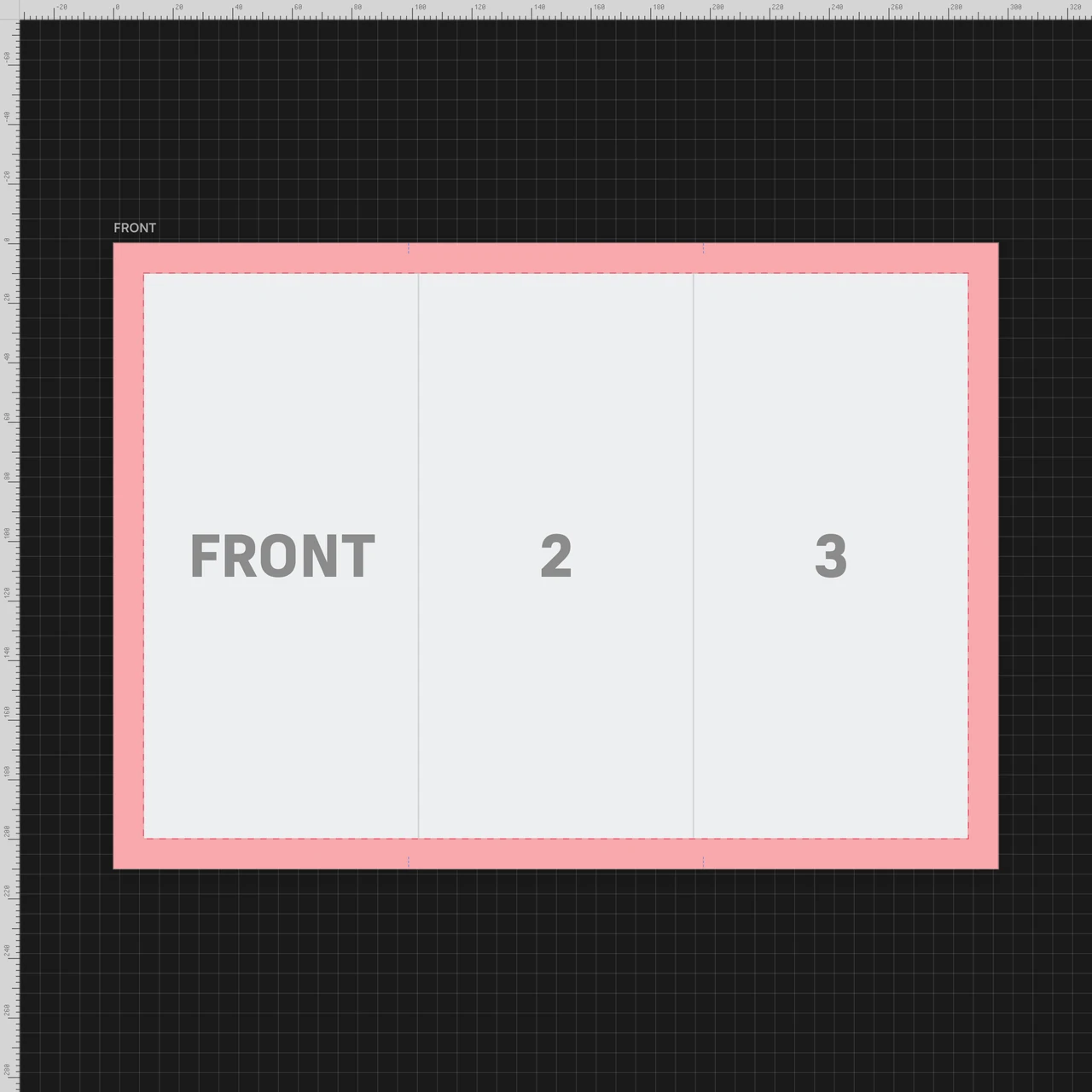
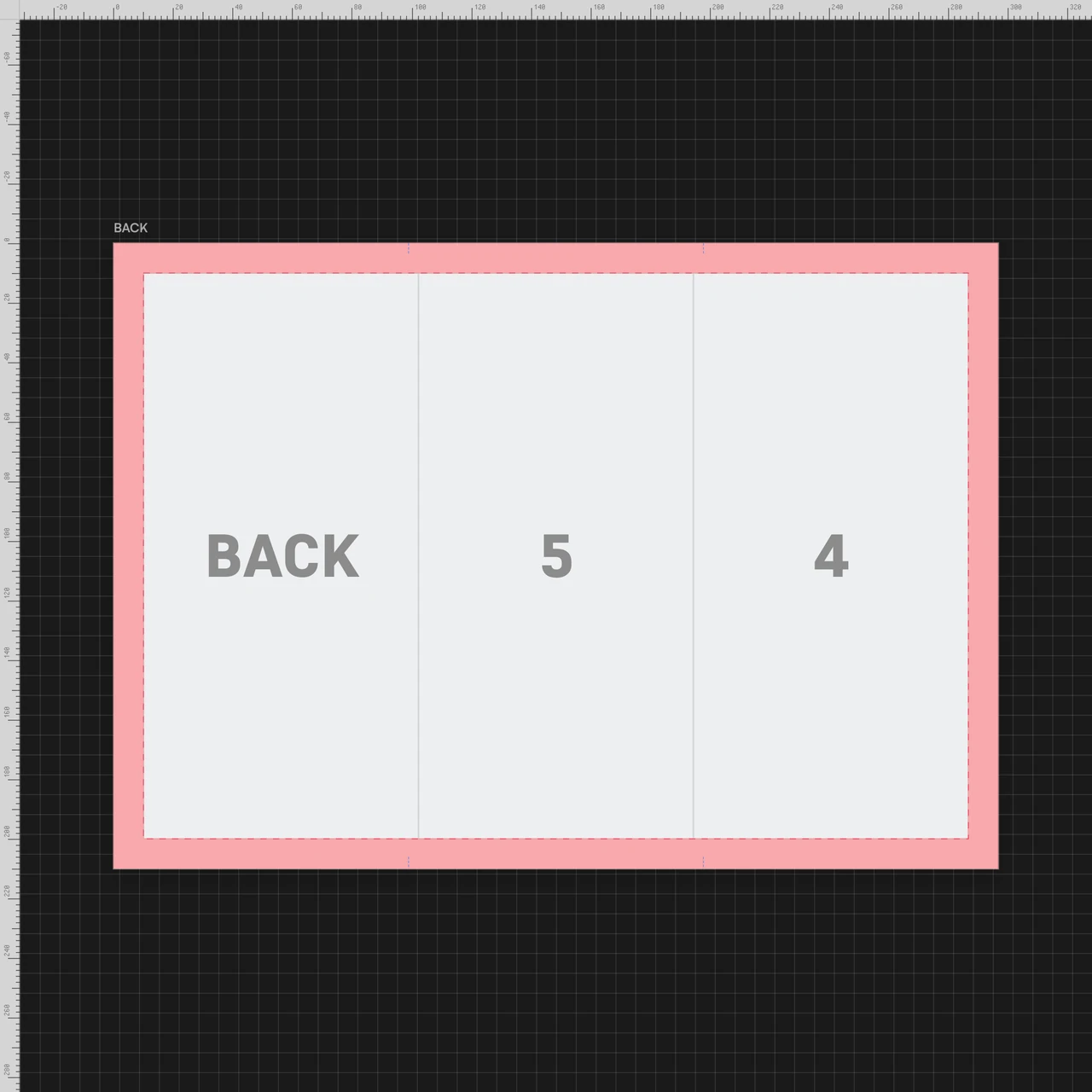
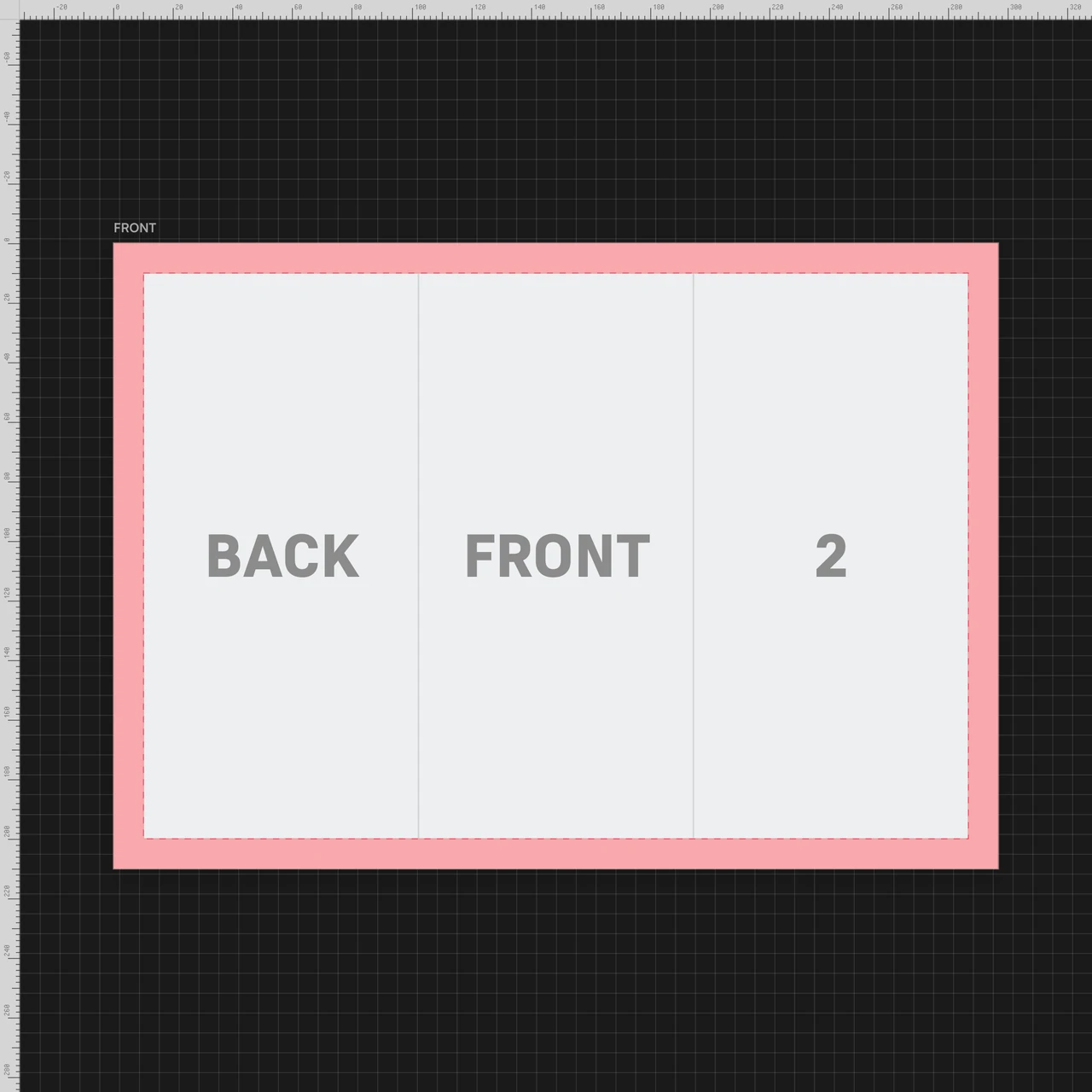
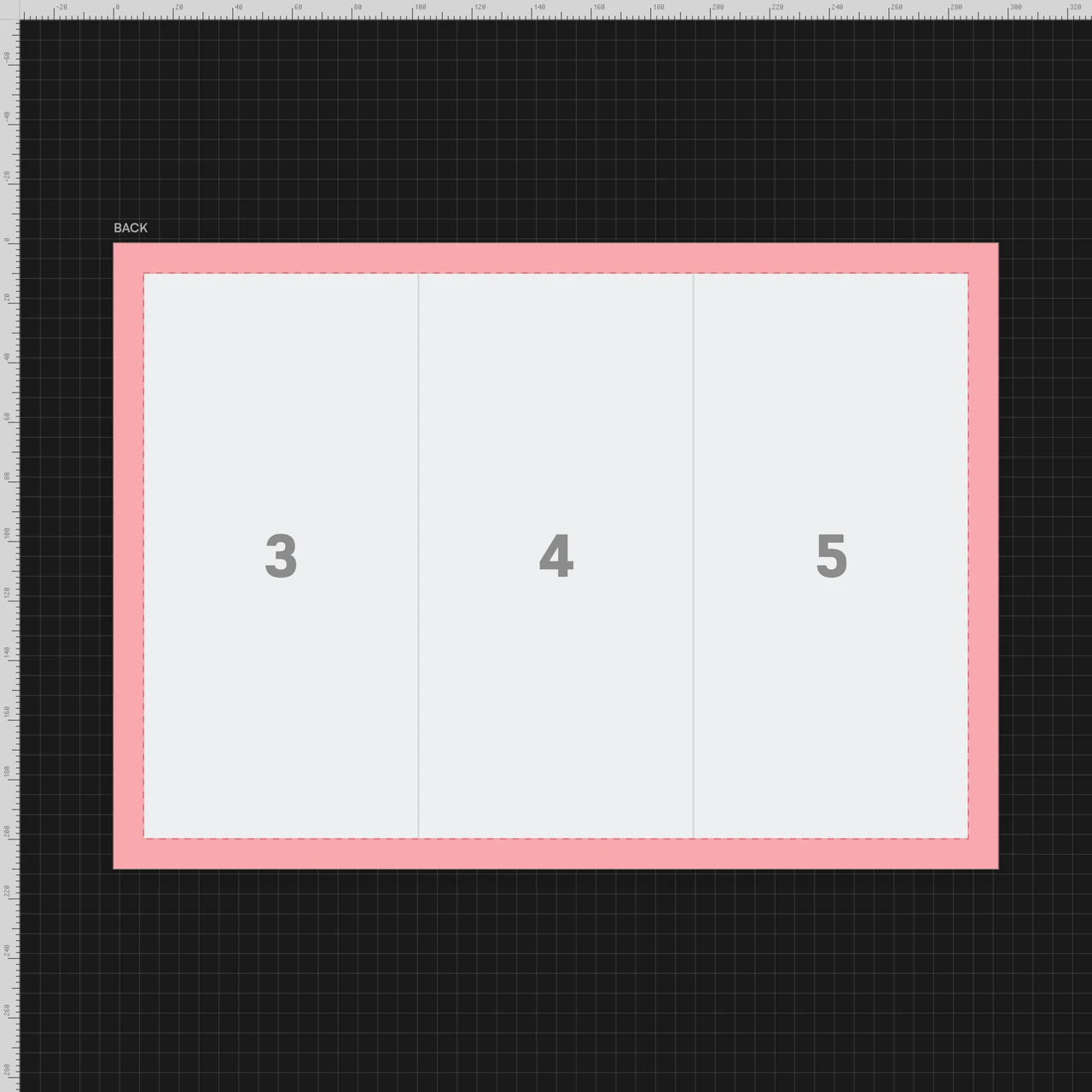
- The Z-Fold A4 is an accordion of three panels of 99 × 210 mm: 2.1 times as tall as wide, much closer to the posters.
- Its numbers read like the accordion: FRONT, 2, 3 on the front, 4 to BACK behind them.
- The Tri-Fold A4 has the same panels but rolls in: BACK and FRONT share the outside with the flap 2, and 3, 4, 5 are inside. Same sheet, another object: the numbers tell you which.
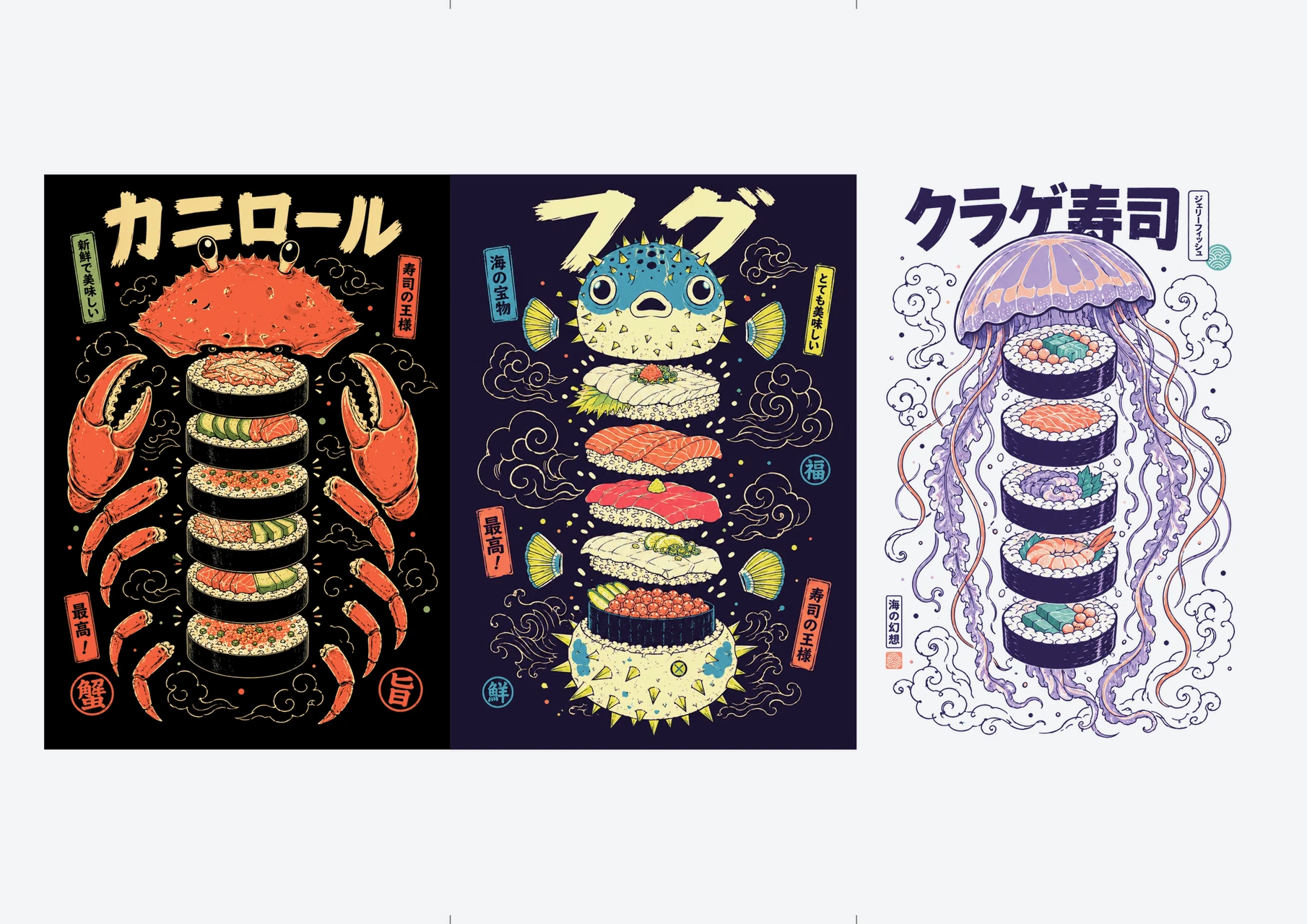
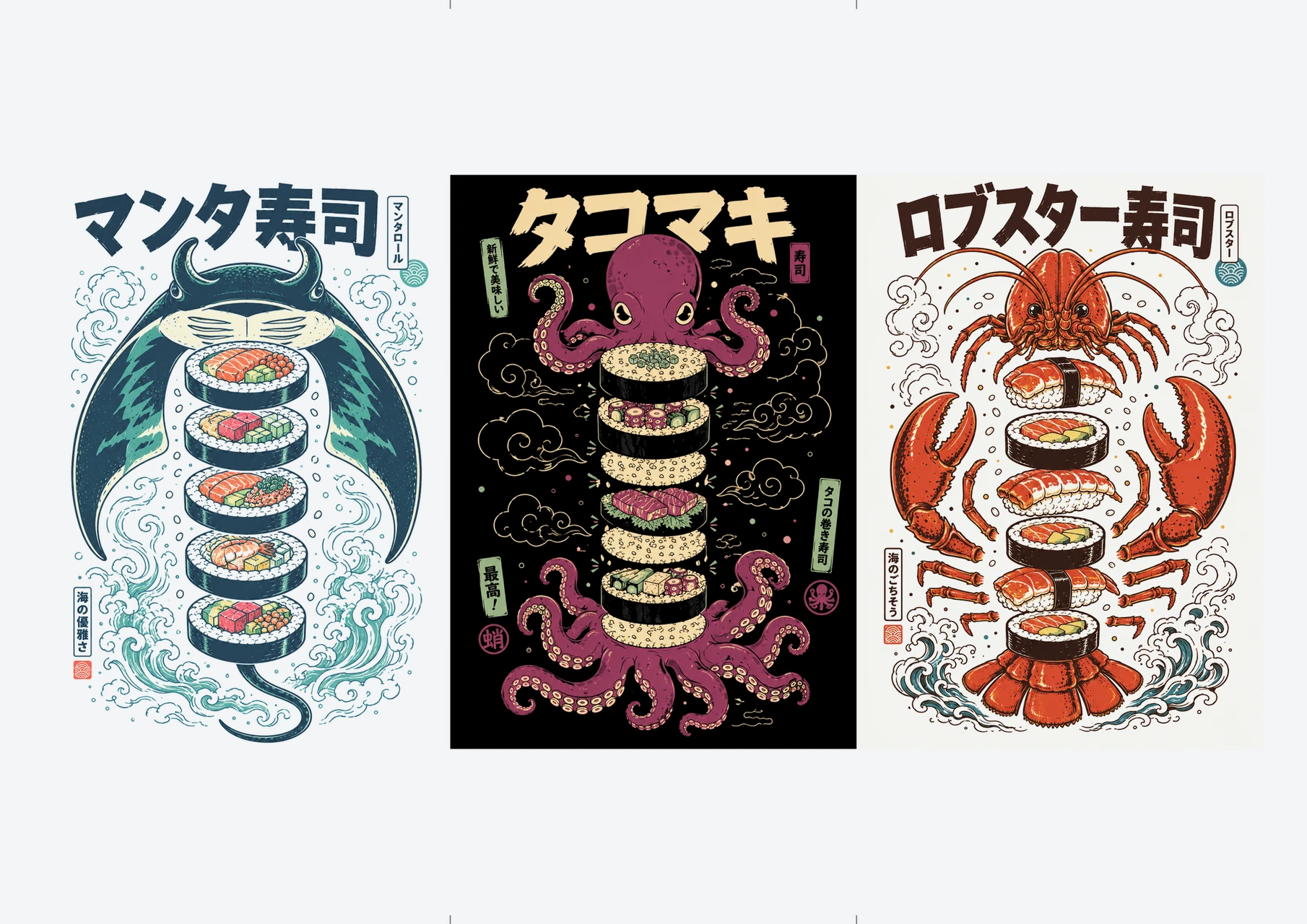
- With Contain, each poster now fills the width of its panel and about two thirds of its height. Nothing is cut.
- Before choosing a fold, compare the shape of its panel with the shape of your images. The panel size of every fold is in the table below.
On the plates, not in the panel.
- The plates of a Fold layout carry short gray ticks at the edge of the sheet, where two panels meet: above and below each vertical fold, and at both ends of the Map Fold's horizontal fold.
- On these exports they sit on the Black plate only, front and back. The gold plates are clean.
- There is nothing to switch on: the Marks panel has one section, Crop marks, and no fold setting.
Panels, pages and sides.
| Fold | Sheets | Finished panel (mm) | Pages | Sides |
|---|---|---|---|---|
| Half-Fold | A4 → A5, A3 → A4, A2 → A3, SRA2 → A3 | 148.5 × 210 to 297 × 420 | 4 | Both |
| Tri-Fold (letter fold) | A4, A2, SRA2 | 99 × 210, 198 × 420 | 6 | Both |
| Z-Fold | A4, A2, SRA2 | 99 × 210, 198 × 420 | 6 | Both |
| Roll-Fold | A4, A2, SRA2 | 99 × 210, 198 × 420 | 6 | Both |
| French Fold | A3 → A5, A2 → A4, SRA2 → A4 | 148.5 × 210, 210 × 297 | 4 | Front |
| Gate Fold | A3, A2, SRA2 | 210 × 297, 297 × 420 | 3 or 6 | Both |
| Double Gate Fold | A3, A2, SRA2 | 105 × 297, 148.5 × 420 | 8 | Both |
| Double Parallel Fold | A4, A2, SRA2 | 74.25 × 210, 148.5 × 420 | 8 | Both |
| Map Fold | A3, A2, SRA2 | 105 × 148.5, 148.5 × 210 | 8 panels | Front, MAP back optional |
| Accordion | A4 (4 panels); A3, SRA3, A2, SRA2 (6 panels) | 74.25 × 210, 70 × 297, 99 × 420 | 4 or 8; 6 or 12 | Both |
- On a Gate Fold the center panel is twice as wide as the two flaps that close over it.
The Map Fold panels and the Half-Fold pages have the shape of an A sheet, the shape of these posters: there, Contain leaves no band at all.