Layout
From separated artworks to printed sheets: pick an imposition, place the pages, check, export.
The three steps of a layout, and how to choose a preset.

Booklets, one-sheet zines, folds, planches and business cards.
Booklets
Saddle-stitched booklets in the Layout: imposed order, page count, real page size, Fit Mode, folios, marks and the plates of a sheet.
One-sheet zines
Eight pages on one side, sixteen on both, or a poster with pages on its back: three zines made of a single sheet, and what each costs in passes.
Folds
One sheet, several panels: a Map Fold in Black and Metallic Gold, an Accordion that did not suit its posters, and how to pick the fold from the shape of the images.
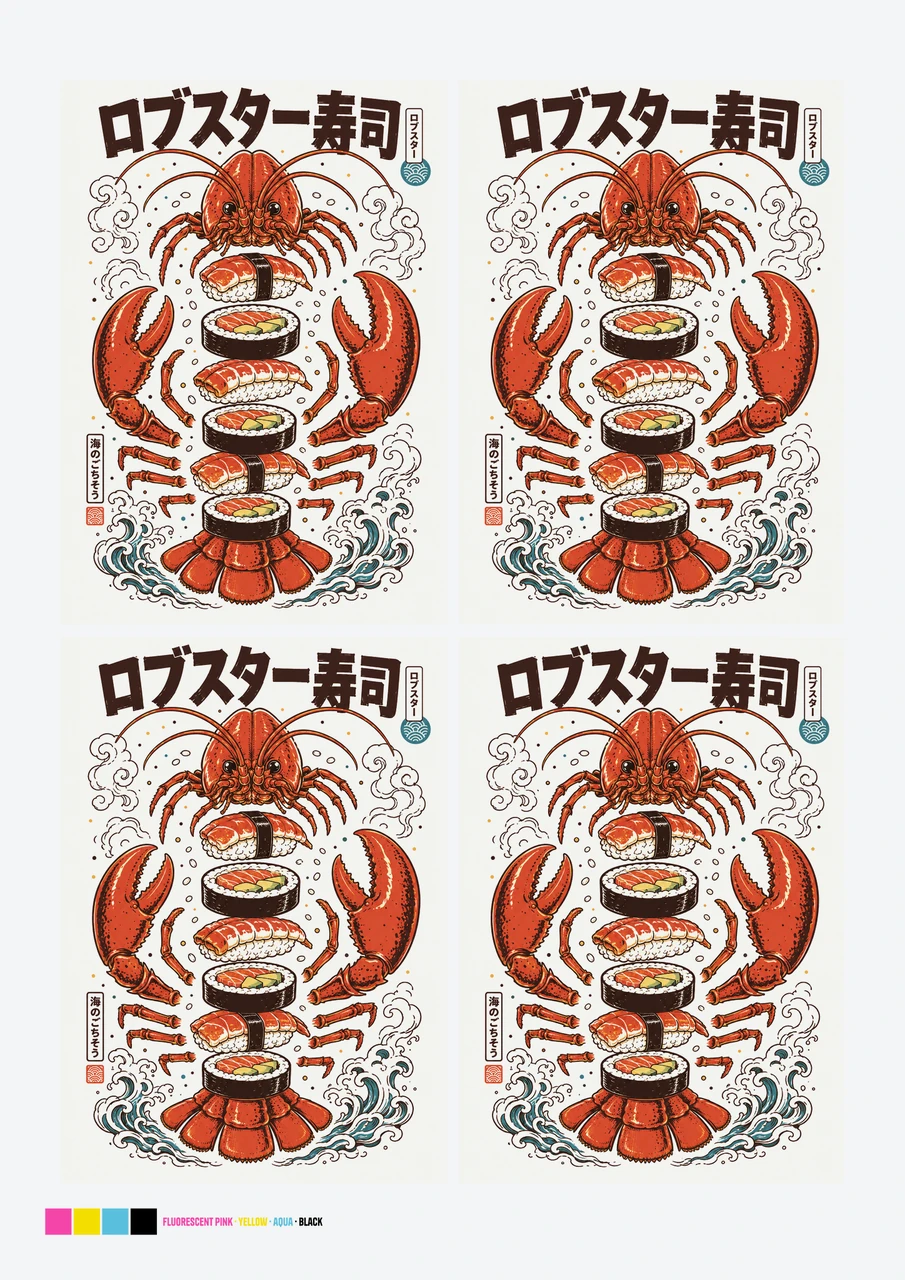
Planche and Flat
Sheets with no pages: repeat one artwork on a Planche, or place slots by hand on a Flat. Grid, marks, label, and what each plate inks.
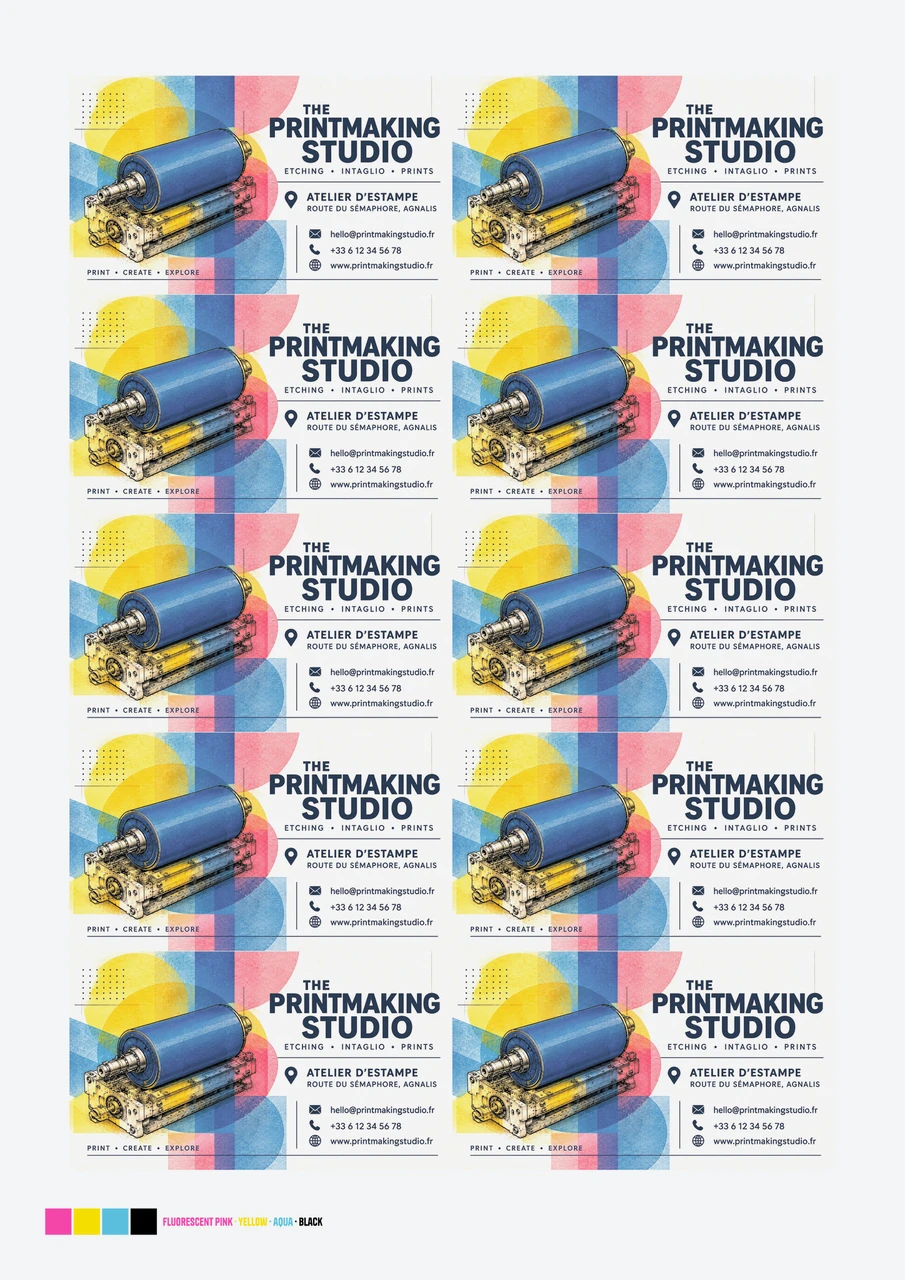
Business cards
Pick the card, then the sheet: how many cards each sheet holds, the back, cut ticks or crop marks, and what the export prints.
Read the Resume, then export the plates.
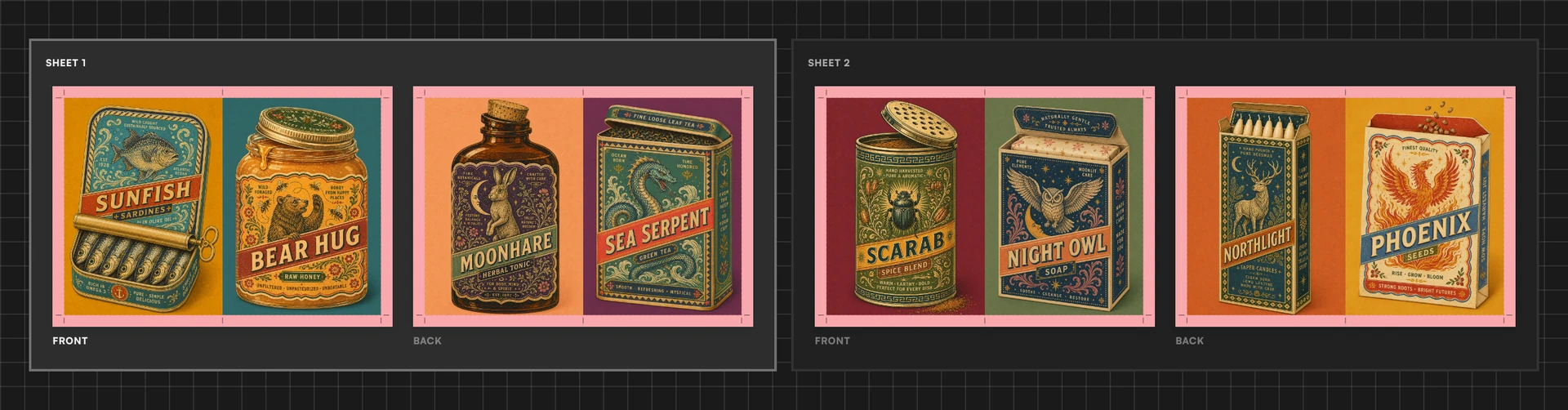
Reading the Resume
The Resume panel of a layout, section by section: sheets, slots, inks, passes, page size, resolution and ink load, read next to the sheets.
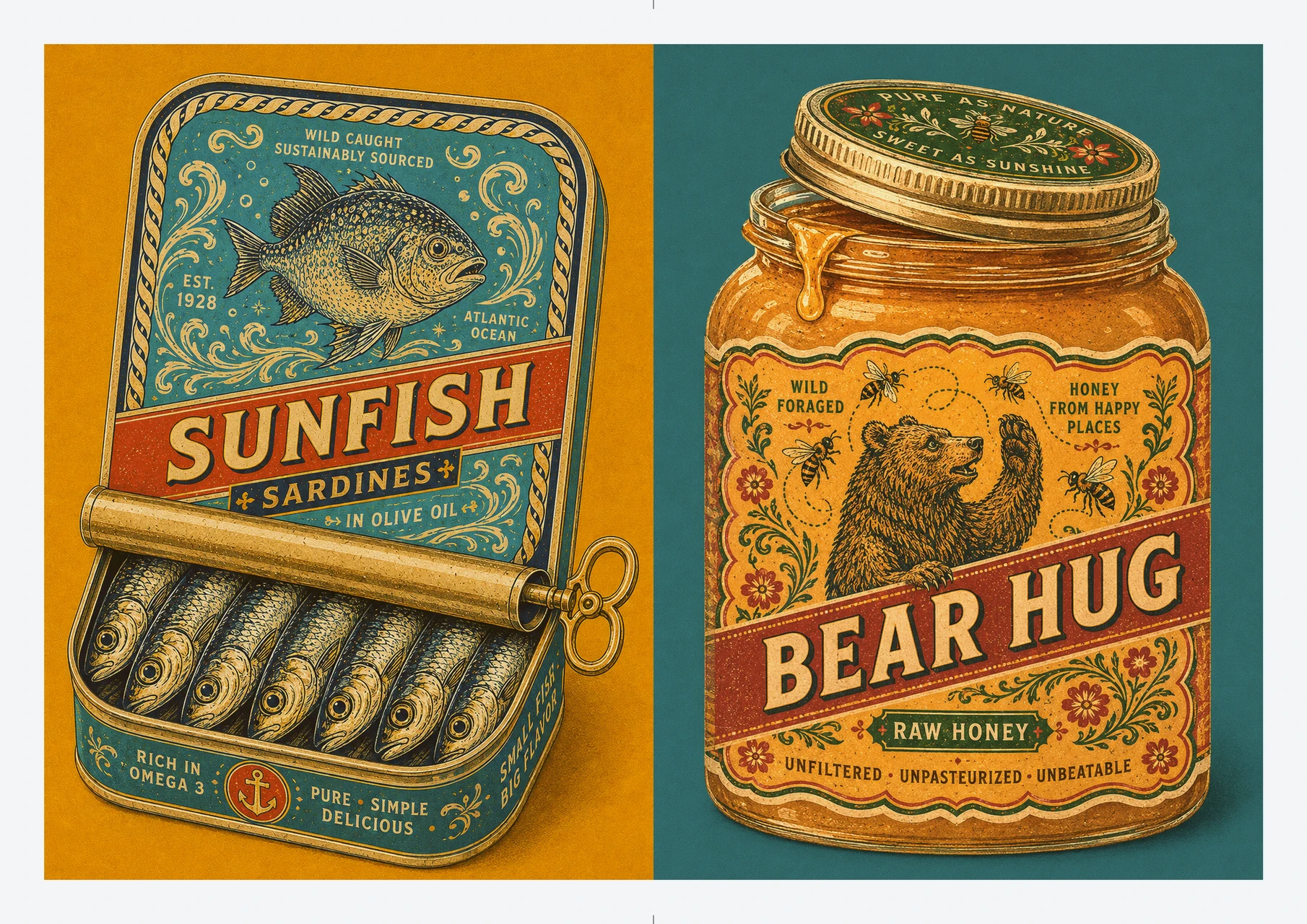
Exporting a layout
The Export panel of a Risograph layout: 8-BIT or 1-BIT plates, file formats, sheets, options, and what the export folder holds.